


















Glare Style Illustrations
Glare illustrations bring spectral gradients and fake 3D depth to business scenes. Confident lighting, sharp geometry, and isometric angles keep dashboards, decks, and landing pages looking modern and authoritative.



What is Glare Style?
Light and space define Glare. Gradient overlays wash over flat vectors and add spectral halos around objects. Clean geometry supports sharp edges. Subtle isometric angles create depth without losing clarity.
Most commonly used in corporate decks and SaaS marketing sites, Glare suits product tours and onboarding flows. Teams presenting analytics or process diagrams get tech‑forward visuals that still read clearly at small sizes.
For business and product visuals






What Glare artists depict
Office meetings and presentation scenes appear alongside detailed laptops and server racks. Abstract data streams connect charts with interfaces. Browse by tag to jump straight into relevant topics.
Comparing glare and related looks
Side by side style comparisons help you match lighting, realism, and mood to each project’s brand tone.

Icy leans into frosted glass textures and soft blues, while Glare pushes saturated gradients and stronger spectral flares.

Isotech focuses on strict isometry and technical diagrams. Glare mixes isometric hints with front views for broader storytelling.

Quantum uses darker environments and neon edge glows. Glare keeps backgrounds cleaner so objects pop in business contexts.

Dimension pushes near‑realistic 3D rendering with heavy depth. Glare stays flatter with vector shapes and gradient light overlays.
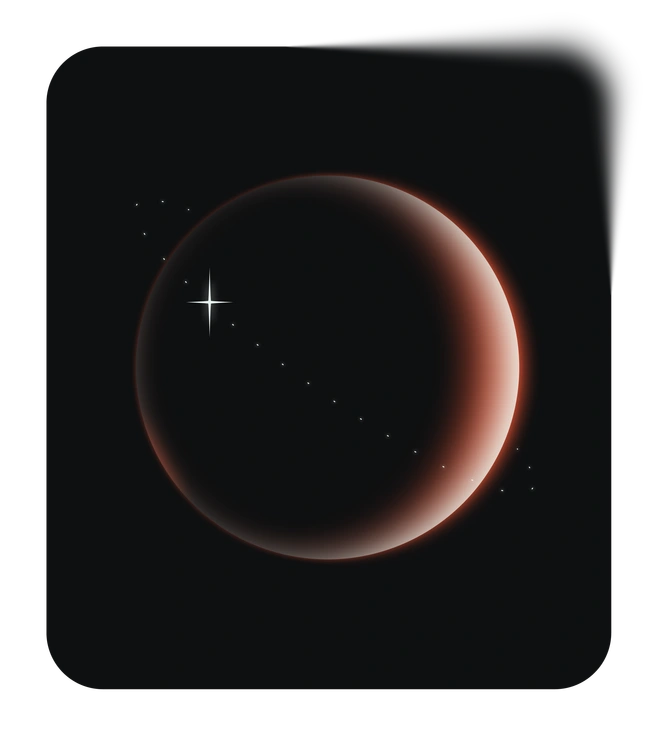
Void embraces dark cosmic scenes and abstract voids. Glare tends toward grounded office settings and technology devices with bright contrast.

Node highlights network diagrams and connection lines. Glare leans more on object based compositions and recognizable workplace scenarios.

Azure stays minimal with lighter gradients and soft business metaphors. Glare hits harder with intense lighting and sharper geometry.
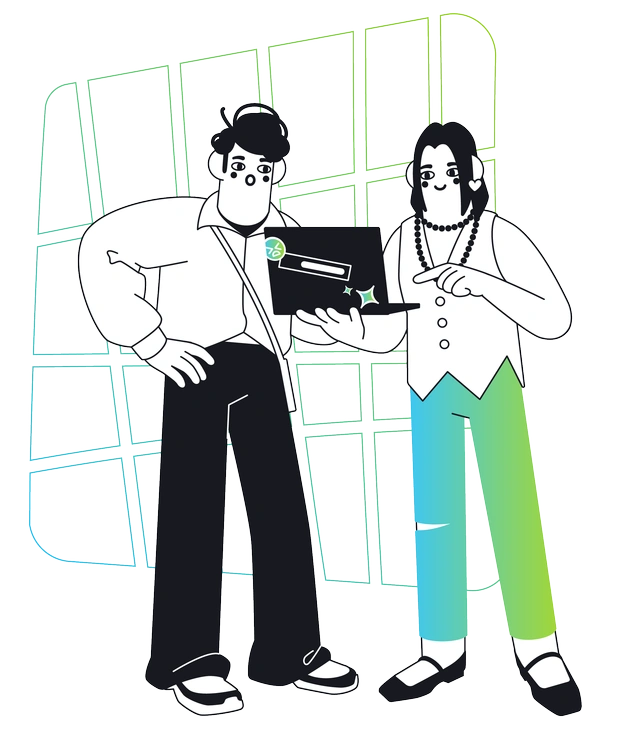
Breeze feels lighter and more playful, with flowing curves and open layouts. Glare reads corporate and tightly structured.

Holographic exaggerates rainbow sheens and futuristic distortions. Glare uses spectral highlights more sparingly to stay aligned with business presentations.
Frequently asked questions


Start using Glare illustrations today
Download Glare scenes in seconds, then drag them into Figma, Sketch, or your slide tool. Try a few on key screens, refine colors, and ship sharper business visuals today easily.