


















Delight Style Illustrations
Delight illustrations bring bright flat characters to your UI, using bold gradients built from simple shapes. Designers reach for them when onboarding and marketing screens should feel upbeat without heavy detail.



What is Delight Style?
What makes Delight instantly recognizable is the flat construction with bright gradients and rounded silhouettes. Characters use minimal lines so eyes and mouths stay clear. Gestures remain readable on small cards or dense layouts.
Marketing and product teams choose Delight for friendly app onboarding and lighthearted social posts. Educators and wellness brands also use it to soften landing pages or progress screens.
For upbeat digital products


Explore Delight packs

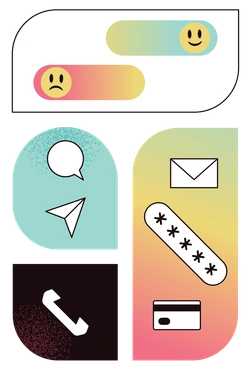




What Delight artists draw
Scenes focus on people working or relaxing with simple devices and props. Backgrounds use soft abstract shapes that frame characters. Browse by tag to jump into themes you need.
Which cheerful flat look
Comparing flat styles helps you decide how bright characters and gradients should feel next to your product interface.

Icy uses pale blues and clean minimal scenes, giving a calmer tone where Delight feels louder and more playful.
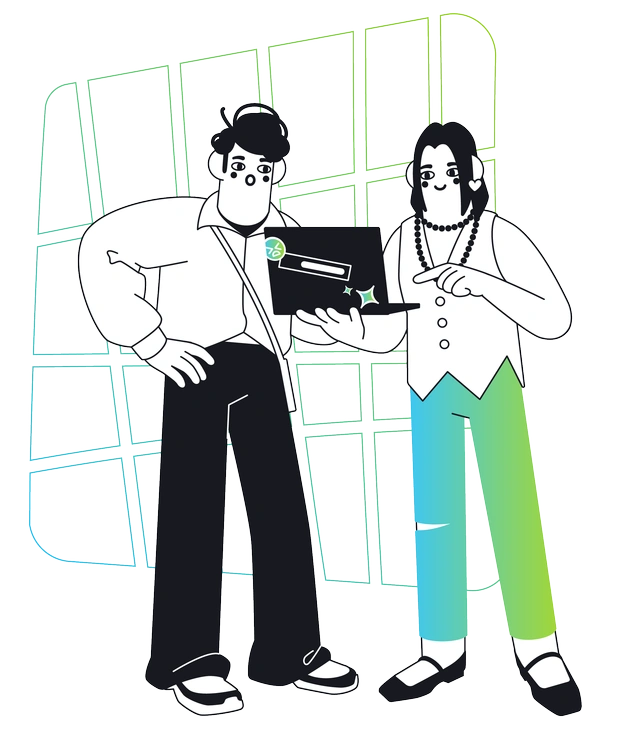
Breeze illustrations feel lighter with softer tints and more white space, while Delight packs frames with saturated color and characters.

Holographic leans into shiny gradients and surreal lighting, whereas Delight stays grounded with simple shading and approachable everyday scenes.

Isotech focuses on devices and interfaces with precise geometry. Delight instead centers people and casual actions around simplified tech elements.

Marginalia looks hand-drawn with sketchy lines and loose details, while Delight offers polished vector edges and solid gradient fills.

Pure sticks to monochrome or very limited palettes and abstract forms. Delight prefers bold multi-hued gradients and readable characters.

Bright shares the energetic palette but adds more complex shading and depth, whereas Delight remains strictly flat with simpler geometry.

Dimension introduces soft 3D volume and subtle shadows. Delight avoids depth entirely and relies on gradients to suggest form.

Glossy emphasizes reflective surfaces with strong highlights, so objects feel polished. Delight keeps surfaces matte and relies on color for charm.

Smart features more business-oriented scenes and structured compositions. Delight leans toward casual activities and looser arrangements around characters.

Teal uses a restrained bluish palette and minimal props, while Delight embraces varied hues and many playful accessories.
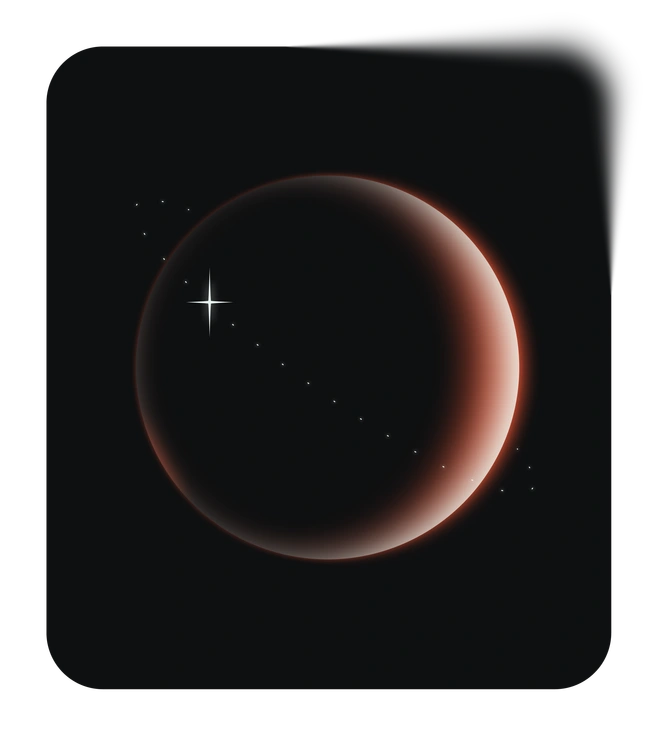
Void works with dark backgrounds and neon accents, delivering a moody tech feel. Delight stays bright and optimistic on lighter canvases.
Frequently asked questions


Start using Delight illustrations today
Grab PNGs for quick mocks or export SVGs for production screens. Choose from 322 Delight scenes, drop them into Figma or Pichon and ship friendlier onboarding flows across platforms today.