


















Karlsson Style Illustrations
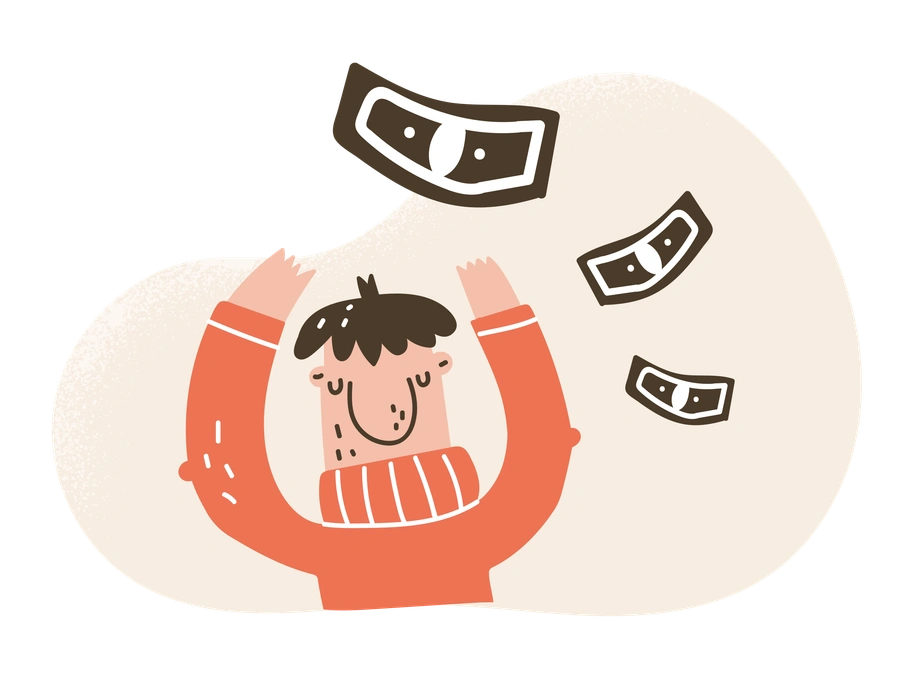
Karlsson turns tiny doodles into expressive product companions. Neutral earth tones and black outlines keep screens calm while characters add humor to errors and onboarding moments across web and mobile.





What is Karlsson Style?
Loose black outlines frame cartoon characters with oversized heads and simplified limbs. Muted beige and brown fills sit on mostly blank backgrounds so facial expressions and small props become the main focus.
Creative app teams and agency designers use Karlsson for empty states and onboarding tours. Indie makers often pick it for mascots because the light palette supports clean interfaces without distracting from copy.
For playful products and UX


What Karlsson artists draw
Human characters reacting to notifications and office tasks plus tiny product wins appear often. Simple props like laptops and coffee cups support stories. Browse by tag to find scenes that mirror your interface.
Which playful mood fits best
Comparing character styles side by side helps you choose between cartoony exaggeration and quieter minimal abstraction for your product stories.
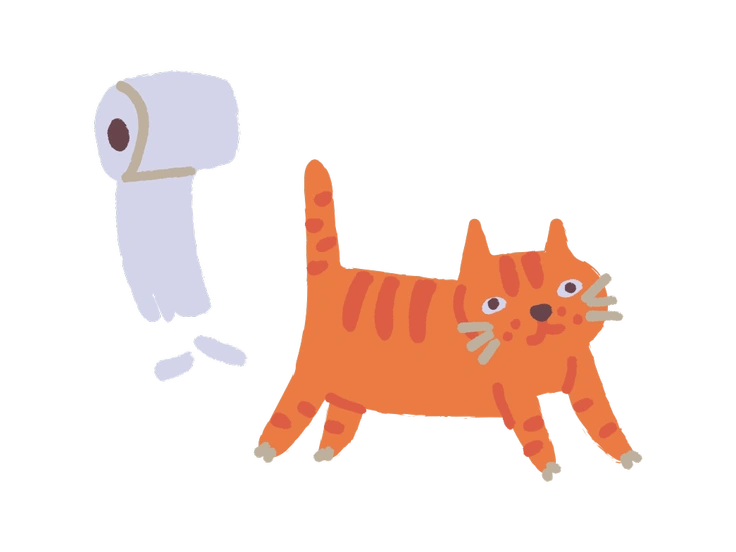
Ginger Cat focuses on bold feline mascots and warm oranges, while Karlsson centers on humans in neutral earth tones.
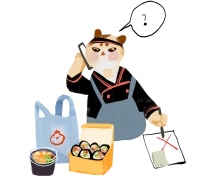
Ikigai uses softer colors and calmer poses for wellness themes, whereas Karlsson exaggerates expressions for comedic everyday product moments.
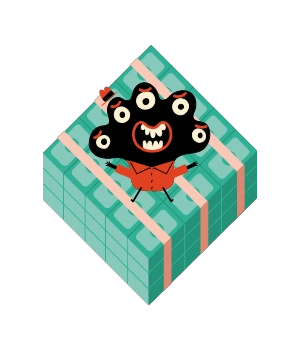
Jelly relies on rounded vector shapes and brighter hues. Karlsson keeps sketchy outlines and subdued palette for hand-made charm.

Goofy feels louder with high-energy poses and saturated color blocks. Karlsson stays simpler, with restrained tones and more deadpan humor.

Fuzzy introduces textured shading and soft edges that mimic crayons. Karlsson avoids heavy texture and leans on crisp strokes instead.
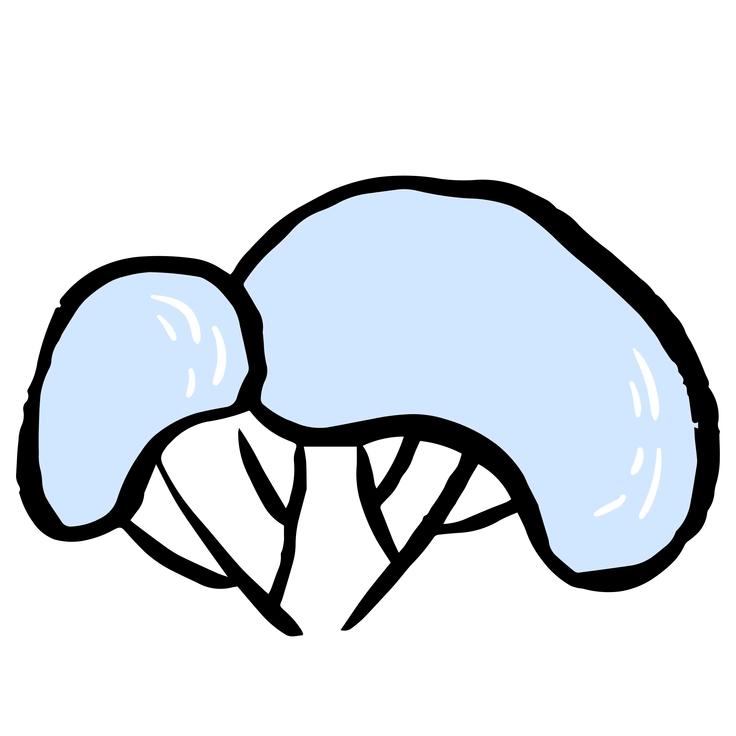
Scandi focuses on geometric shapes and interior scenes. Karlsson highlights loose characters and tiny props with almost no environmental detail.

3D Flame brings volumetric lighting and glossy depth. Karlsson stays flat and sketchy for lightweight UI integration and fast loading.
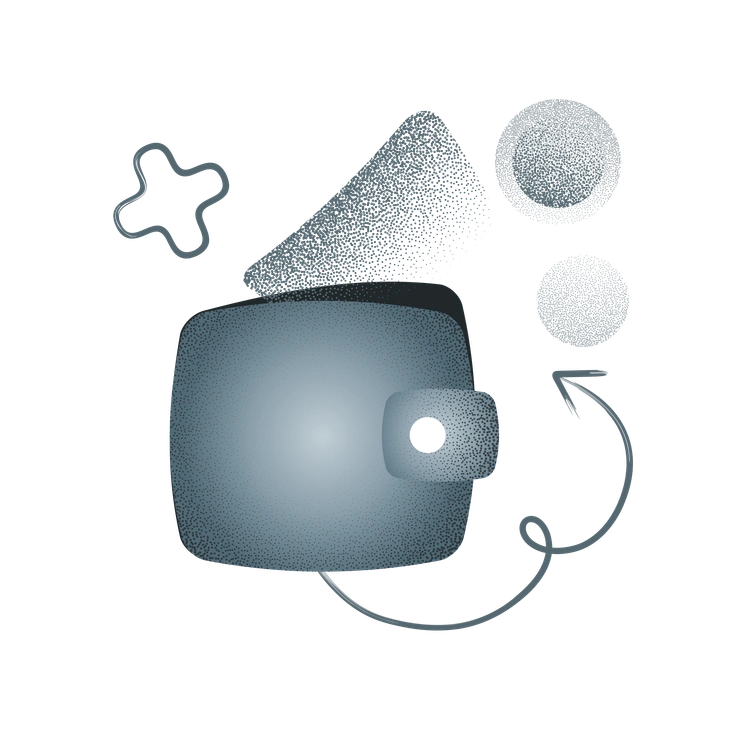
Grain overlays strong noise and bold blocks of color. Karlsson prefers cleaner fills and thin contours for a lighter feel.

Kitekat revolves around stylized cats in narrative scenes. Karlsson instead portrays humans in similar playful situations and product contexts.
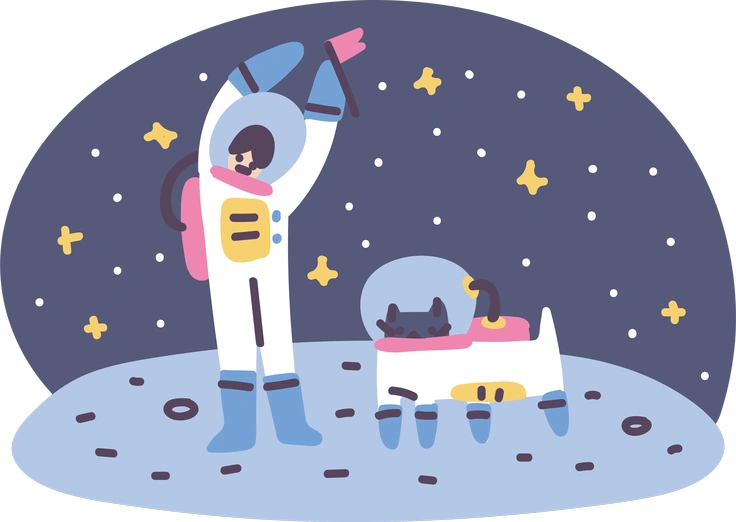
Pluto is a chunky 3D character set with soft shadows. Karlsson keeps everything flat, doodled and intentionally imperfect.
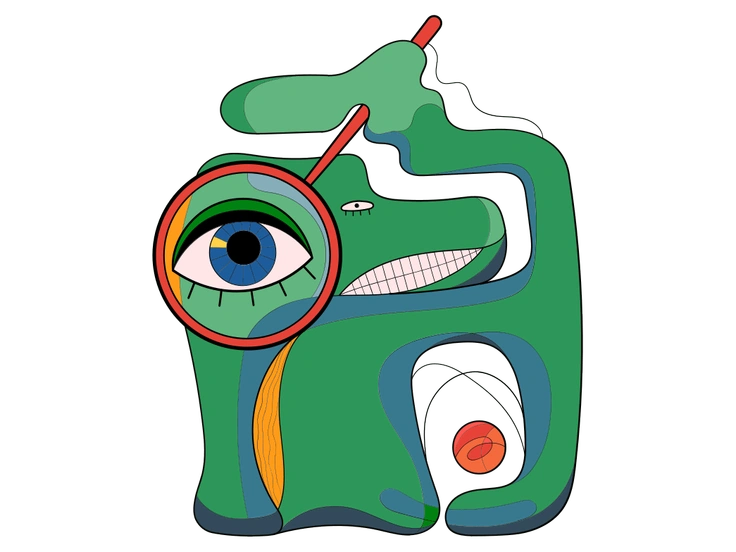
Surr leans into surreal scenes and abstract symbolism. Karlsson sticks to everyday UI moments and understandable emotional reactions.

Tiny goes ultra minimal with very small simplified figures. Karlsson illustrations remain larger with more expressive faces and clearer gesture cues.
Frequently asked questions


Start using Karlsson illustrations today
Download PNGs on the free plan or grab SVG files with a subscription. You can also drag Karlsson from Pichon or Mega Creator into onboarding screens and empty states so your UI feels consistently playful.