


















Eyeful Style Illustrations
Eyeful illustrations turn abstract concepts into friendly scenes using bold outlines and pastel gradients. Designers get expressive characters and simple shapes that feel human without clashing with clean product UI.


What is Eyeful Style?
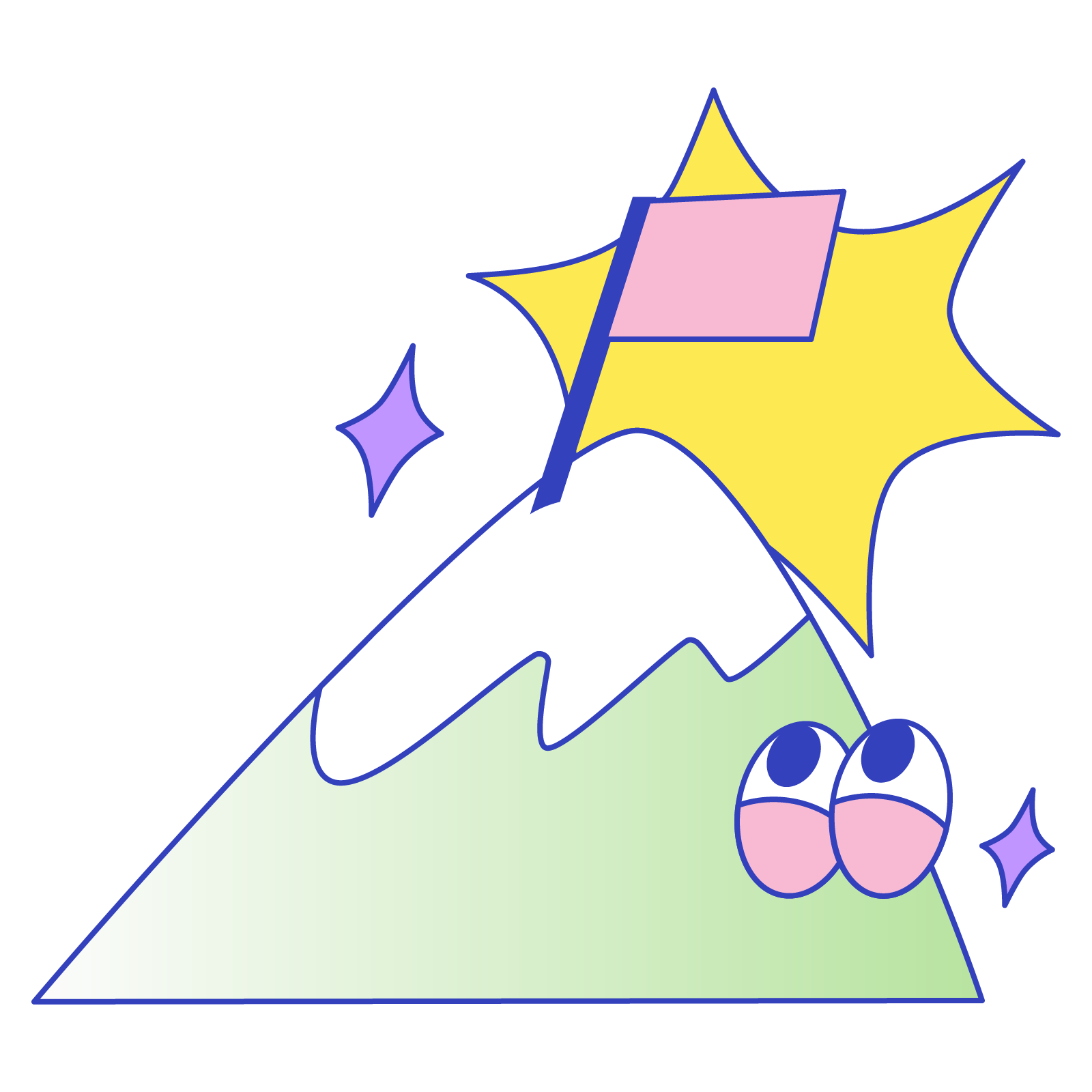
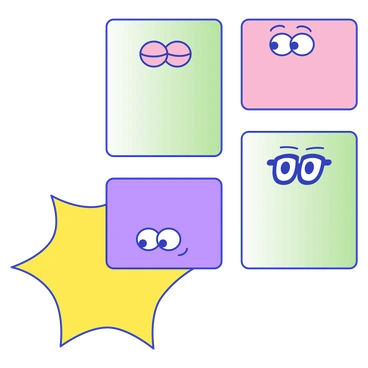
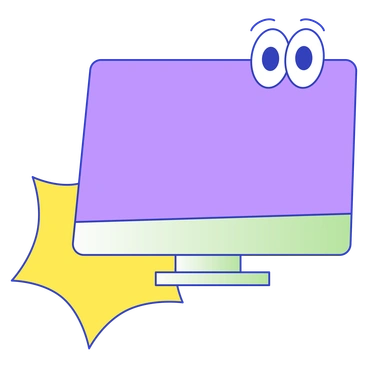
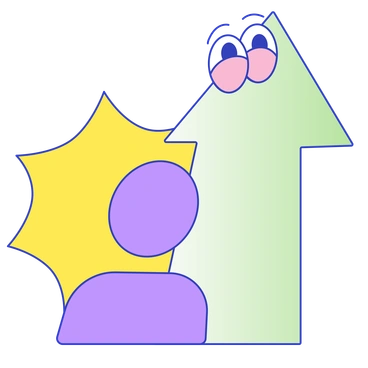
The defining quality of Eyeful is its bold black outlines around soft pastel gradients. Rounded bodies and doodled objects overlap into layered scenes that keep complex ideas readable at small sizes.
Startups and agencies pick Eyeful for onboarding flows and explainers on lightweight marketing pages. Educational platforms use the relaxed characters to discuss workflows and mental health. Learning topics stay approachable without slipping into clinical or corporate territory.
For playful digital products


Themes in Eyeful


What Eyeful artists draw
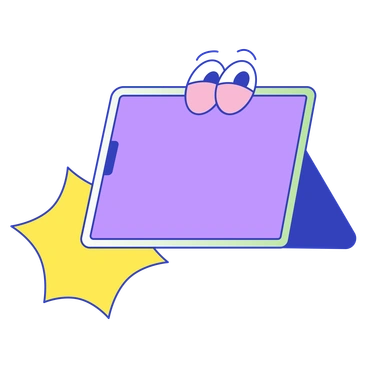
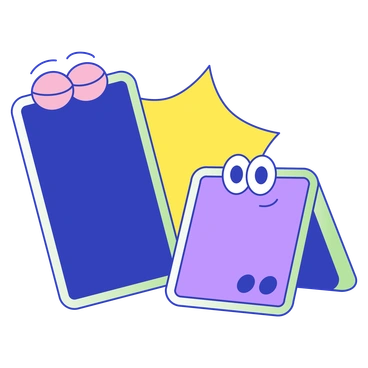
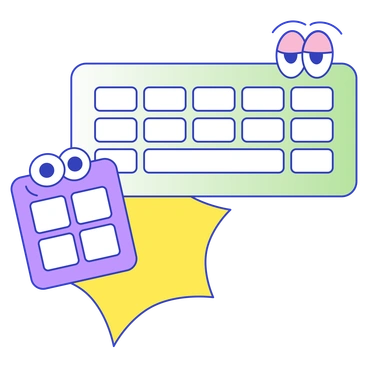
Scenes center on relaxed human characters and floating geometric accents plus playful everyday objects like laptops or plants. Browse tags to jump straight into topics that match your product.
Narrowing down your friendly look
Comparing styles helps you judge how playful or polished your visuals should appear next to logos and interface elements.

Buddy uses chunkier proportions and flatter fills. Eyeful keeps slimmer characters and doodled details that feel lighter in complex layouts.

Lucent leans on soft gradients and minimal outlines. Eyeful shows stronger black strokes and cartoon cues that emphasize personality.

Pluto feels more geometric and rigorous. Eyeful embraces loose organic curves that better suit casual explainer screens and informal brands.

Smart targets corporate dashboards with restrained emotions and cleaner shapes. Eyeful looks friendlier for onboarding journeys and education content.
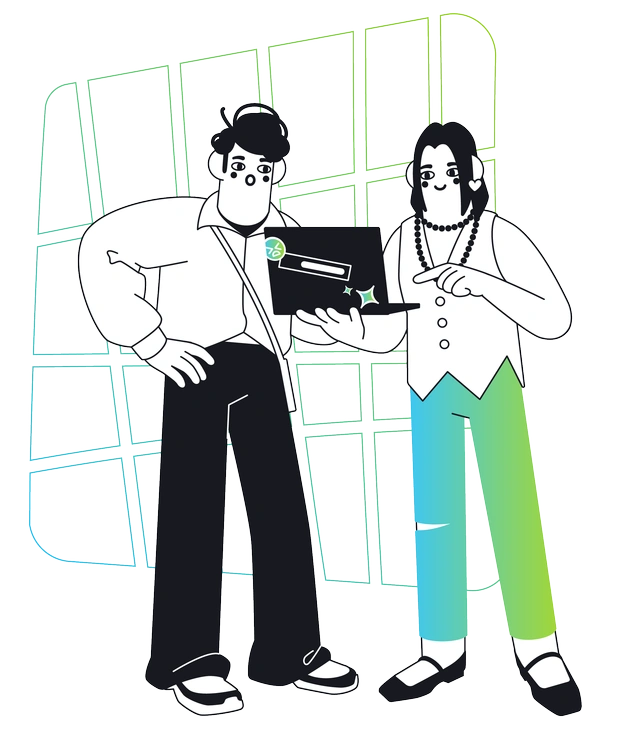
Breeze drifts toward airy abstractions and fewer characters. Eyeful focuses squarely on expressive people that anchor narratives and callouts.
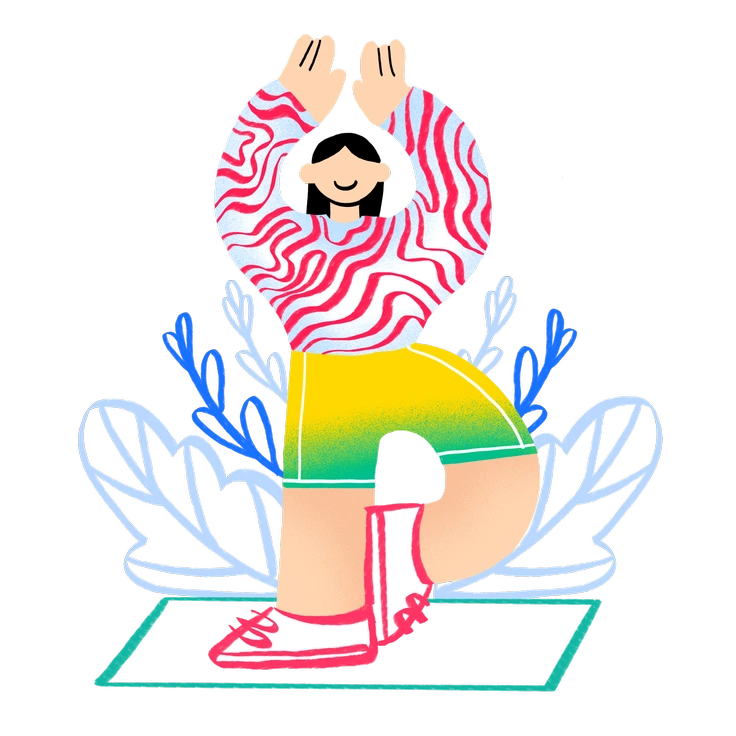
Bonny illustrates scenes with softer outlines and more decorative flourishes. Eyeful keeps forms bolder for readability inside product UI.

Glossy introduces shine and dimensional shading. Eyeful remains flat and doodle-like, which pairs better with minimalist web layouts.

Vibrant blasts saturated colors and higher contrast. Eyeful sticks to gentler pastels that support calm onboarding experiences and wellness messages.

Blink uses exaggerated motion and dynamic angles. Eyeful prefers steadier poses that explain ideas without visual overstimulation.

Mochi characters resemble soft toys with round volumes. Eyeful characters feel more like quick notebook sketches translated into clean vectors.

Comic leans into panel storytelling and exaggerated expressions. Eyeful reduces faces to simple marks for subtler moods in product teams.
Giggle pushes humor with slapstick poses and brighter palettes. Eyeful stays playful but calmer, ideal for thoughtful apps and educational brands.
Frequently asked questions


Start using Eyeful illustrations today
Download a few Eyeful scenes, drop them into Figma or Sketch, then tweak colors in SVG to match your palette. Ship friendlier onboarding flows and landing pages today. Reuse the same scenes in your presentations.