


















Blossom Style Illustrations
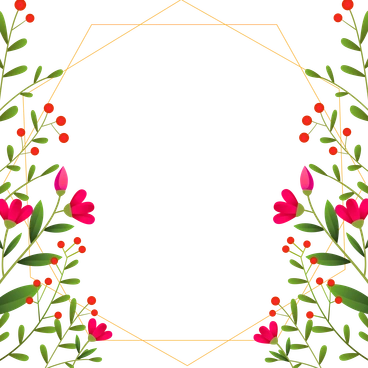
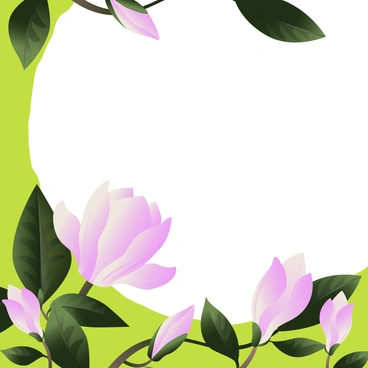
Blossom keeps botanical scenes simple with flat shapes and saturated greens. Use it when product layouts need nature references that stay readable on mobile screens and crisp in print.



What is Blossom Style?
Light and color define Blossom botanical scenes. Flat fills keep every leaf and petal sharp. Bold greens sit beside warm pinks and yellows so simple geometric flowers feel friendly on white or tinted backgrounds.
Whether you're designing a mindfulness app or a gardening guide, Blossom helps signal nature without heavy detail. Lifestyle brands and education teams drop these botanicals into eco product pages and social graphics.
For nature-first products


Themes in Blossom


What Blossom artists draw
Many scenes focus on individual flowers and grouped plants around planters or vases. You’ll also see garden tools and seasonal leaves; browse by tag to find them.
Which botanical mood fits
Comparing Blossom with nearby sets shows how different levels of texture and character change brand tone.

Grainy adds noise and subtle shading so flowers feel textured and vintage. Blossom keeps shapes flatter and colors crisper.

Bright focuses on general lifestyle icons with blocks of color. Blossom stays tightly on botanical subjects and garden arrangements.
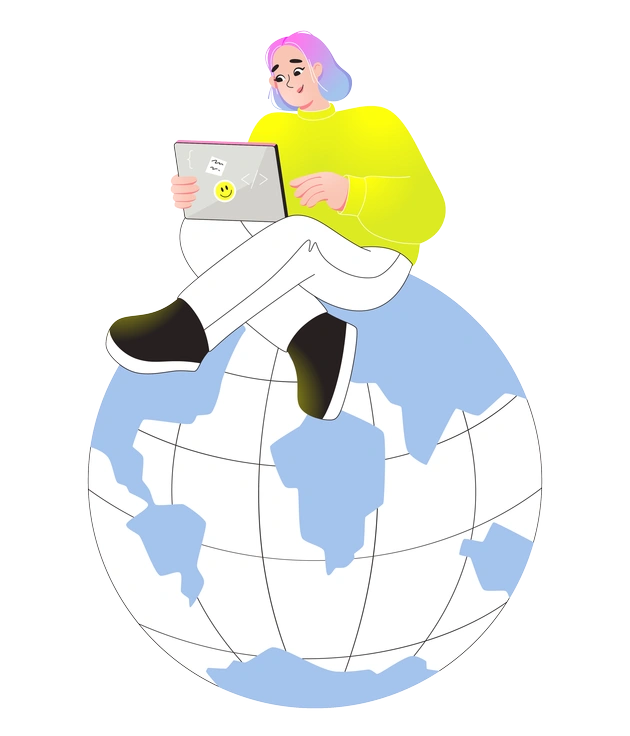
Like uses rounded characters and interface elements beside plants. Blossom usually centers on foliage and petals without extra UI.

Active brings sporty people and motion lines into scenes. Blossom feels calmer, with static plants arranged like icons or stickers.

Glossy relies on highlights and shine for a plastic look. Blossom stays matte with simple fills and minimal outline accents.

Chromed pushes metallic reflections and futuristic surfaces. Blossom instead leans into organic leaves and petals made from straightforward shapes.

Mellow softens colors and edges for a muted mood. Blossom uses higher contrast between greens and backgrounds for punchier accents.
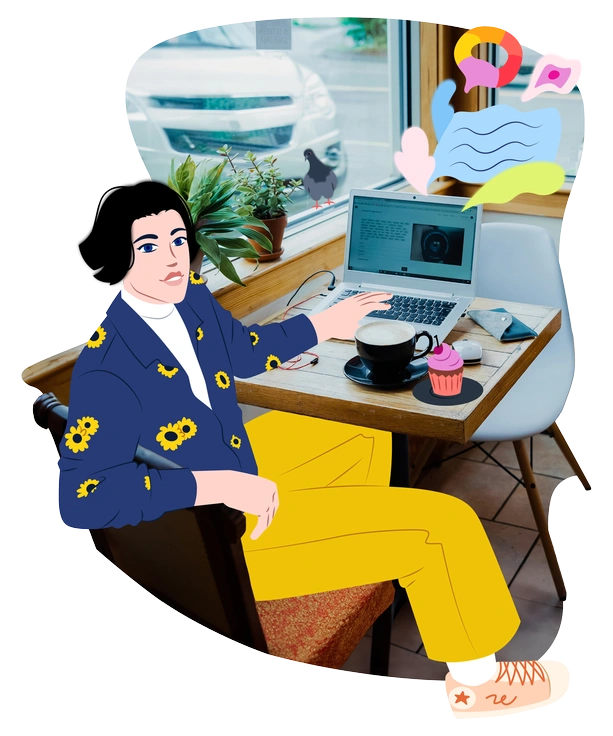
Everyday illustrates routine objects and interiors alongside people. Blossom focuses on flowers with pots arranged into simple outdoor garden scenes.

Folks emphasizes characters and cultural moments. Blossom reduces humans and narrative details so plants stay central and graphic.

Props gives isolated objects for UI and decks. Blossom offers only plant-related elements that frame content with gentle nature hints.

Rush uses sharp angles and dynamic motion for urgent energy. Blossom remains slower and more relaxed, with steady stems and open petals.

Flexy bends characters and objects into stretchy poses. Blossom keeps rigid plant geometry that suits orderly layouts and grid-based dashboards.
Frequently asked questions


Start using Blossom illustrations today
Grab a few botanicals for your next layout, then refine colors in SVG to match your brand. Drop Blossom straight into Figma and slide decks from Icons8 or Pichon today.