


















Flexy Style Illustrations
Flexy characters twist and stretch through bright flat scenes, adding humor to everyday tasks. Use them when interfaces need a relaxed tone and clear, readable shapes that stay on brand.



What is Flexy Style?
Flat planes and rounded outlines build flexible bodies that bend in arcs. Bright saturated colors push contrast. Faces stay simple with dots and curved mouths that read clearly at small sizes.
UI designers reach for Flexy in mobile games and relaxed productivity tools. Kids' education teams use it for onboarding flows and reward screens where characters react dramatically to progress.
For playful UI and content


Packs from the Flexy collection

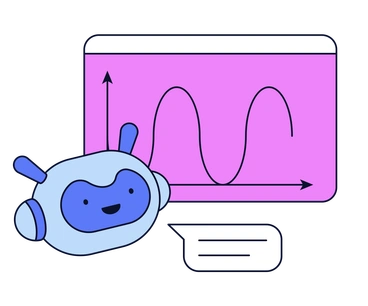

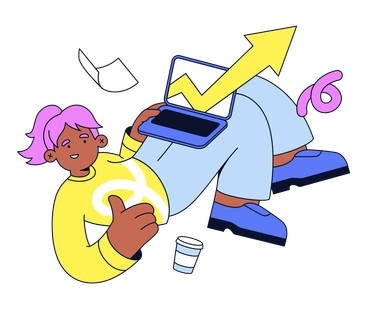
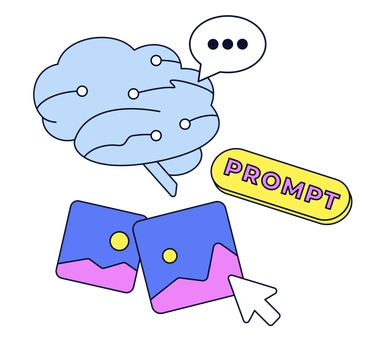
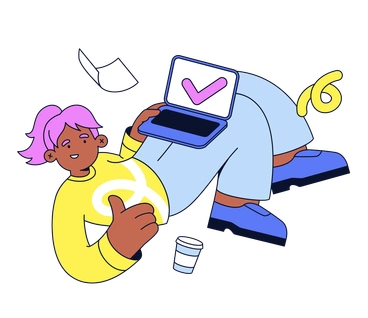
What Flexy artists draw
Scenes tend to show people stretching through tasks, from workouts to chatting on couches. Everyday tools and symbols appear with rubbery angles and bouncy motion lines. Browse tags to jump into specific themes.
Choosing between flexible cartoon moods
Comparing styles side by side helps you sense which mood aligns with your product voice and existing interface components.
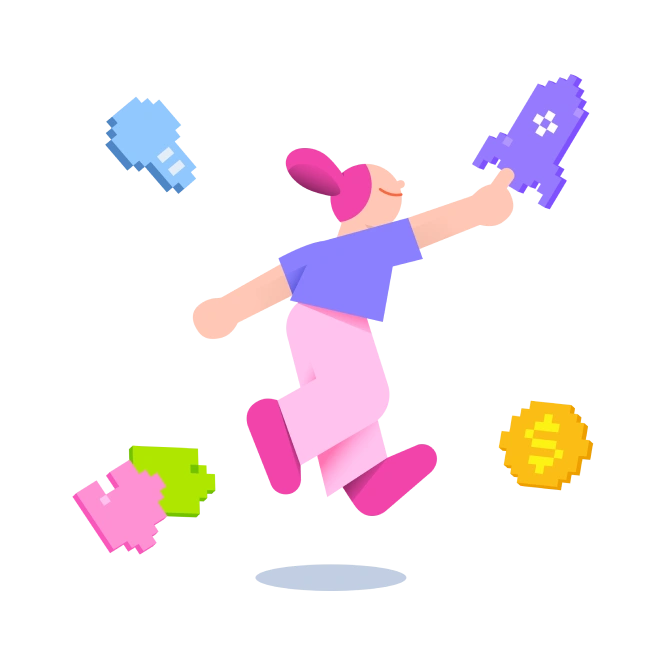
8bit uses chunky pixel blocks and limited palettes. Flexy stays smooth and vector based, better suited for modern flat UI.
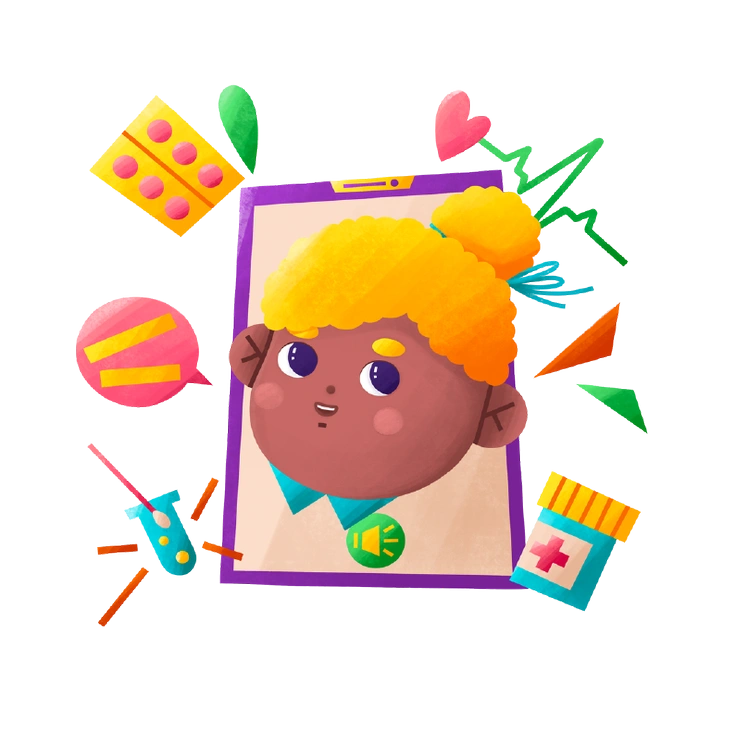
Bonbon favors soft gradients and candy shapes. Flexy stays flatter and focuses on stretchy character poses and comic reactions.

Comic illustrations echo print comics with panels and speech bubbles. Flexy works in UI, with fewer props and simpler scenes.
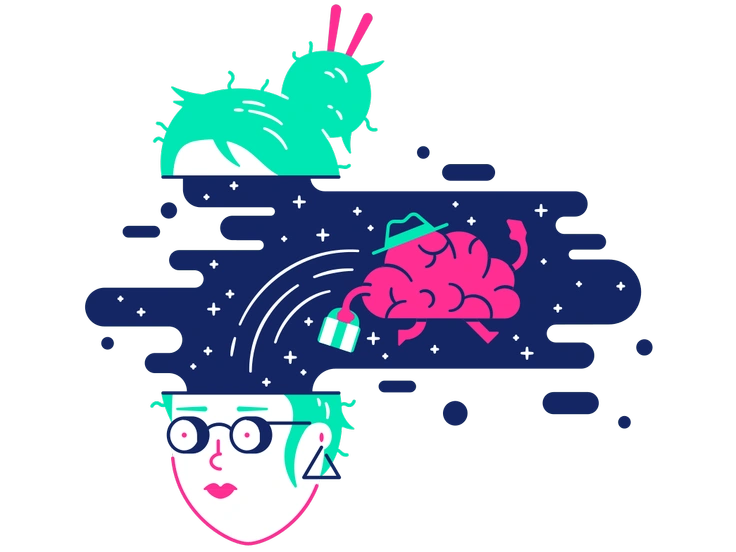
Cyborg shows augmented bodies and metal details with restrained hues. Flexy stays human and goofy for brands and approachable apps.
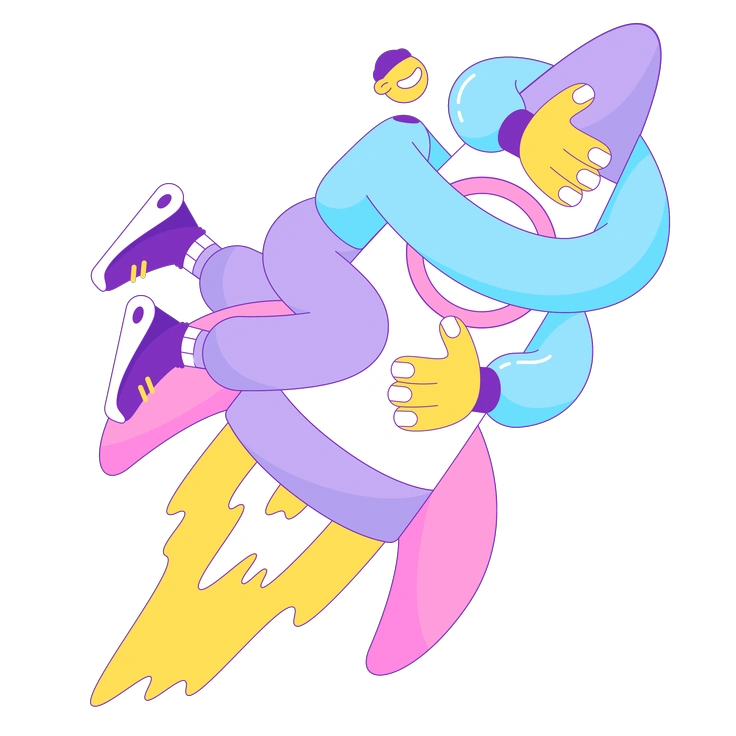
Elastic leans into semi realistic 3D stretching with shading. Flexy keeps forms flat and graphic for icon systems and UI.
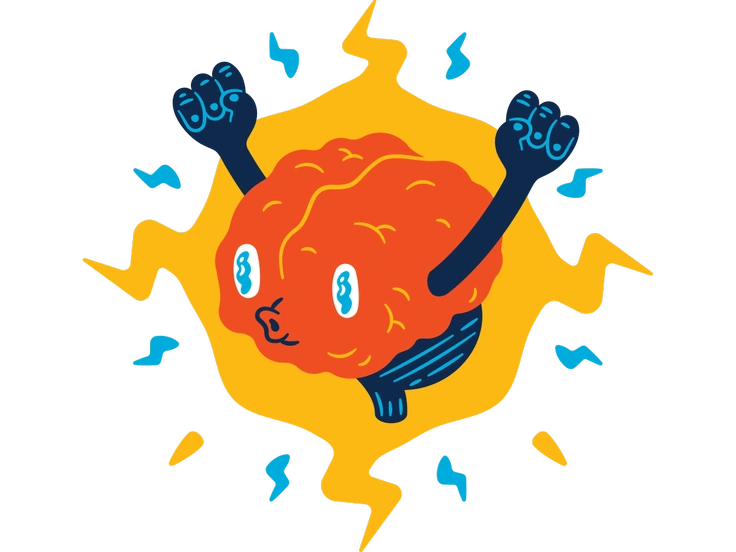
Flame favors sharp angles and dramatic lighting. Flexy softens shapes and sticks to flat fills suited to friendly products.
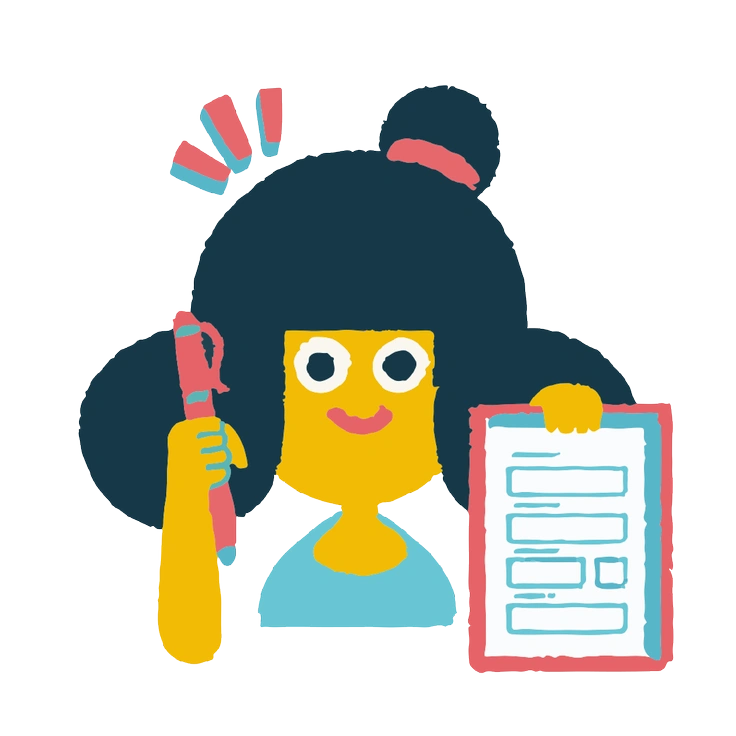
Flamenco scenes lean theatrical with dancing poses and decorative costumes. Flexy keeps outfits simple and exaggerated for compact interface spaces.
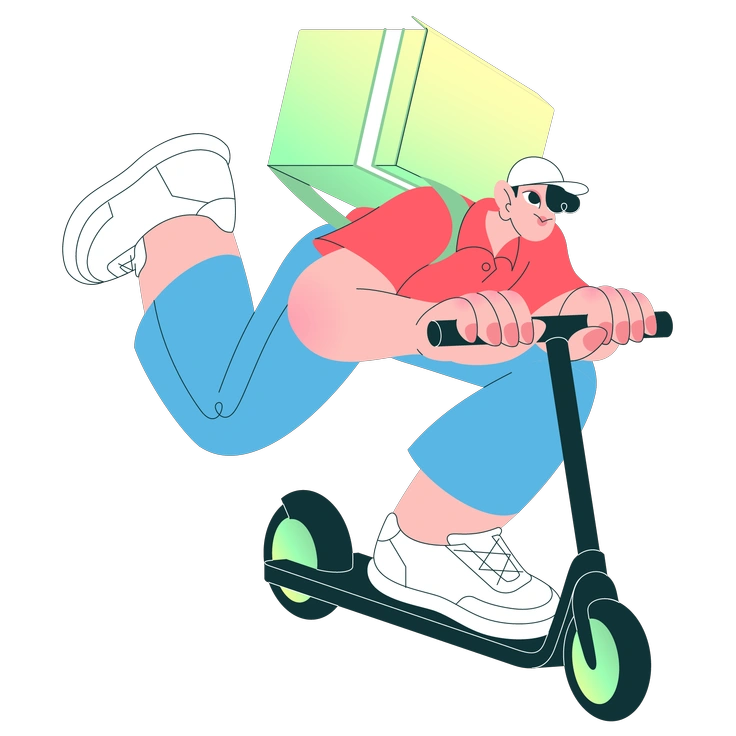
Florid adds decorative flourishes and curvy ornaments. Flexy prefers straightforward props and clear silhouettes that stay legible beside text.
Giggle skews childlike with tiny bodies and oversized heads. Flexy characters stretch dramatically, suiting older audiences and casual app categories.
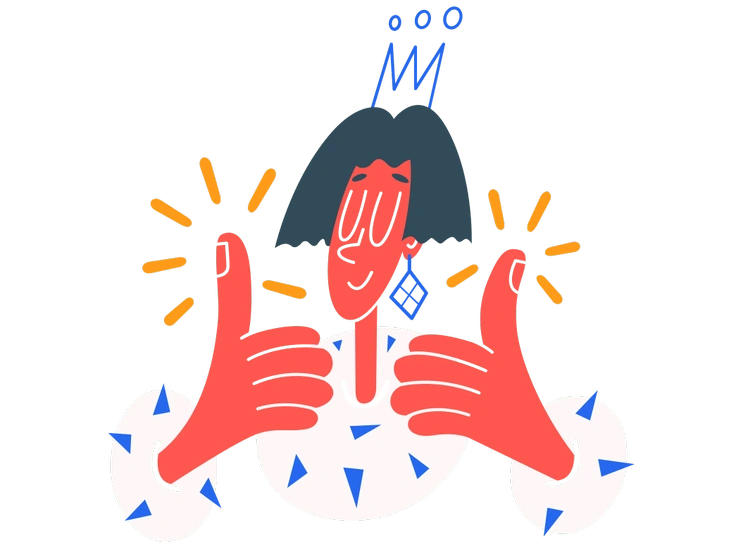
Kingdom leans into castles and warriors. Flexy focuses on actions and emotions that fit productivity tools and social products.

Mirage uses hazy gradients and surreal compositions. Flexy keeps scenes straightforward with bold color blocks and characters doing recognizable tasks.

Moji revolves around expressive faces and simple heads. Flexy includes full bodies that bend into poses to explain actions.
Frequently asked questions


Start using Flexy illustrations today
Download Flexy PNGs for free or grab SVGs with a paid plan. Drag illustrations into Figma or Pichon, swap colors, and ship friendly screens without waiting on custom artwork for your product.