


















Lime Style Illustrations
Lime illustrations drop energetic doodle lines into clean layouts so interfaces stay friendly. Use them to add personality to onboarding, feature highlights, and content blocks without heavy custom artwork.



What is Lime Style?
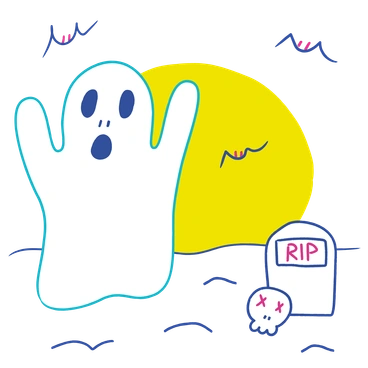
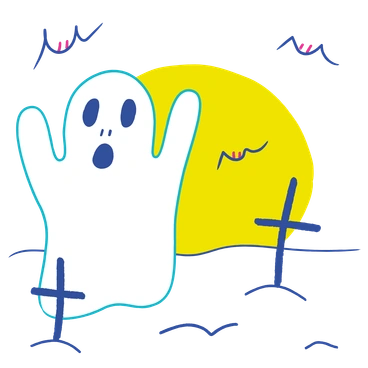
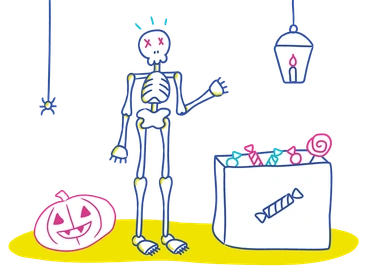
What makes Lime recognizable is its thin hand-drawn lines and bright lime accents against simple fills. Organic curves and sketch marks keep scenes casual without losing clarity.
Product teams at lifestyle apps and creative agencies reach for Lime when interfaces should feel relaxed. Youth-focused brands use it for social graphics and onboarding where a lighter tone helps communication.
For playful products and content



What Lime artists draw
Casual daily routines and creative workspaces appear often in Lime scenes. Friendly digital gadgets round out the set. Browse by tag to jump straight in.
Narrowing down your Lime vibe
Comparing Lime with nearby styles helps you choose how sketchy or refined your interface illustrations should feel overall.

Quirky uses chunkier characters and bolder outlines, while Lime sticks to finer doodle lines and lighter proportions.
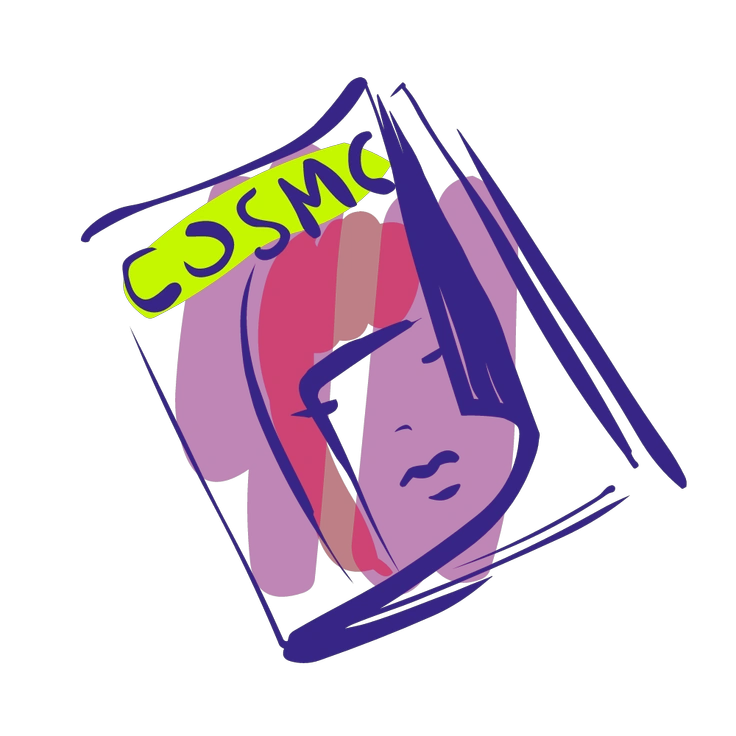
Glam leans into polished shading and fashion-focused poses, whereas Lime keeps flat fills and casual everyday gestures.
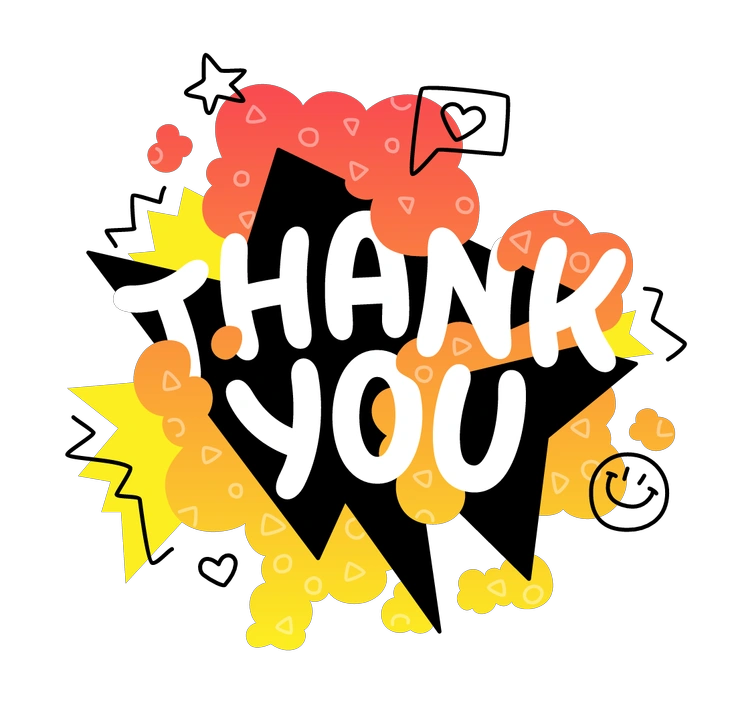
Rocky has chunkier blocks and heavier texture. Lime lines feel lighter and better suited to airy interface layouts.
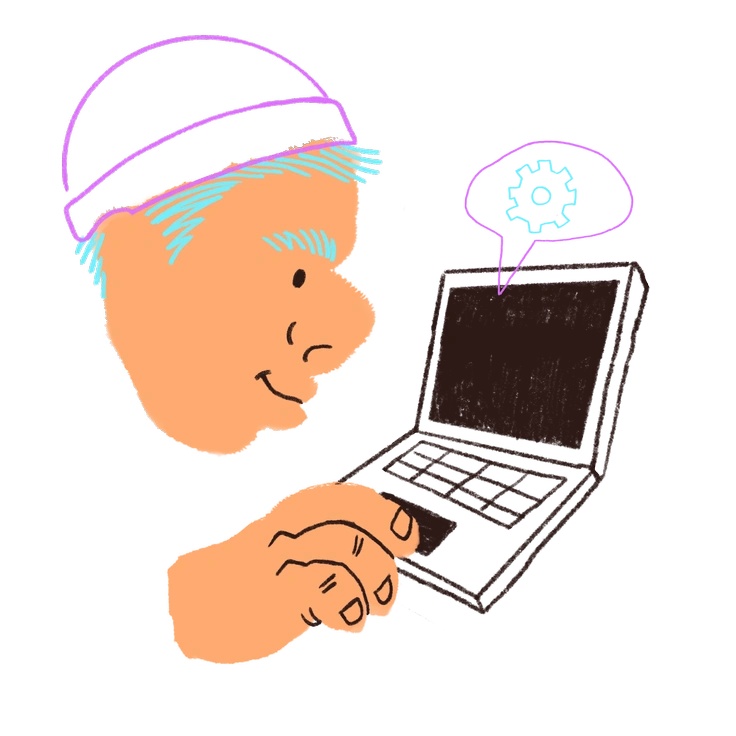
Blobby focuses on soft filled shapes with minimal outlines. Lime relies on linework first and uses color as accent.
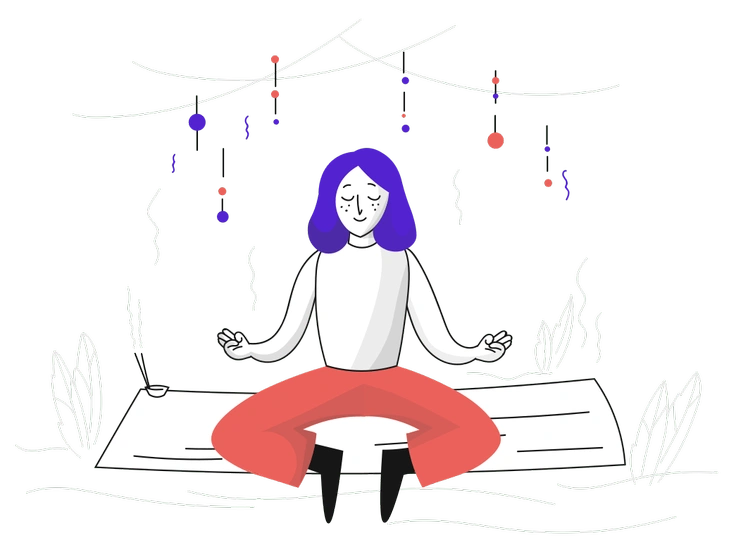
Pixeltrue feels more corporate with clean vector shapes and smooth shading, while Lime embraces sketchy charm and looser proportions.

Vibrant packs solid color blocks and strong contrast. Lime keeps more white space and focuses on lean doodle contours.
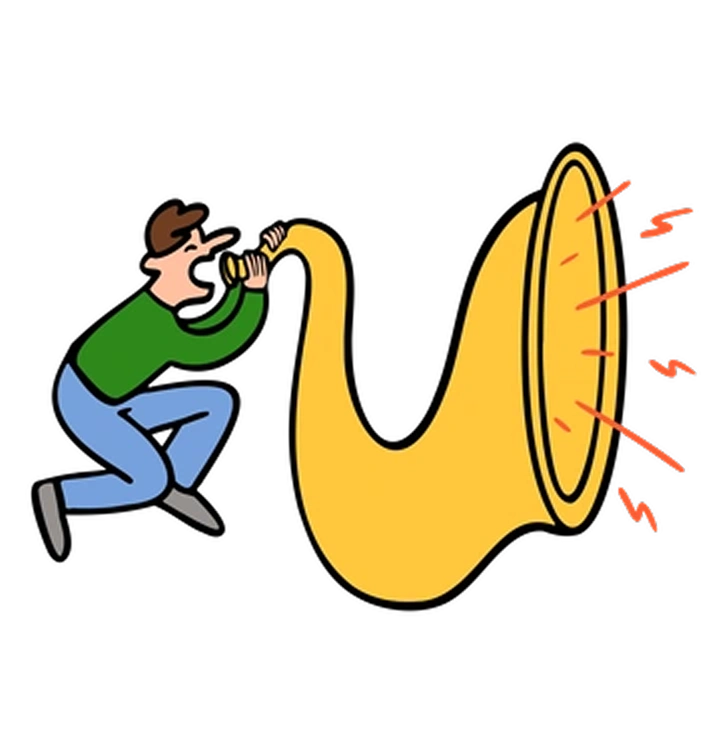
Comic introduces panel-style framing and bold story moments. Lime stays lighter, favoring simple vignettes for interface context.

Puzzle intertwines objects into complex compositions. Lime scenes remain simpler and more modular, fitting neatly beside UI components.
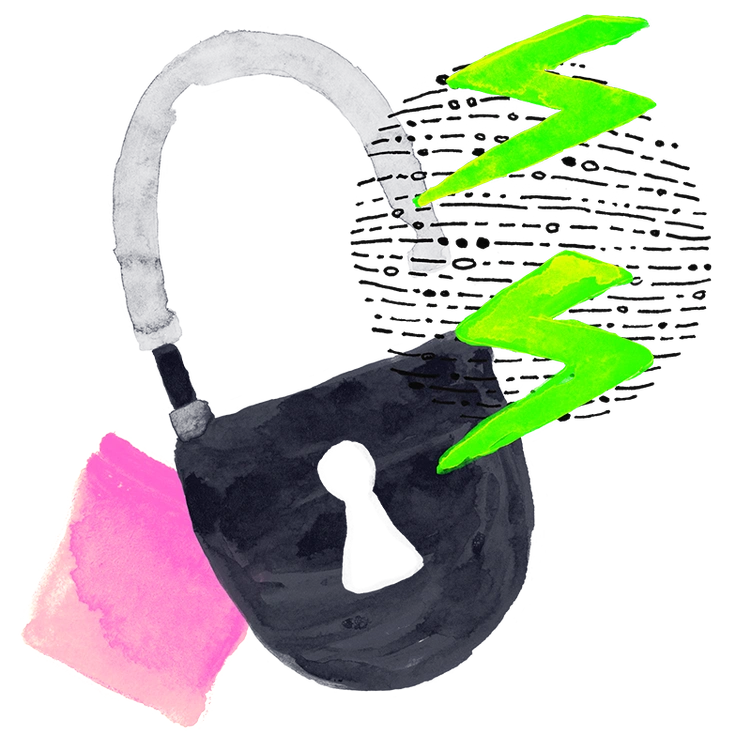
Inky mimics brush strokes and wet ink textures. Lime’s strokes look cleaner and more digital for crisp product environments.
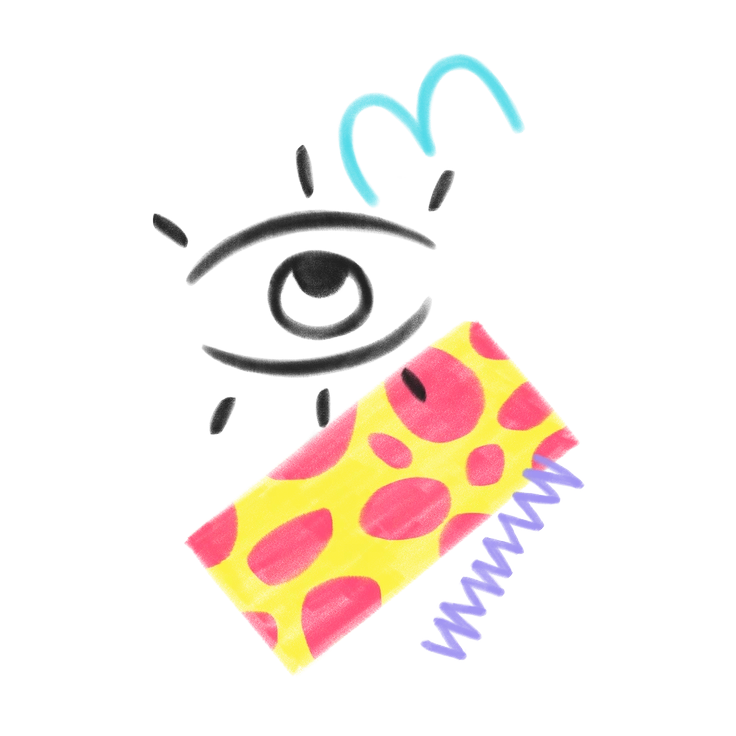
Doodle goes full sketchbook with messier lines and denser decoration. Lime applies doodle energy in a tidier, interface-ready way.
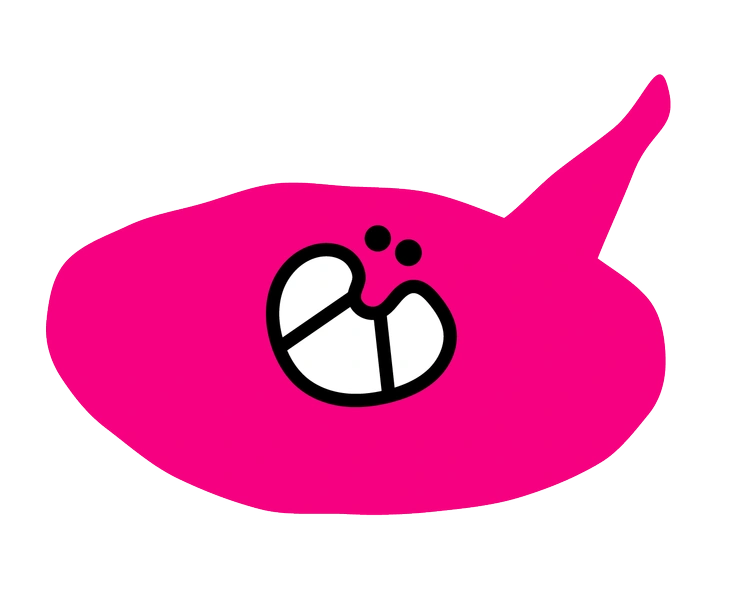
Giggle emphasizes cute faces and exaggerated expressions. Lime uses simpler characters that support text blocks instead of dominating layouts.
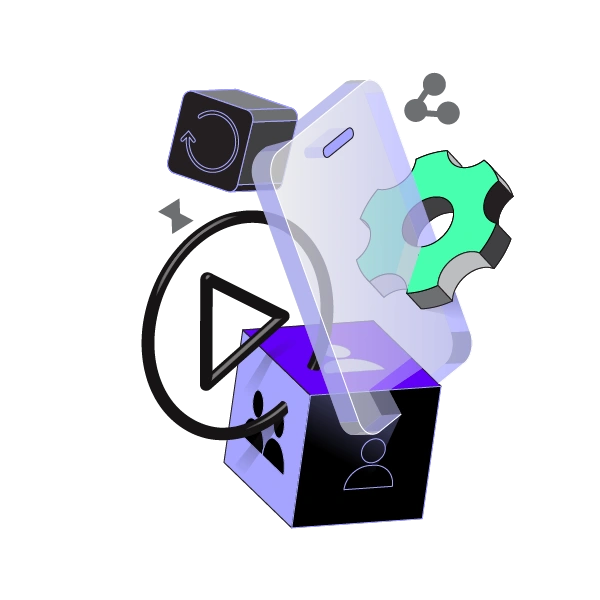
Incut slices scenes into bold geometric crops. Lime generally shows full figures and objects for clearer storytelling in UI.
Frequently asked questions


Start using Lime illustrations today
Grab Lime from the Icons8 library and drop illustrations straight into Figma or your favorite tool. Ship friendlier onboarding experiences and content pages for clients and internal teams without waiting on custom artwork.