


















Cherry Style Illustrations
Cherry brings saturated gradients and lifelike characters that jump off the screen. Use it when onboarding flows and marketing pages or in-product education must feel energetic yet still approachable.



What is Cherry Style?
The collection leans on punchy gradients and soft shadows with precise vector edges. Characters have realistic proportions and expressive faces. Backgrounds stay clean so actions and props read clearly at small sizes.
The style works across onboarding funnels and promo sites with in-app stories where brands need characters. Consumer apps and e-learning products use Cherry when photos feel generic. HR teams rely on it for culture slides.
Built for bold UX


Browse Cherry packs

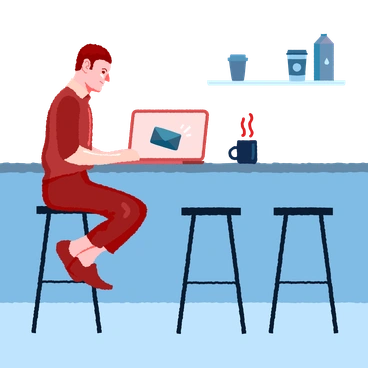





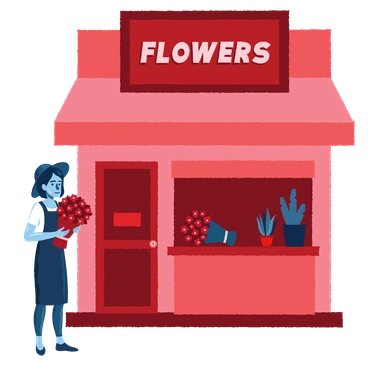
What Cherry artists draw
Scenes often show teams around laptops and customers using apps in daily life. Many images include devices on desks and casual workplaces. Browse tags to jump straight into relevant themes.
Finding your Cherry fit
Comparing illustration moods helps you match visual intensity and character realism to the specific product or campaign.
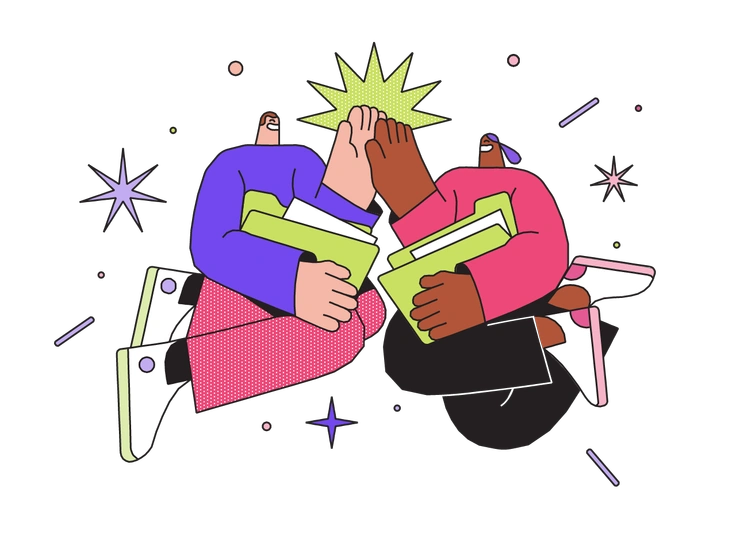
Dazzle leans into geometric patterns and flatter characters. Cherry focuses on fuller figures with rich gradients and expressive faces.
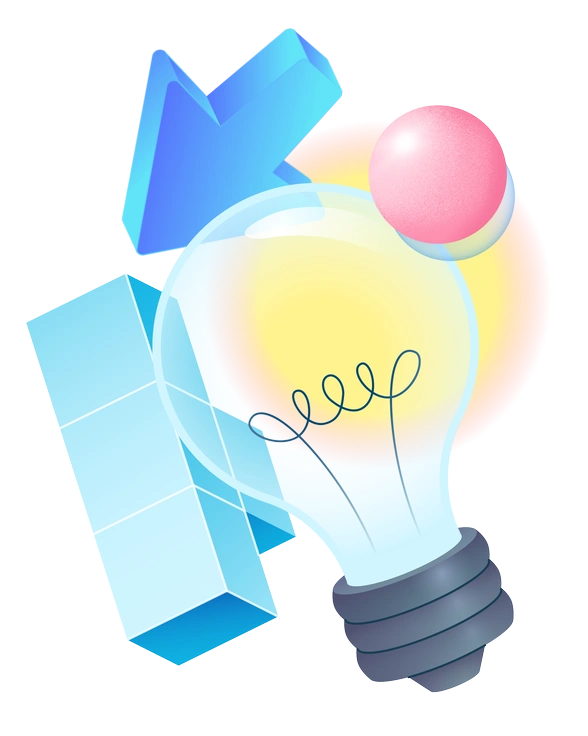
Experimental pushes surreal compositions and unexpected textures, while Cherry stays readable with grounded scenes and defined emotions for products.
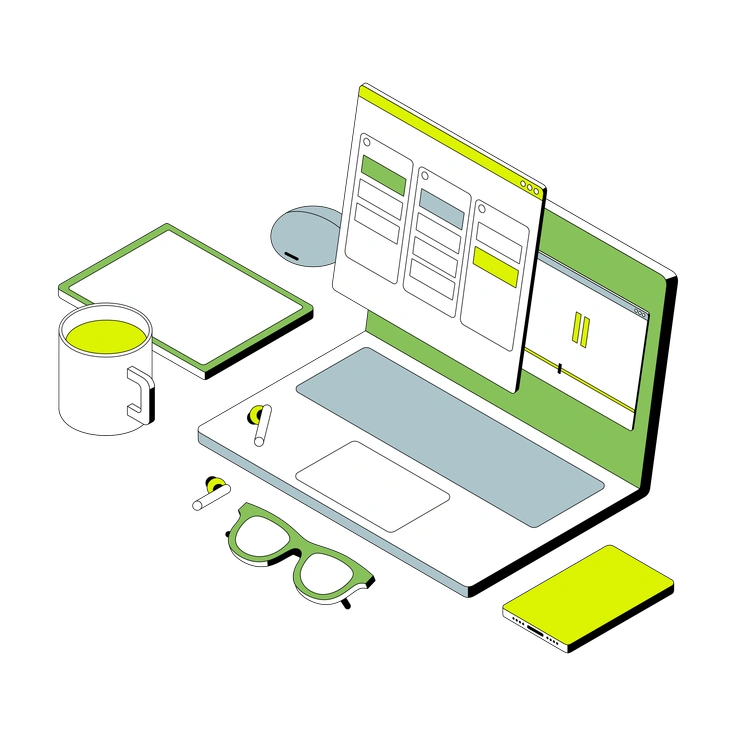
Isometric uses angled grids and tiny details. Cherry works in perspective with frontal characters and simpler backgrounds for focus.
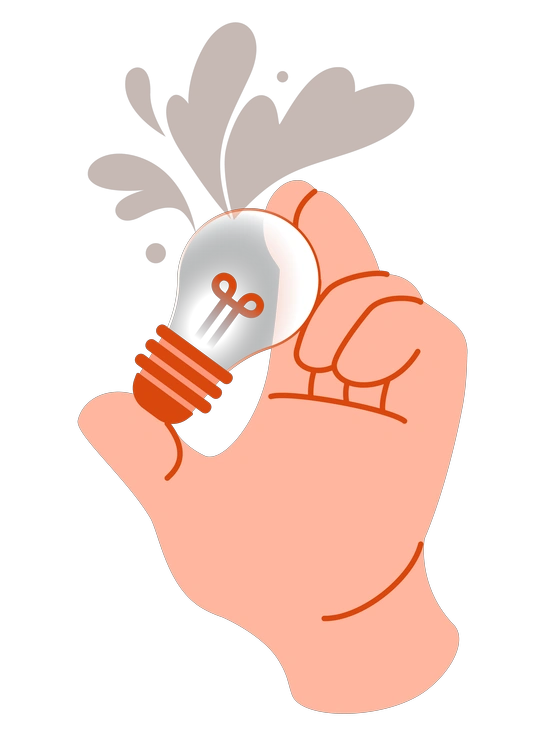
Orange sticks to a warm limited palette and softer mood, whereas Cherry embraces saturated multi-color schemes and energetic characters.

Smart feels more corporate with restrained expressions and cooler hues. Cherry introduces friendlier faces and brighter tones for consumer brands.
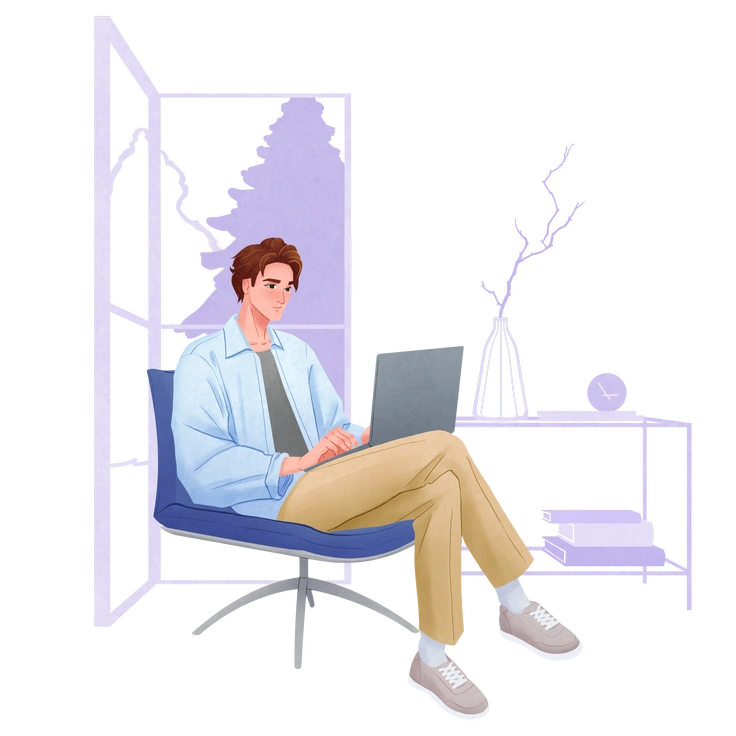
Lifestyle focuses on calm everyday routines and softer contrast, while Cherry amplifies color and gesture for high-impact product storytelling.

Demure keeps expressions subtle and palettes muted. Cherry pushes bolder emotions and high contrast that suit onboarding and marketing pages.

Daily leans on sketchier lines and looser scenes. Cherry uses clean vectors and structured compositions for interfaces and bold landings.
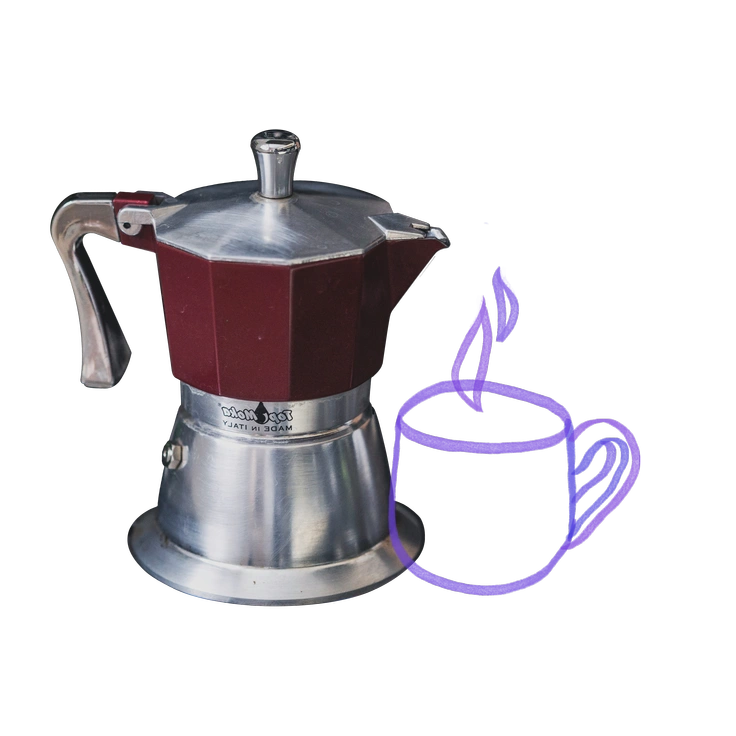
Marker mimics hand-drawn strokes with visible texture, while Cherry delivers smooth digital shading and crisp edges for a refined look.
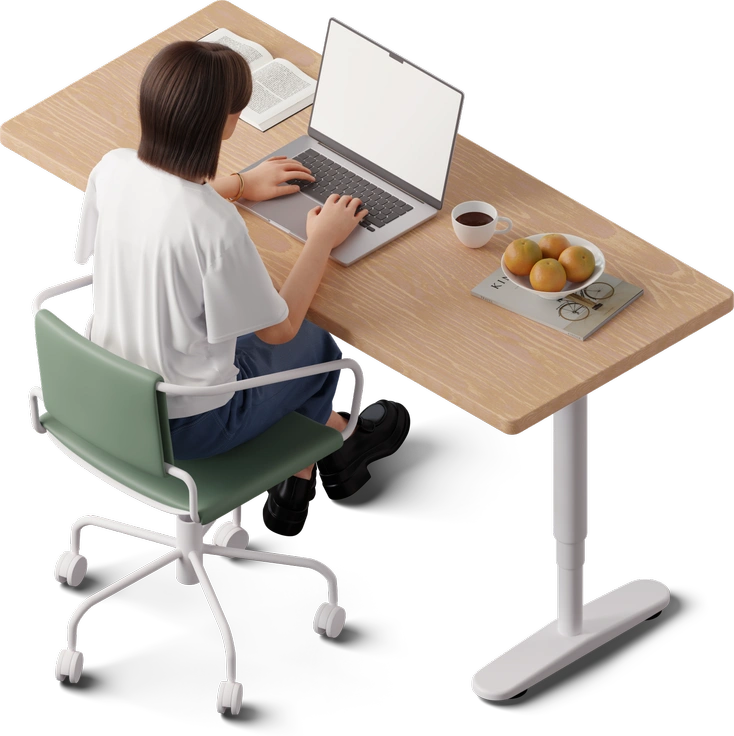
3D Hygge renders cozy objects and subtle lighting. Cherry stays flat and graphic with punchy gradients suited to web assets.
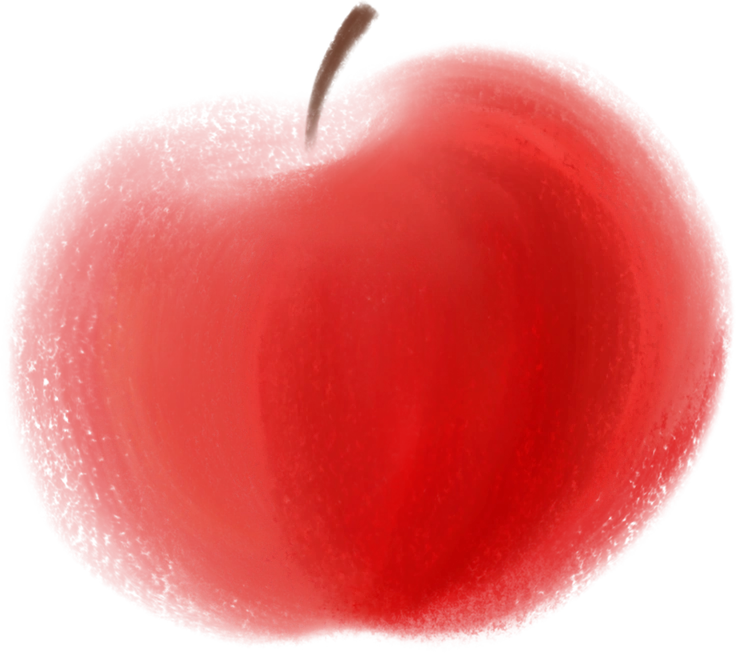
Mushy leans into rounded, blobby shapes and softer storytelling, while Cherry keeps proportions realistic and expressions sharper for product scenes.

Shine favors glossy highlights and glamorous atmospheres. Cherry delivers punchy color and everyday contexts that feel closer to typical users.
Frequently asked questions


Start using Cherry illustrations today
Grab Cherry illustrations in PNG or SVG, then drag them into Figma or Pichon. Match brand colors and duplicate scenes so you ship bolder onboarding flows plus marketing and presentation work in hours.