


















Orange Style Illustrations
Orange illustrations keep interfaces friendly without locking into age or gender. Oversized limbs and simple objects read clearly at small sizes for product onboarding and microcopy moments.



What is Orange Style?
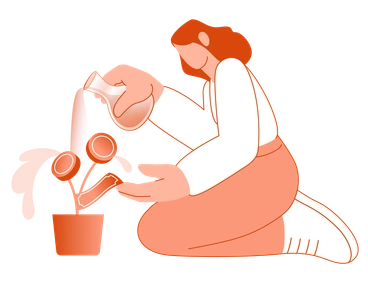
The collection leans on flat vector shapes and a monochrome orange palette. Limbs stretch into bold blocks and heads stay blank, leaving silhouettes clean against generous negative space.
Startups and agencies designing SaaS products pick Orange when they need neutral people in UI. Product teams drop these scenes into onboarding tours and 404 pages without revisiting illustration briefs.
Ideal for inclusive product flows


Packs from the Orange collection




Common Orange subjects
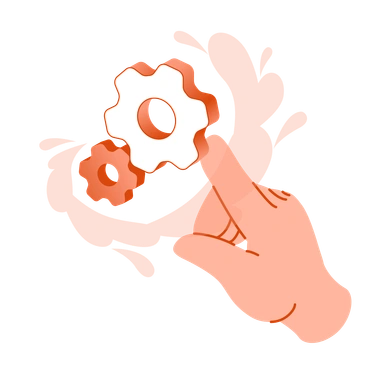
Many scenes show people collaborating and learning in abstract spaces. Other images focus on expressive hands with devices or everyday work tools. Browse by tag to jump into themes.
Choosing between bold orange minimalism
Comparing nearby styles helps you decide how abstract or dimensional your human stories should feel inside product layouts.

Notes uses sketchy lines and paper textures. Orange stays cleaner with flat vector bodies and one consistent orange tone.

Typography builds scenes from bold letters and phrases. Orange focuses on human silhouettes and gestures rather than type-driven compositions.

Cherry feels brighter with several saturated hues and quirky props. Orange remains monochrome and restrained for functional onboarding screens.
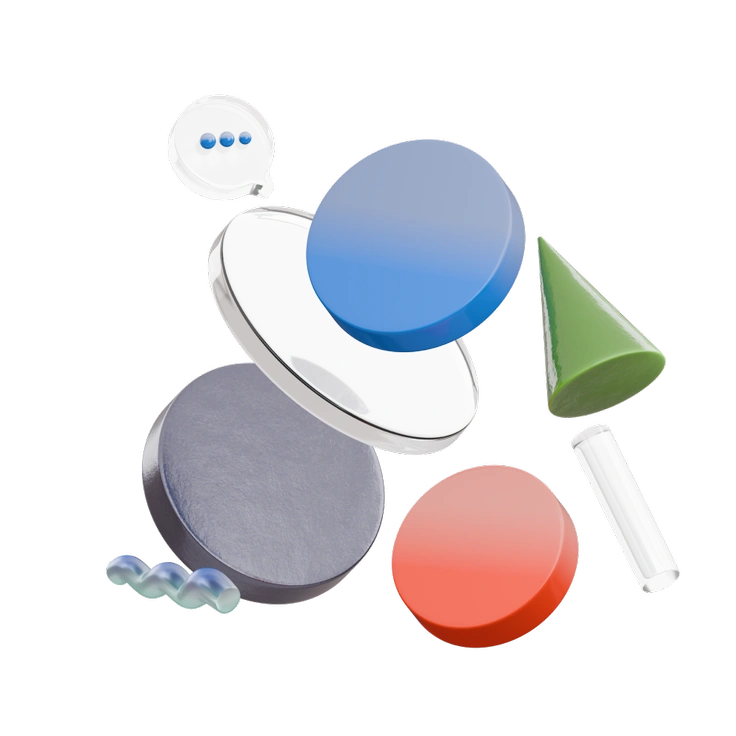
3D Morphis renders soft blobby forms with depth and lighting. Orange stays flat and graphic, ideal when vector scalability matters.
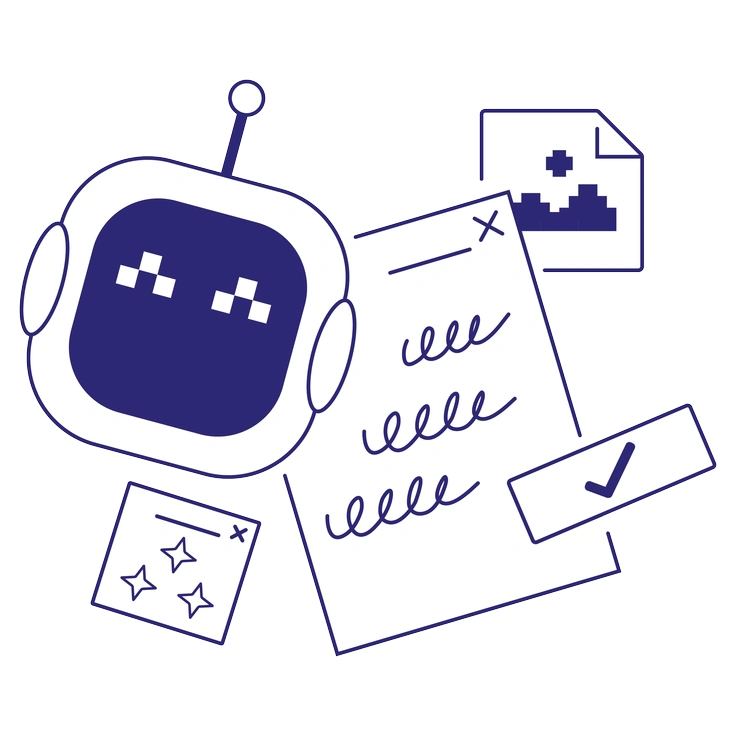
Cut mimics layered paper with sharp shapes and subtle overlaps. Orange looks smoother without texture, sliding neatly into crisp UI.

Willowy draws with thin outlines and delicate poses, while Orange prefers chunky filled bodies and bold simplified limbs.
Frequently asked questions


Start using Orange illustrations today
Download Orange as PNG or SVG and drop scenes straight into Figma. Ship layouts faster without hunting for new artwork. Use Pichon or Mega Creator to recolor and resize assets across product and marketing.