Products
Music Lunacy

Marker Style Illustrations

Marker blends realistic lighting with hand-drawn strokes, so layouts feel crafted yet clear. Use it when stock photos feel stiff and flat icons feel too abstract.

153+ illustrations SVG & PNG Editable colors Commercial license
A magnifying glass over a Bitcoin and bar graph - Marker style illustration
Selective Color Pops
Mostly neutral tones keep scenes calm while small saturated accents highlight buttons, tools, or important gestures.
Photoreal Foundations
Realistic proportions and soft shadows ground characters and objects, so layouts feel believable beside interface elements.
Marker Line Overlay
Loose strokes wander around forms and edges, adding a notebook feel over the realistic base image.
Sketchy Annotations
Doodle arrows and quick notes appear inside scenes and help explain flows, ideas, or product benefits.

What is Marker Style?

Flat planes and realistic shading sit under loose marker outlines that wander slightly off edges. Neutral beiges and grays dominate while a few accent colors pull attention to key details.

These illustrations show up in workshop slides, course platforms, and lifestyle blogs where a real-world vibe matters. Teams pick Marker when they want photo believability with sketchbook personality.

For learning and lifestyle work

SaaS Education
Explain features on onboarding screens or help centers where screenshots need friendly context and a more human teaching tone.
Mobile Onboarding
Use Marker scenes in welcome flows to soften permissions requests and tutorials that might otherwise feel technical.
Content Marketing
Pair with blog posts and email headers when topics cover creativity, wellness, or casual business advice that should feel personal.
Workshop Slides
Drop Marker figures into slides for training sessions and design critiques to show realistic situations without stiff stock photography.

Common Marker subjects

Scenes focus on people learning at desks, creative collaboration in studios, and everyday tools on tidy tables. Browse by tag to jump straight to the subjects you need.

Pick your sketchy mood

Comparing illustration moods helps you decide how realistic, playful, or minimal your project should feel before committing assets.

A man sitting in a chair using a laptop - Lifestyle style illustration
Lifestyle

Lifestyle stays clean and editorial with softer line contrast, while Marker emphasizes visible strokes and handwritten notes over realistic bases.

102+ illustrations
Two abstract blue shapes on a black background - Scandi style illustration
Scandi

Scandi leans into minimal flat shapes and muted pastels. Marker feels more textured with photoreal shading under rough outlines.
496+ illustrations
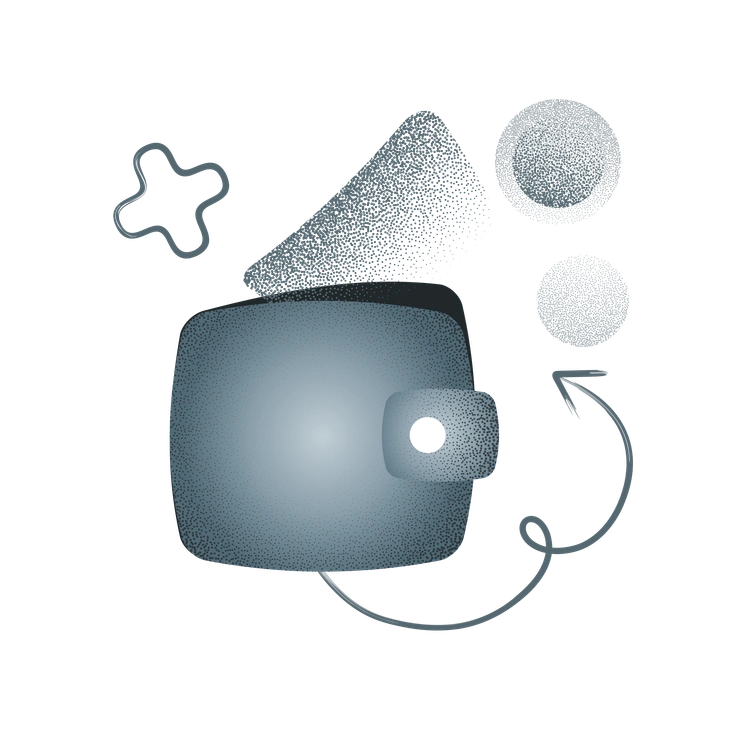
A wallet with abstract shapes around it - Grain style illustration
Grain

Grain focuses on textured gradients and flat silhouettes. Marker combines realistic volume and marker lines for a more hybrid, notebook feel.

74+ illustrations
A man holding cash with a confident pose - Cherry style illustration
Cherry

Cherry uses bright colors and cartoon forms. Marker looks calmer and more grounded with real-world proportions and understated palettes.

1313+ illustrations
Free
A man coding on a laptop in a chair - Demure style illustration
Demure

Demure is subtle and soft with gentle faces and flat color fills. Marker appears more casual with sketchy annotations and photo-based lighting.

109+ illustrations
A woman adjusting a slider with graphs behind - Daily style illustration
Daily

Daily captures quick everyday moments in a simpler flat approach. Marker adds realistic depth and heavy marker strokes to similar themes.
109+ illustrations
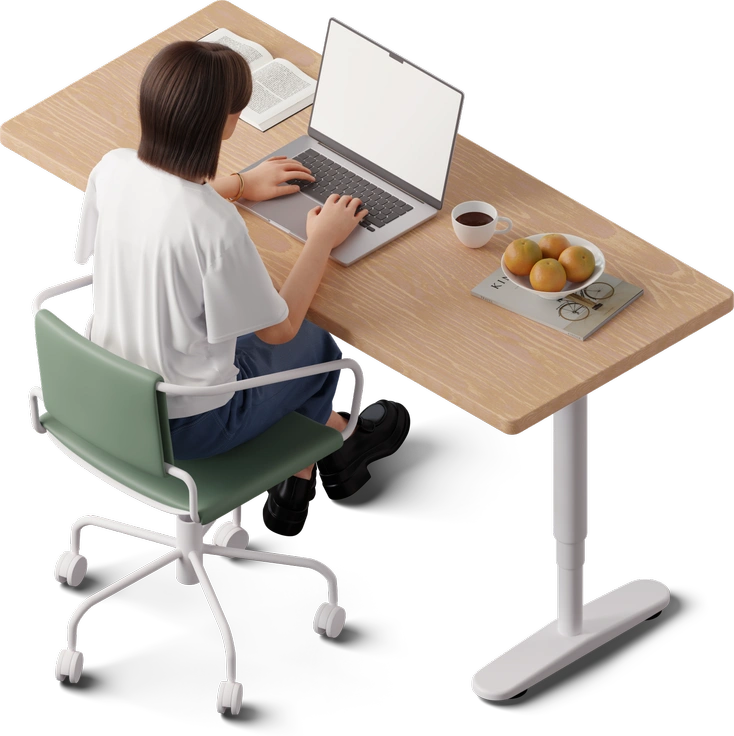
A person sitting at a desk with a laptop - 3D Hygge style illustration
3D Hygge

3D Hygge brings cozy rounded 3D forms and warm lighting. Marker stays two-dimensional with photoreal textures and drawn outlines.

409+ illustrations
Animated
A red apple with a brown stem - Mushy style illustration
Mushy

Mushy bends proportions and uses playful curves. Marker keeps figures realistic and adds expression through scribbled lines instead.

99+ illustrations
A woman sitting in a chair by a window - Shine style illustration
Shine

Shine favors glossy highlights and polished gradients. Marker trades polish for organic marker edges and muted, paper-like color.

505+ illustrations
Animated
A cityscape made of keyboard keys - Editorial style illustration
Editorial

Editorial focuses on conceptual compositions and flat geometry. Marker reads more like photographed scenes with sketchbook notes layered on top.

266+ illustrations
Animated
A cat wearing an apron talking on the phone - Ikigai style illustration
Ikigai

Ikigai uses balanced flat compositions and quiet palettes. Marker introduces more visible texture through marker strokes and shading.

292+ illustrations
A woman standing on a rock by the sea - Fogg style illustration
Fogg

Fogg leans into soft gradients and simplified forms. Marker relies on realistic lighting and rough outlines for its mixed-media character.

724+ illustrations
Free

Frequently asked questions

New Marker pieces appear as the Icons8 team expands the style and subjects. You can check the collection page to see the latest additions.
Pricing lives on the Icons8 subscriptions page. Free users get PNG with attribution and paid plans unlock SVG files and attribution-free commercial use.
You can combine Marker with other Icons8+ styles, though consistency matters. Many designers pair it with simple icons or understated UI elements for balance.
On paid plans you can edit SVG colors in Figma or any vector editor. Mega Creator also lets you recolor and rearrange elements online.
PNG files drag into any design tool. SVG files on paid plans open in Figma, Sketch, Adobe XD, and other standard vector editors.
Abstract liquid sphere illustration 3D coins illustration 3D charts in metal box illustration

Start using Marker illustrations today

Download Marker scenes in PNG for quick mockups or grab SVG on a paid plan for full recoloring. Drop illustrations straight into Figma, Sketch, or Pichon and ship your next layout faster.

Explore Marker library