


















Neat Style Illustrations
Neat illustrations give interfaces and documents crisp structure with quiet detail. Thin outlines and balanced colors explain complex ideas clearly, so layouts stay readable even when scenes carry many elements.



What is Neat Style?
Light and space define Neat compositions. Thin lines trace geometric objects and characters, while flat fills and limited accents create order. Every element sits precisely, keeping busy scenes easy to scan.
Product teams at SaaS companies use Neat for onboarding screens and dashboards. Consultants rely on it for pitch decks and reports. Educational creators find the clear diagrams helpful for tutorials and course materials.
For product UI and documents


Neat illustration packs




What Neat artists draw
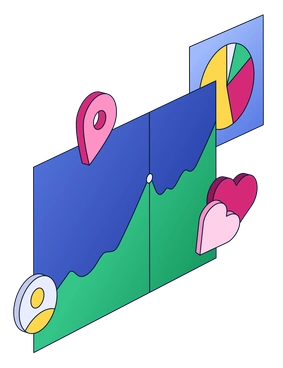
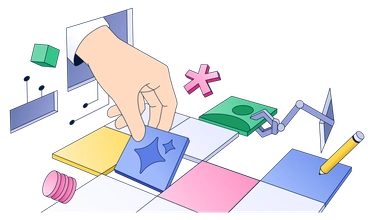
Scenes often show laptops on desks and interface mockups inside meeting rooms. Other images focus on abstract charts or decorative layouts for dashboards and landing pages. Browse by tag.
Pick your precise line look
Comparing illustration moods helps you match line weight with the right color intensity and depth for each audience.

Chromed uses reflective surfaces and strong gradients for metallic depth, while Neat stays flat with minimal shading and precise outlines.

Mix combines loose shapes and playful color shifts, whereas Neat focuses on consistent geometry and restrained palettes for business contexts.

Project leans on thicker strokes and larger character scenes, while Neat emphasizes fine detail and smaller props around interface elements.

Incut feels like paper cutouts with overlapping blocks and silhouettes, while Neat looks diagrammatic with open lines and clear separation.
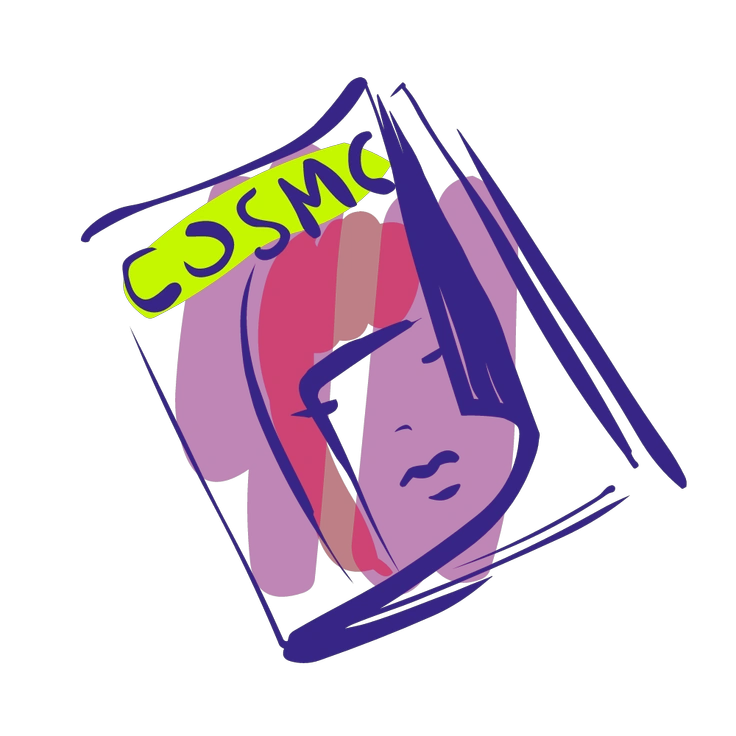
Glam favors fashion poses and decorative flourishes, whereas Neat centers on structured workplaces and interface scenes with restrained ornament.

Initial keeps shapes bigger with fewer details, while Neat packs scenes with precise objects and small interface components.

Grainy adds texture and speckled shading to flat areas, compared to Neat’s clean fills and crisp lines.

3D Boost introduces volumetric forms and lighting with soft shadows, whereas Neat stays completely flat with diagram style depth cues.

Bright pushes stronger saturation and bigger blocks of color, while Neat prefers lighter accents and more negative space.

Editorial focuses on storytelling with character heavy vignettes, compared to Neat’s object driven diagrams and interface inspired layouts.

Worky sketches casual office moments with softer forms, while Neat emphasizes technical setups and interface frames around devices.

Like leans into friendly characters and expressive gestures, whereas Neat stays more schematic with simplified people and structured environments.
Frequently asked questions


Start using Neat illustrations today
Download Neat assets in seconds and drop them into Figma or your slide software. Work with SVG for recoloring and export PNGs when you need quick mockups for reviews and stakeholder signoff.