


















Flat Style Illustrations
Flat illustrations keep interfaces readable through solid fills and sharp angles. Bold color blocks help UI teams drop them into dashboards and landing pages when they need quick, consistent visuals.



What is Flat Style?
The collection leans on flat geometry with solid color fills and no shading. High contrast hues separate elements clearly, while sharp angles and circles build scenes from simple, abstract parts.
Whether you're designing product dashboards or onboarding flows, Flat makes layout decisions straightforward. Product teams and marketers grab these vectors for infographics and internal reports. Social visuals and UI empty states feel unified too.
For UI and infographics


Explore Flat packs






What flat artists draw
Scenes often show abstract geometric compositions, simplified people at work and basic device silhouettes. Common themes cover dashboards and app screens. Browse by tag.
Comparing flat design moods
Seeing Flat beside styles shows how depth and texture change the mood, so you can match visuals to product tone.
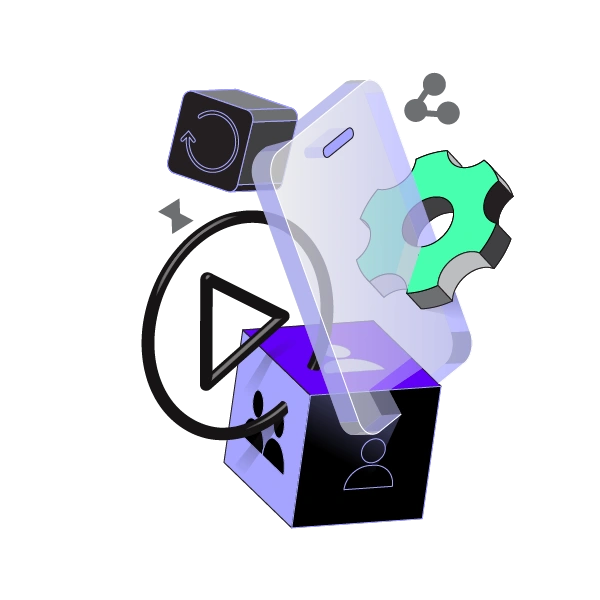
Incut looks more hand-cut and textured, while Flat keeps shapes crisp and purely digital for strict interface systems.

3D Isometric builds volumetric scenes with perspective grids, where Flat stays frontal with minimal depth and very lightweight rendering.
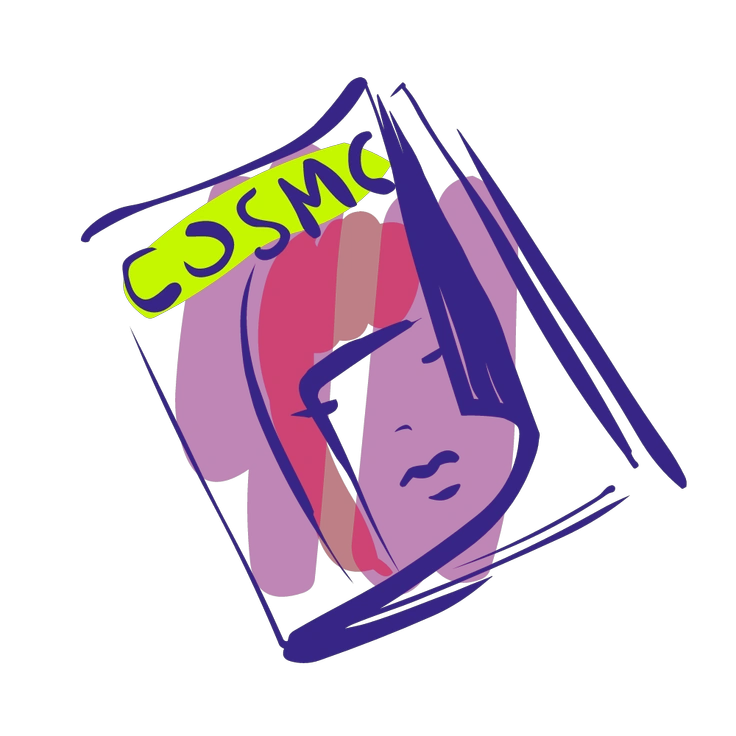
Glam leans on gradients and softness for a polished look, whereas Flat uses hard edges and solid fills.
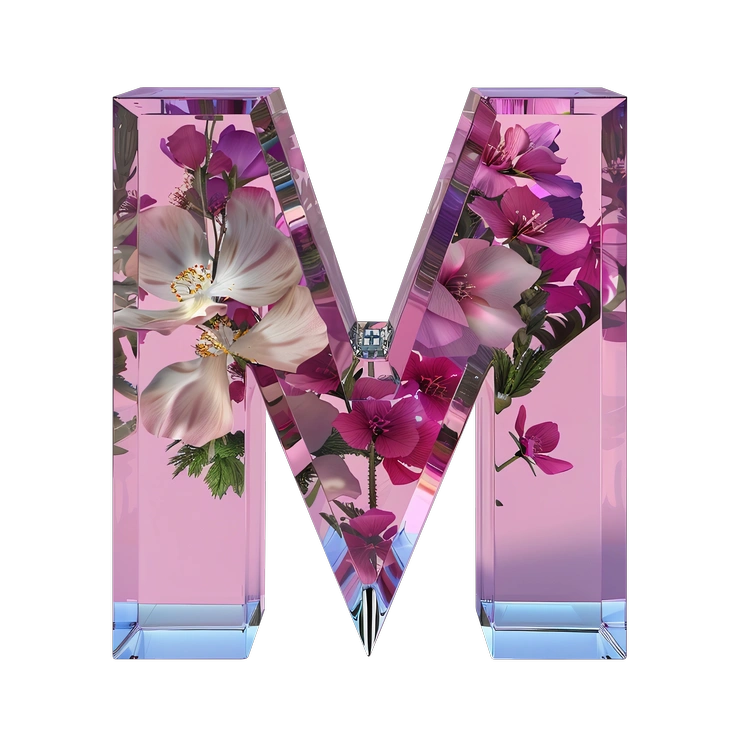
Initial feels like minimal line art with sparse fills, while Flat commits to full color blocks and bolder silhouettes.

3D Boost delivers chunky depth and lighting for playful scenes, whereas Flat favors simpler geometry and lighter file weight.

Bright uses detailed pictograms and more expressive characters, while Flat keeps abstraction higher for strict dashboards and utility screens.

Silky relies on smooth gradients and soft transitions, whereas Flat sticks to clear separations in color and shape.

Chromed mimics reflective metal surfaces with complex highlights, while Flat removes shine and focuses on symbolic forms.

Mellow softens everything with muted colors and rounded constructions, whereas Flat favors stronger contrast and more assertive geometry.

Hugo feels more editorial and character driven, while Flat emphasizes icons, data widgets and interface structures.

Juicy pushes saturation and playful shapes further, suiting loud campaigns, while Flat keeps compositions restrained for product and workplace contexts.
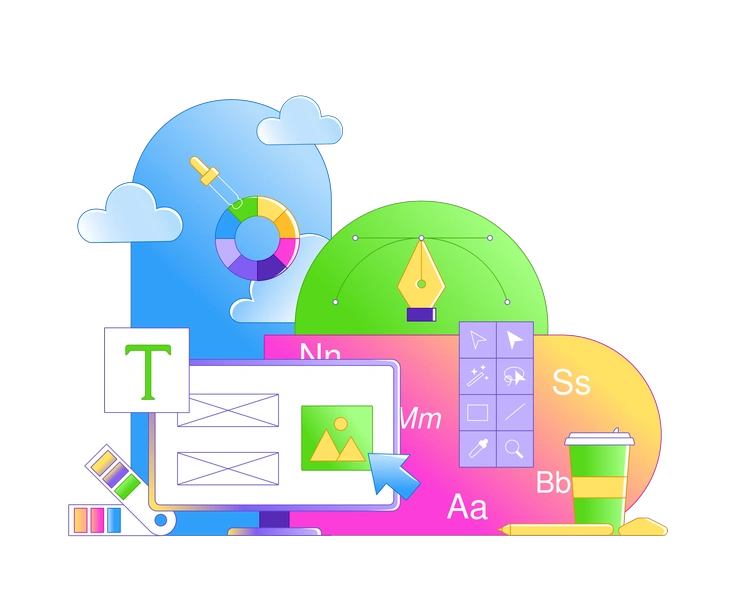
Rainbow packs multicolored gradients into each object, whereas Flat prefers single hues and cleaner blocks of tone.
Frequently asked questions


Start using Flat illustrations today
Sign in, pick scenes that match your product and download PNGs or SVGs. Drop them into Figma or Sketch, then ship interfaces that feel consistent across screens. Use the Pichon app for quick drag and drop.