Products
Music Lunacy

Kindy Style Illustrations

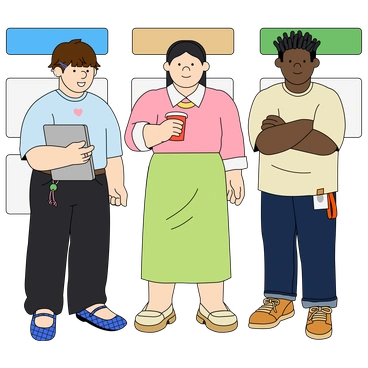
Kindy brings flat, kid-friendly characters to screens that need trust and clarity. Use bold shapes and bright colors to guide small users through tasks without visual noise.

532+ illustrations SVG & PNG Editable colors Commercial license
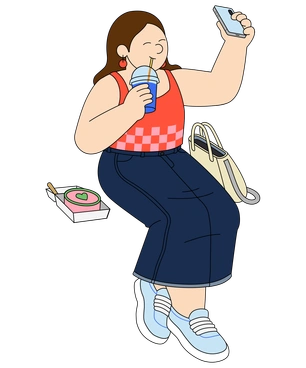
A woman using a smartphone at a counter - Kindy style illustration
Bright Kid Palette
High-saturation primaries and soft accents stay readable for young eyes on small screens.
Rounded Geometric Shapes
Circles and rectangles join into simple bodies that communicate mood without distracting detail.
Flat Clean Lines
Uniform strokes and flat fills create a crisp look that matches modern kid interfaces.
Cuteness Consistency
Oversized eyes and gentle proportions repeat across scenes so characters always feel related.

What is Kindy Style?

The palette stays bright and high in saturation, with primaries leading the way. Clean strokes trace rounded shapes. Simple silhouettes keep every character readable even at small mobile sizes.

Whether you're designing a preschool dashboard or a parenting blog, Kindy keeps visuals gentle and reassuring. Educational platforms, toy brands and family services use it when cute clarity matters most.

For kids apps and brands

Learning Games
Use Kindy characters in onboarding flows and mini-game screens so instructions feel playful yet clear for children.
Parenting Apps
Introduce friendly families in account setup and profile creation screens. Tips sections feel safer with warm characters nearby.
Preschool Marketing
Place Kindy scenes on flyers and landing pages so parents immediately understand your focus on safe, kid-first experiences.
Event Platforms
Highlight birthday bookings and family events with playful banners showing kids and parents. Simple props keep everything easy to scan.

What Kindy artists draw

Most scenes follow children and caregivers through daily routines and play. Friendly animals and classroom objects appear often too, so you can quickly browse by the right tag.

Narrowing down cute vector moods

Comparing styles helps you see which shapes and textures suit your brand voice and target age group.

A light bulb surrounded by geometric shapes - Grainy style illustration
Grainy

Grainy adds textured shading and softer edges, while Kindy stays flat and bold for clearer kid-focused interfaces.

122+ illustrations
A stylized doorway with stairs and an arrow - Bright style illustration
Bright

Bright shares strong colors yet leans toward general tech scenes, where Kindy centers on families and child-friendly activities.
445+ illustrations
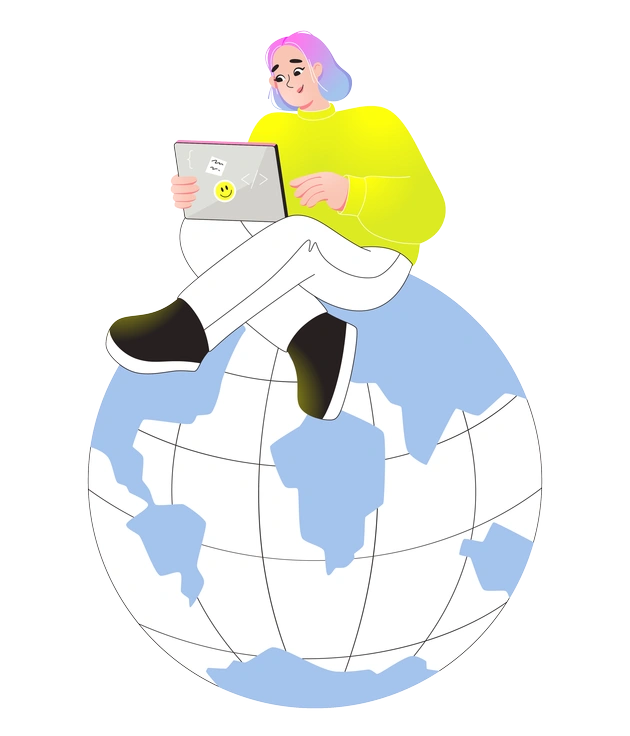
A person sitting on a globe with a laptop - Like style illustration
Like

Like feels tailored to social media and influencer storytelling, while Kindy speaks more to education products and parenting services.
111+ illustrations
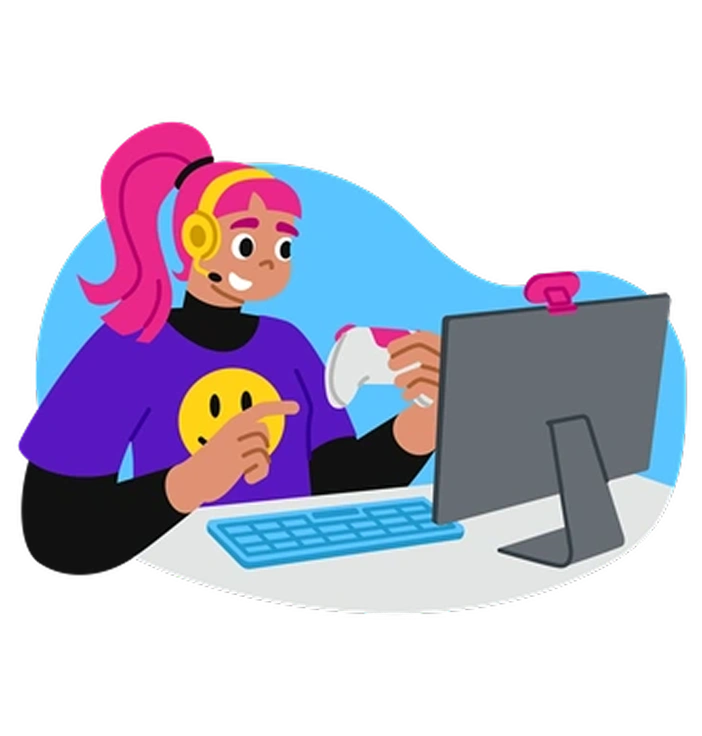
A person gaming at a computer - Active style illustration
Active

Active emphasizes motion poses and sports themes, where Kindy focuses on gentle play and everyday family life.

289+ illustrations
Animated
A brain connected to data and science elements - Glossy style illustration
Glossy

Glossy uses highlights and subtle depth effects, while Kindy keeps shapes completely flat for print-friendly children’s content.

378+ illustrations
A brain surrounded by abstract digital elements - Chromed style illustration
Chromed

Chromed brings metallic surfaces and futuristic vibes. Kindy instead chooses soft edges with relatable toys and playground scenes.

123+ illustrations
A person playing a yellow guitar - Mellow style illustration
Mellow

Mellow shifts toward muted tones and calmer pacing, while Kindy uses bright primaries and energetic kid expressions.
594+ illustrations
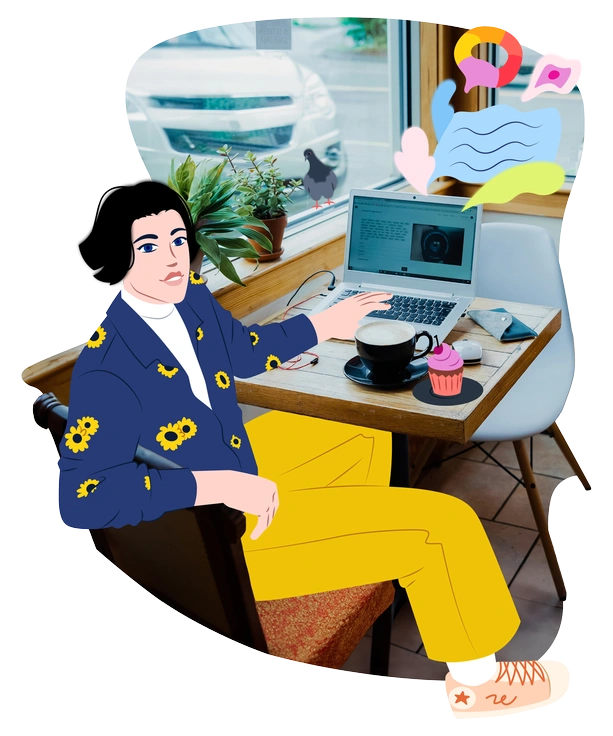
A person sitting at a café table - Everyday style illustration
Everyday

Everyday leans closer to adult workplaces and neutral personas. Kindy highlights parents and teachers with children in friendlier proportions.

163+ illustrations
A person using a smartphone with paper airplanes - Folks style illustration
Folks

Folks carries hand-drawn quirks and folk-inspired outfits, whereas Kindy prefers uniform strokes and simple preschool-ready clothing.

791+ illustrations
A woman sitting at a desk with a laptop - Juicy style illustration
Juicy

Juicy relies on bold gradients and juicy lighting, while Kindy sticks with flat fills that export cleanly at any size.

1043+ illustrations
Animated
A hot air balloon over a green landscape - Scenes style illustration
Scenes

Scenes focuses on larger compositions and complex environments, whereas Kindy favors close-up characters and simple contexts for quick comprehension.

77+ illustrations
A hand holding a smartphone with an alert - Rush style illustration
Rush

Rush feels dynamic and slightly edgy with faster gestures. Kindy remains calmer and better suited for toddlers and early-school audiences.

83+ illustrations

Frequently asked questions

Yes. You can use Kindy assets in commercial and client projects. Free plans need a clickable Icons8 credit, while paid subscriptions remove the attribution requirement.
On the free plan you download PNG files. SVG formats unlock on paid plans and work well in Figma and our Mega Creator editor.
The Kindy set currently includes about 532 individual illustrations. New scenes arrive over time, so the library grows alongside your product needs.
You can combine Kindy with other styles, although consistent proportions and line weights usually look cleaner. Many teams reserve Kindy for kid-facing surfaces and use another style elsewhere.
Kindy’s bright fills sit best on light or mid-tone backgrounds. For dark themes, adjust colors in SVG or add subtle outlines in your design tool.
Abstract liquid sphere illustration 3D coins illustration 3D charts in metal box illustration

Start using Kindy illustrations today

Download PNG files for fast prototypes, then upgrade for SVG when you need recoloring. Drop Kindy directly into Figma or Pichon and publish child-friendly screens without hiring an illustrator today.

Explore Kindy library