Products
Music Lunacy

Open Doodles Style Illustrations

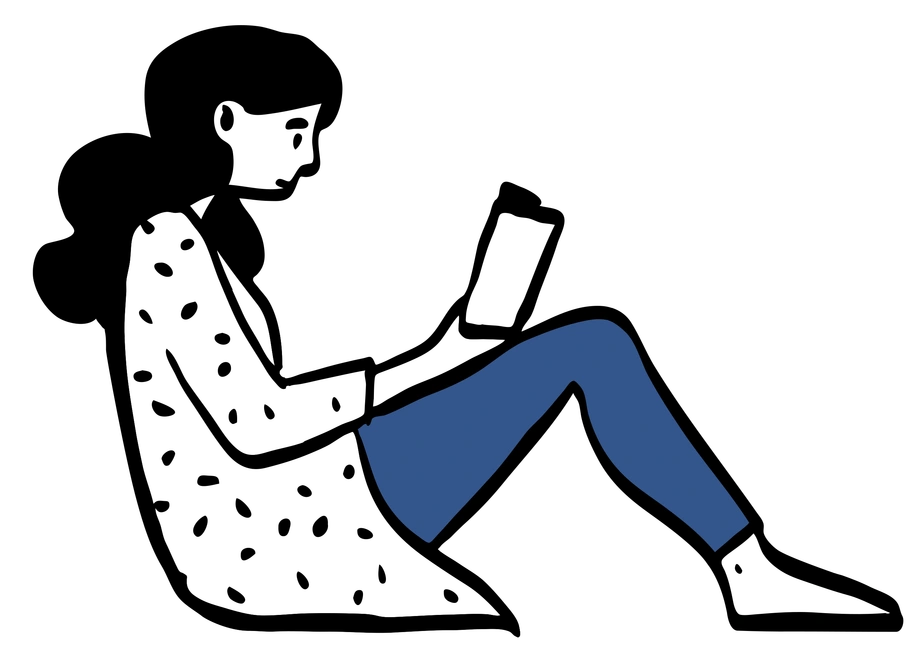
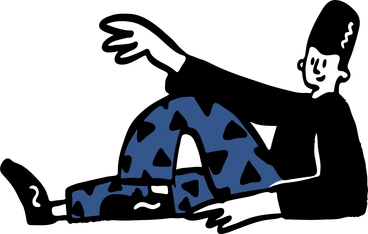
Open Doodles keeps interfaces light with loose monochrome sketches. Use these casual line characters and objects to explain flows, soften technical screens, or fill empty states without heavy illustration work.

37+ illustrations SVG & PNG Editable colors Commercial license
Monochrome Lines
Single black strokes on white backgrounds keep layouts clean and reduce visual noise.
Loose Hand Drawn
Imperfect wobbly contours suggest quick sketches and help products feel informal yet thoughtful.
Expressive Characters
Simple figures show big gestures and clear emotions, which suit onboarding tips and prompts.
Lightweight Assets
Minimal detail works in wireframes and production UI without fighting typography or data.

What is Open Doodles Style?

Rendered with simple black strokes on white space, Open Doodles shows wobbly outlines and flat shapes. Characters bend, stretch, sit, or wave with exaggerated poses and almost no interior detail.

You'll find them in SaaS onboarding flows and friendly error pages. Product managers and UX writers use them. Indie founders drop these doodles into prototypes or shipped interfaces when budget or time blocks custom art.

For calm product experiences

SaaS Products
Use Open Doodles in signup flows, settings pages, or dashboards when you need human warmth without full-color scenes.
Mobile Apps
Place doodles in empty states and help screens so errors feel gentle and loading delays or missing data seem less alarming.
Marketing Sites
Support landing page copy with relaxed doodles in feature sections or pricing panels where you want simplicity and friendliness instead of polished illustration.
Presentations
Drop Open Doodles into internal decks and product walk-throughs to mark examples or replace temporary stick figures during reviews.

What doodle illustrators draw

Scenes follow everyday people with laptops or phones and simple furniture in sparse rooms. Abstract symbols for collaboration or creativity appear often too. Browse tags to jump into specific themes.

Finding your sketchy line fit

Comparing sketch styles helps you pick scenes that match your tone, from playful placeholders to more structured diagrams.

A padlock with a password field - Beam style illustration
Beam

Beam adds soft color fills and smoother geometry, so layouts look more polished and less like quick notebook sketches.
716+ illustrations
Animated
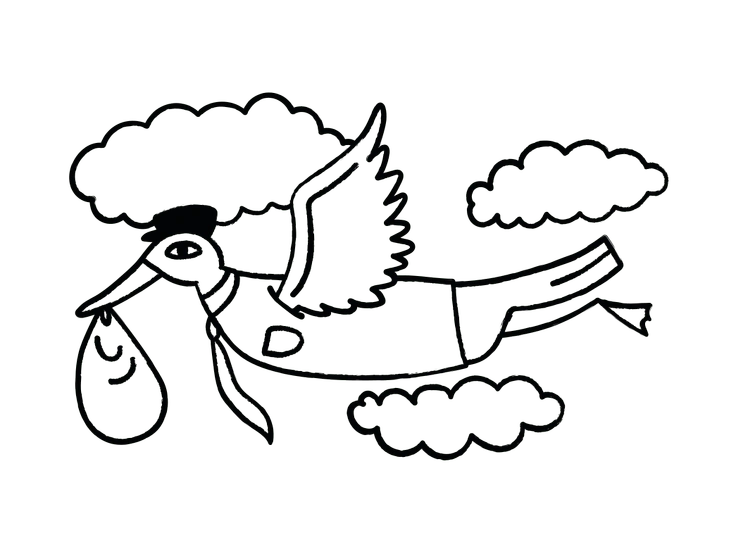
A stork carrying a baby in a cloth - Cole style illustration
Cole

Cole uses heavier outlines and fuller characters with faces, which suits narrative scenes rather than lightweight placeholders.

27+ illustrations
A character reading a book surrounded by floating items - Crayon style illustration
Crayon

Crayon introduces textured strokes and color blocks that feel childlike, while Open Doodles stays strictly monochrome and minimal.
902+ illustrations
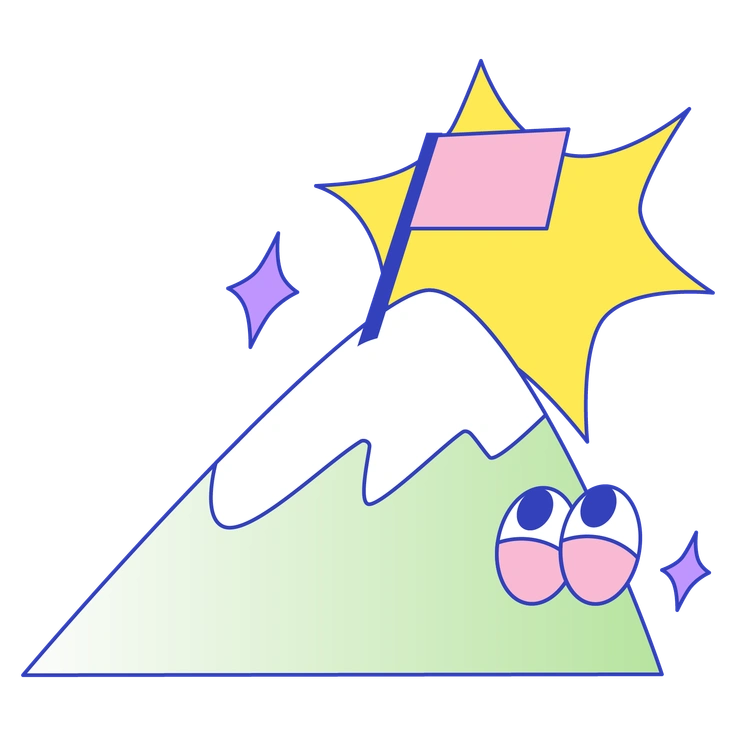
A mountain with a flag and eyes - Eyeful style illustration
Eyeful

Eyeful focuses on detailed compositions and stronger perspective, so scenes feel structured instead of loose and sketchy.
176+ illustrations
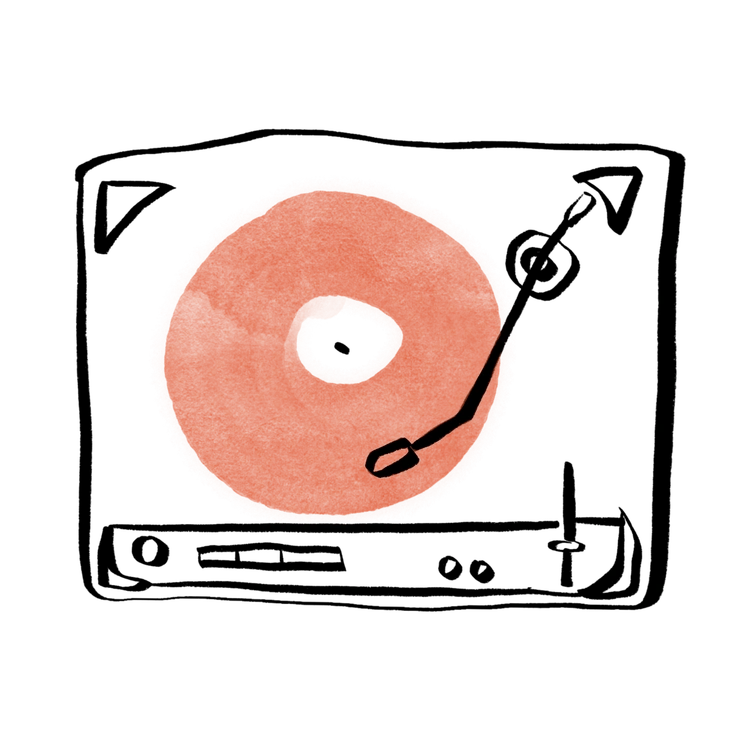
An orange donut with a black line - Hand-drawn animation style illustration
Hand-drawn animation

Hand-drawn animation brings frame-by-frame motion sequences, whereas Open Doodles works as static snapshots for still layouts.

135+ illustrations
Animated
A computer displaying graphs surrounded by office items - Kit style illustration
Kit

Kit combines clean flat shapes and subtle color, giving interfaces a more designed look than bare black doodles.
313+ illustrations
Animated
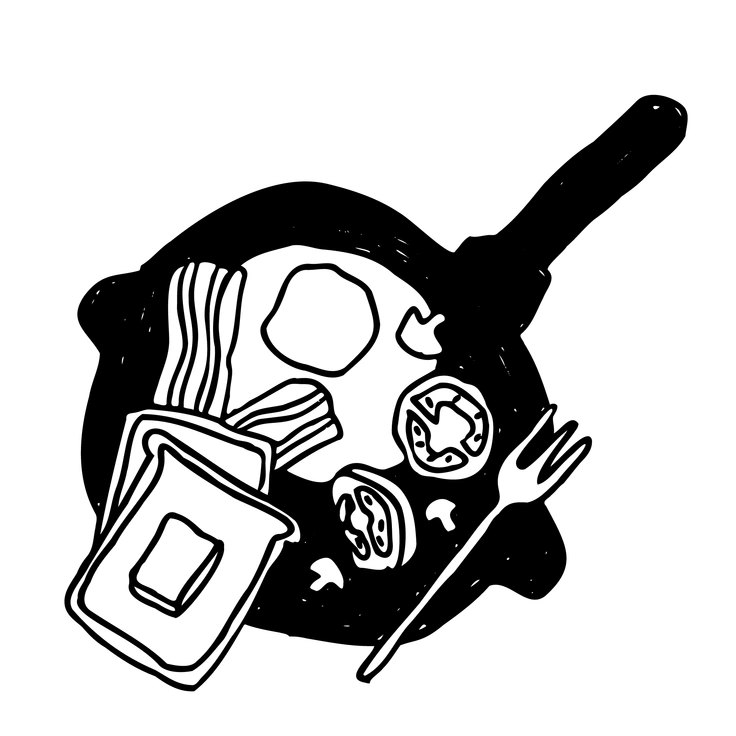
A plate with bacon, eggs, and vegetables - Marks style illustration
Marks

Marks centers around abstract strokes and shapes without characters, while Open Doodles leans on people and everyday objects.
284+ illustrations
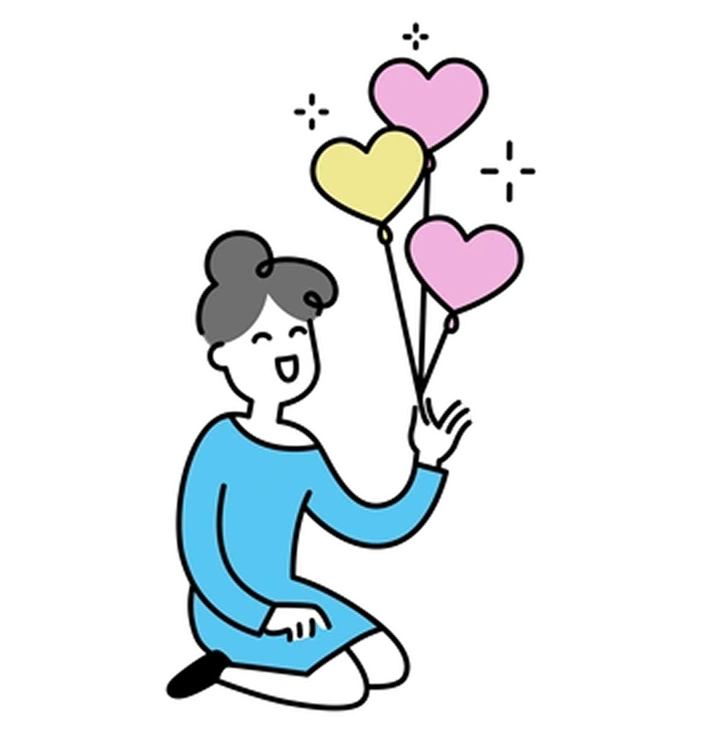
A girl playing with heart-shaped balloons - Mochi style illustration
Mochi

Mochi has rounded pastel figures and soft shading, so it feels chunkier and more tactile than single-line sketches.
328+ illustrations
Animated
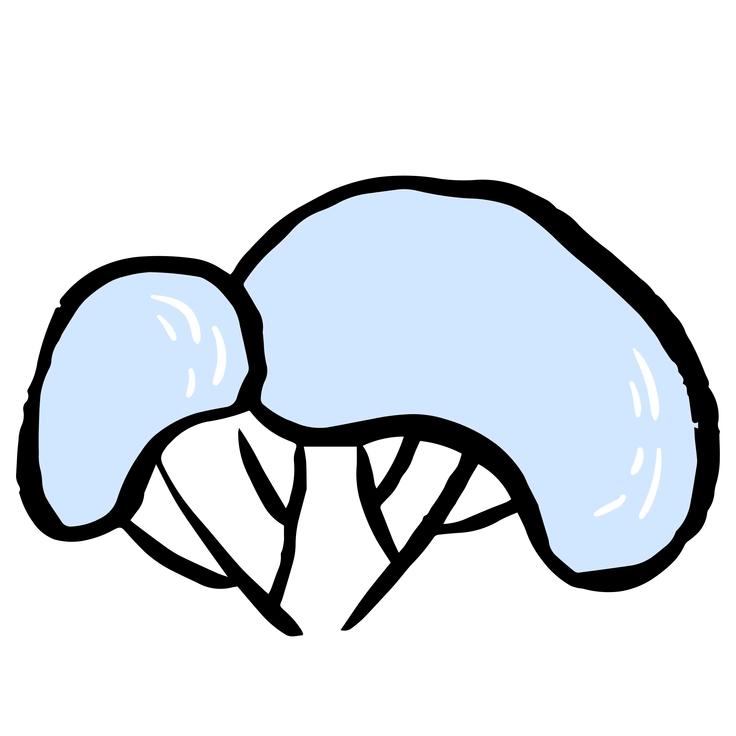
Two abstract blue shapes on a black background - Scandi style illustration
Scandi

Scandi balances muted color palettes with geometric scenes, which can match editorial layouts better than very rough doodles.

496+ illustrations
A cat sitting on a windowsill - Scribbles style illustration
Scribbles

Scribbles pushes abstraction and random strokes further, while Open Doodles maintains recognizable characters and props for product copy.
99+ illustrations
Animated Free
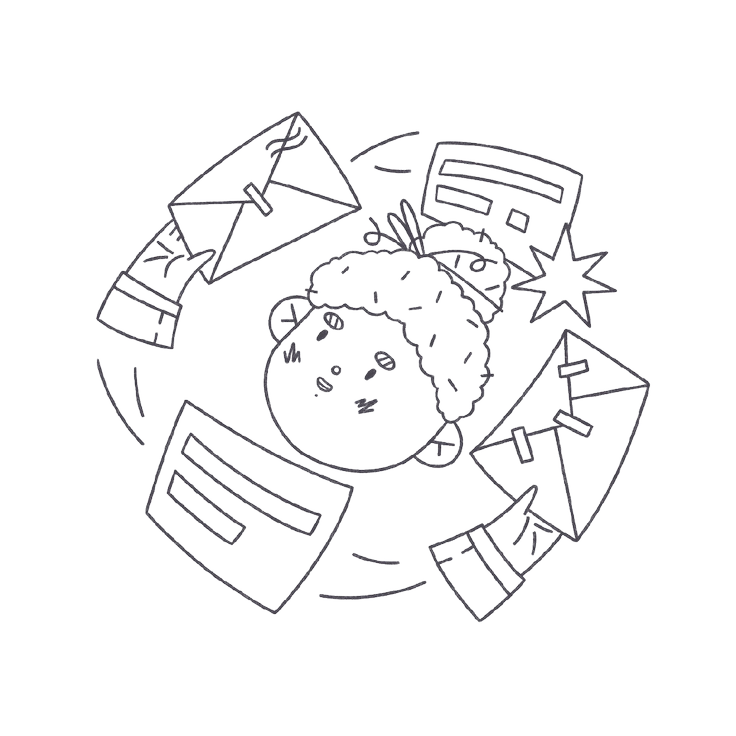
A child surrounded by flying envelopes - Bonbon Line style illustration
Bonbon Line

Bonbon Line adds neat strokes and cute details, so it reads more polished than intentionally messy Open Doodles.
457+ illustrations
Free
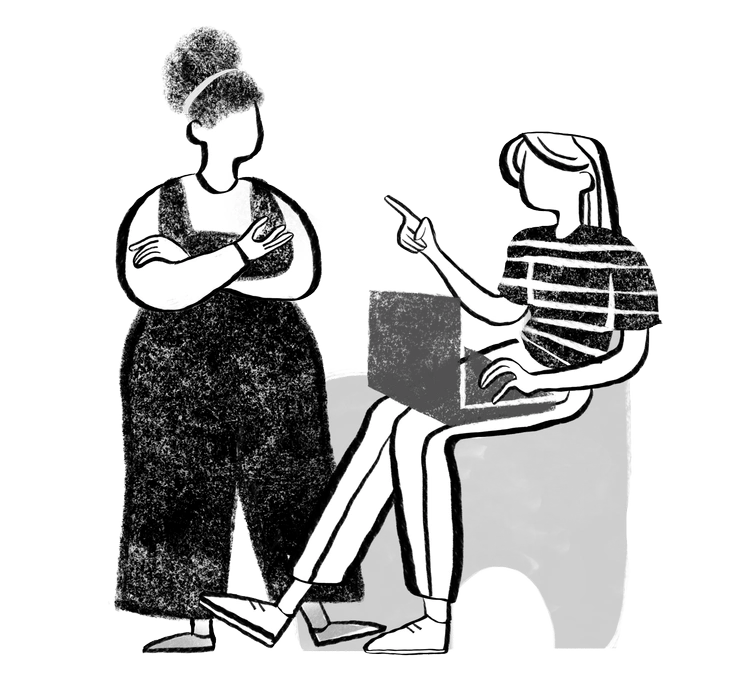
Two women engaged in conversation - Company style illustration
Company

Company focuses on business scenes and seating charts with clearer structure, where Open Doodles stays looser and less corporate.

302+ illustrations

Frequently asked questions

Yes. You can mix Open Doodles with other Icons8+ styles, though consistent line weight and color choices across pages usually keep products from feeling chaotic.
You can use them in client projects and commercial apps. Free plans require a clickable Icons8 credit, while paid plans remove attribution requirements.
The Open Doodles collection on Icons8 currently includes 37+ illustrations. New pieces may be added over time alongside other sketch-based graphics.
You can download PNGs on the free plan with attribution. Paid subscriptions unlock SVG files, remove credit links, and give broader access across Icons8 assets.
Lines stay black in PNGs, but SVGs are editable. Recolor strokes or adjust composition in your design tool or with Mega Creator.
Abstract liquid sphere illustration 3D coins illustration 3D charts in metal box illustration

Start using Open Doodles illustrations today

Sign in, grab PNGs for quick mockups, or download SVGs for deeper edits. Drag assets into Figma, Sketch, or Pichon and ship friendlier interfaces without commissioning custom drawings for your next sprint.

Explore Open Doodles library