


















Twirl Style Illustrations
Fine-line swirls drift through generous negative space, giving UI layouts quiet motion. Twirl works as decorative framing in headers and sections without pulling attention away from copy or data.



What is Twirl Style?
Thin, continuous lines curl into spirals and loops, usually in one solid color. Shapes stay abstract and ornamental. Wide gaps of background create light compositions around typography and interface elements.
Brand and product teams pick Twirl when layouts need visual rhythm without heavy illustration. Designers drop it into dashboards and onboarding screens to separate sections and support minimal content.
Ideal for modern interfaces


Themes in Twirl








Typical Twirl ornaments
Abstract flourishes suggest motion or connection and spiral clusters echo natural growth. Minimal concept marks hint at time or communication. Browse by tag.
Finding your decorative linework
Comparing line-based styles helps you pick a mood that supports content and matches brand tone for specific layouts.
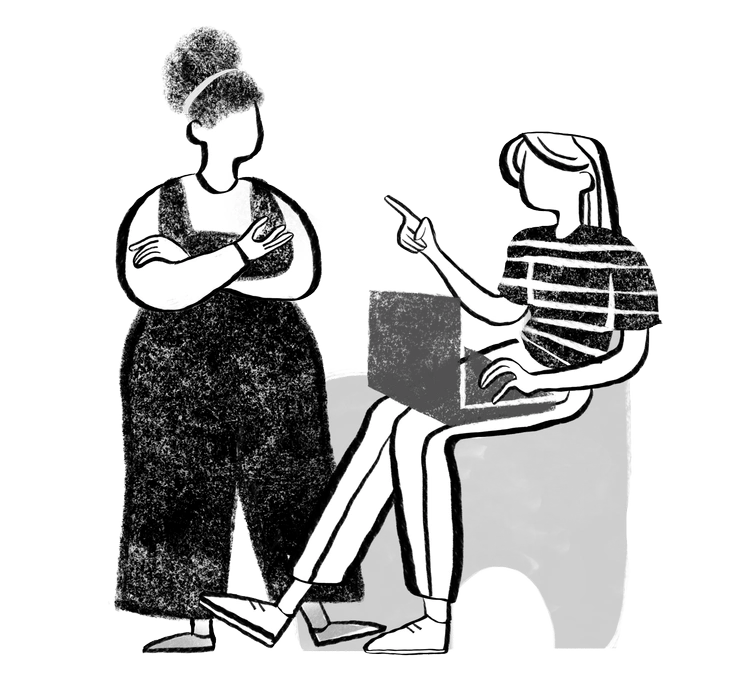
Company focuses on structured business scenes with characters and objects, while Twirl stays abstract and purely decorative around content.
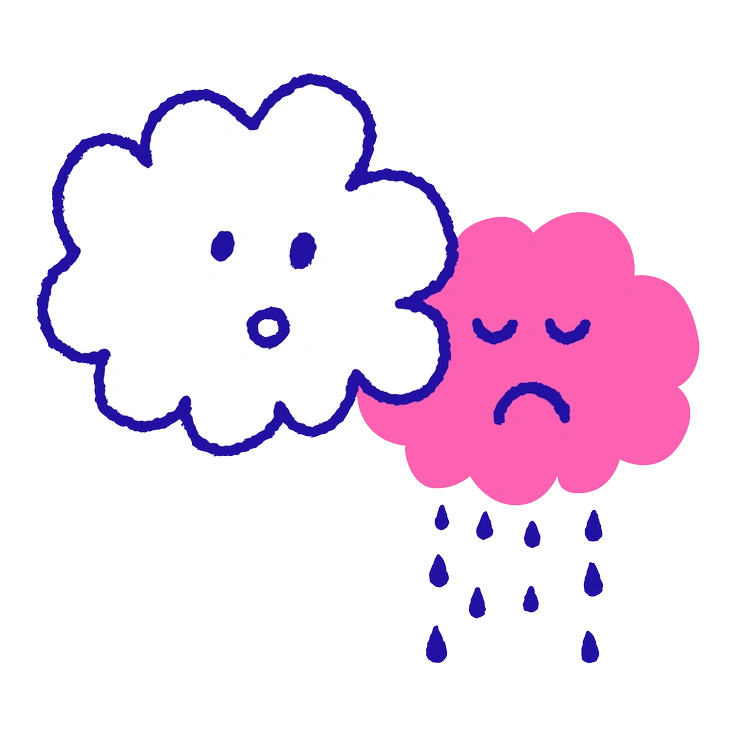
Whimsy has playful characters and narrative scenes, whereas Twirl focuses on abstract curls that simply frame existing content.
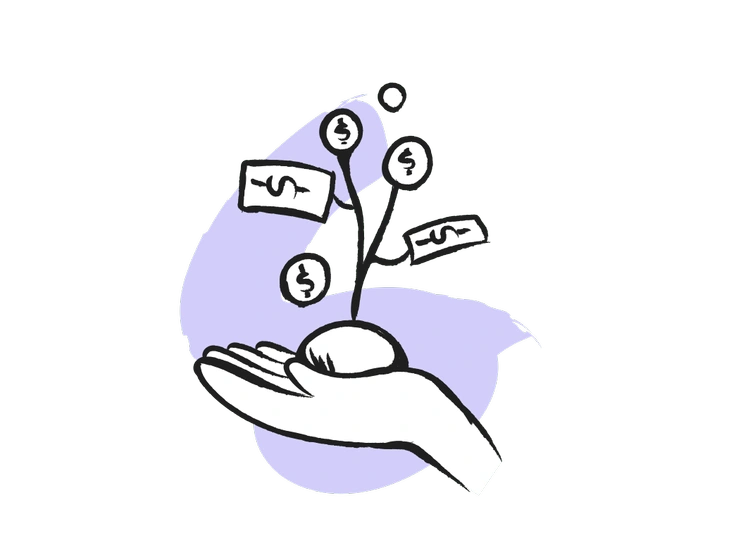
Pixeltrue icons deliver solid filled pictograms for interface controls, while Twirl stays ornamental and avoids representing concrete actions or objects.
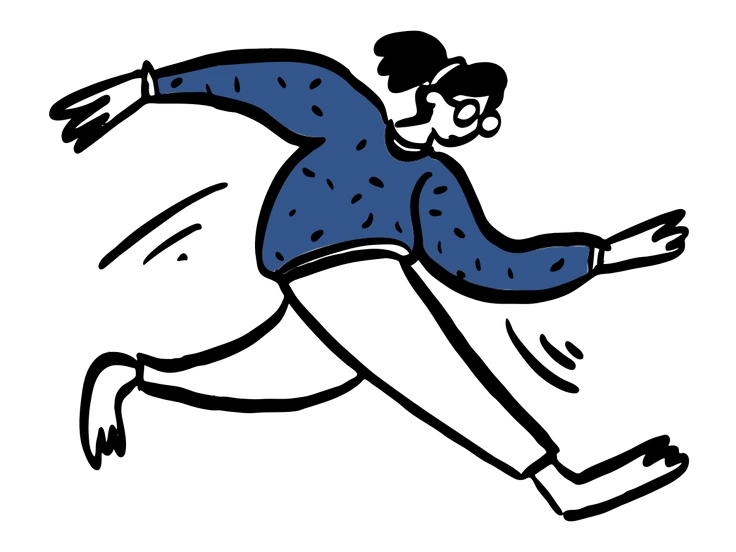
Open Doodles feels sketchy and character driven with loose scenes, but Twirl restricts itself to decorative lines without figurative storytelling.
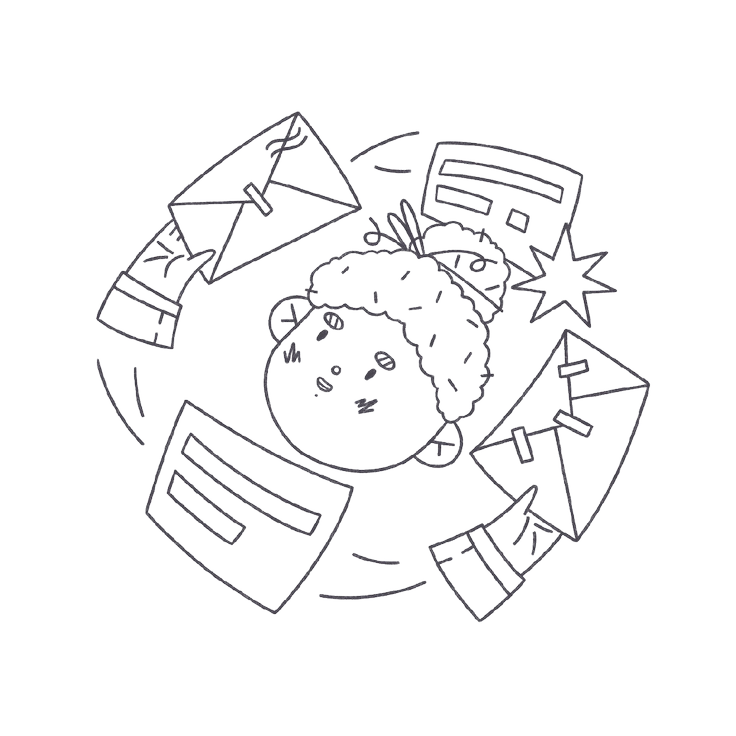
Bonbon Line uses colorful outlines and cute motifs, whereas Twirl usually sticks to a single hue and nonrepresentational curves.
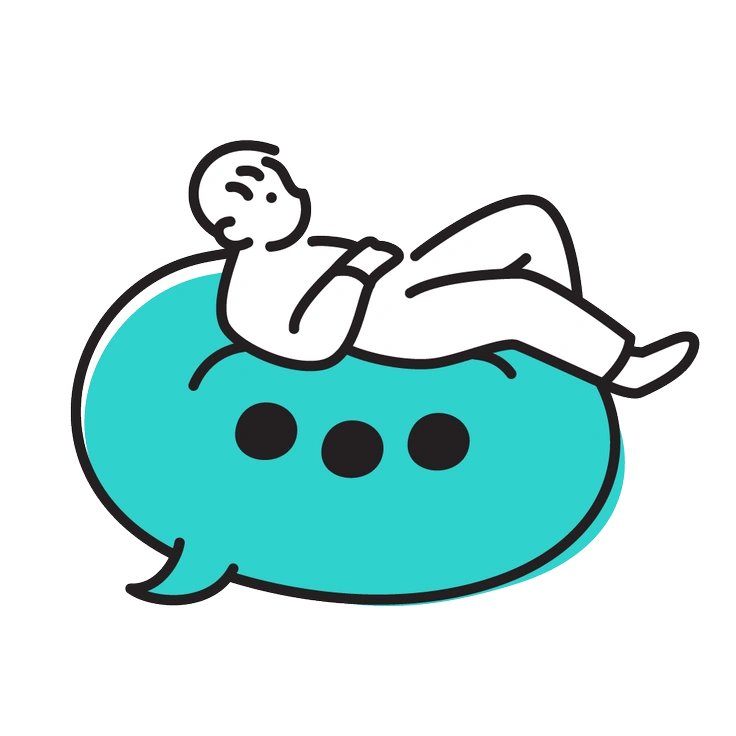
Little focuses on tiny mascots and icons with faces, while Twirl avoids characters and concentrates on abstract framing shapes.
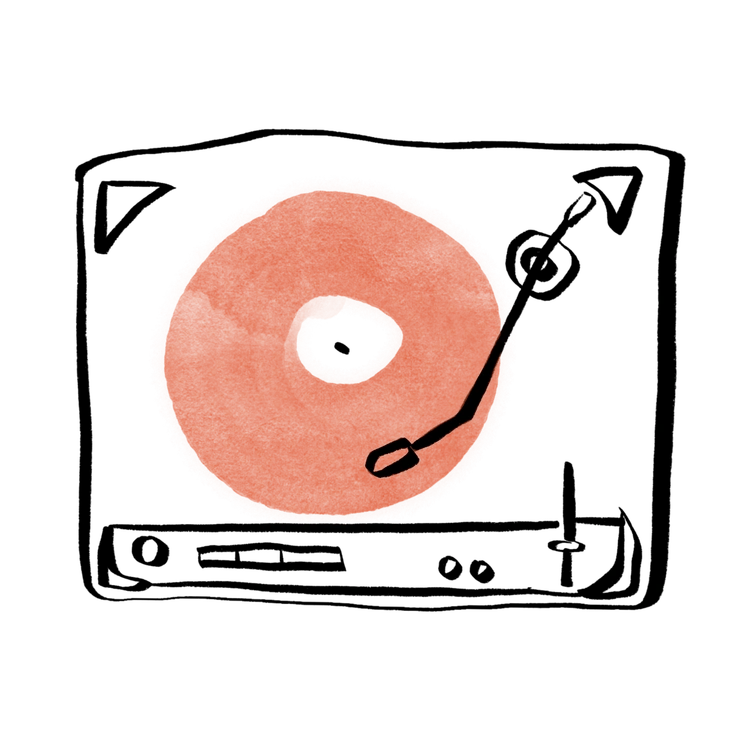
Hand-drawn animation emphasizes frame sequences and motion cues, whereas Twirl provides static decorative strokes for still layouts.

Scribbles feels rough and spontaneous with varying stroke weights, while Twirl keeps lines controlled and consistent for a decorative effect.
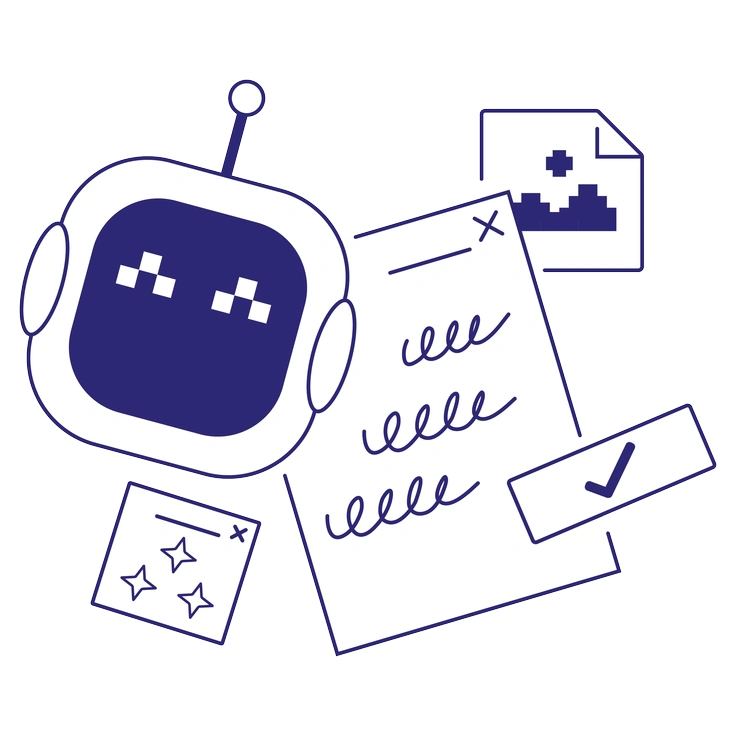
Cut mimics layered paper with shadow edges and solid blocks, whereas Twirl stays flat and line based.
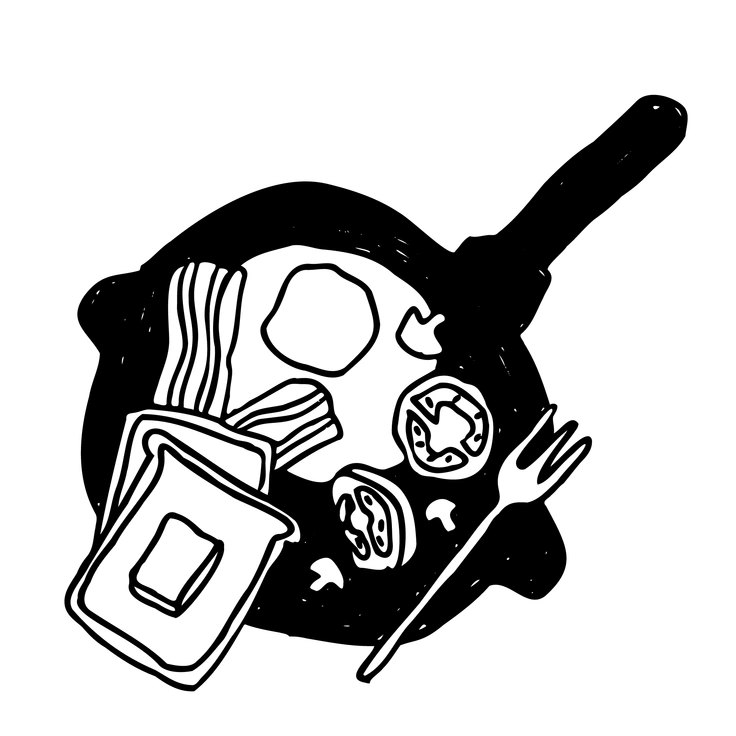
Marks looks like painted brushstrokes with texture and irregular edges, while Twirl favors smooth curves and tidy vector contours.
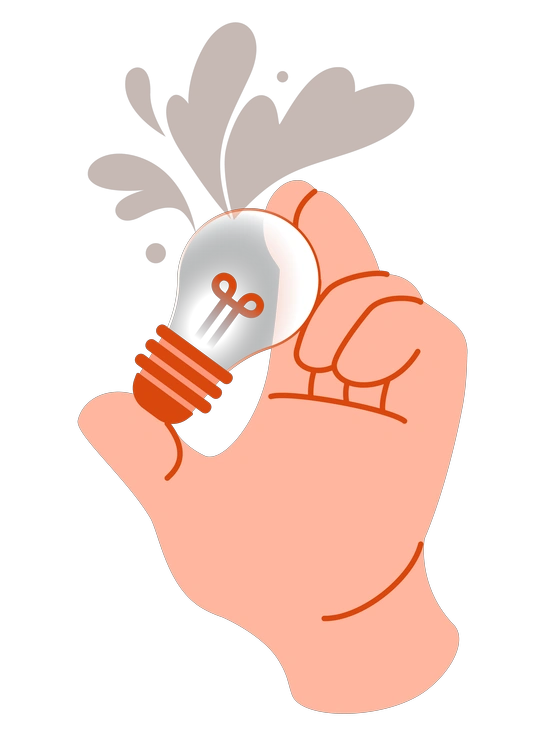
Orange delivers bold monochrome scenes in a signature warm hue, whereas Twirl can match any palette and feels lighter.
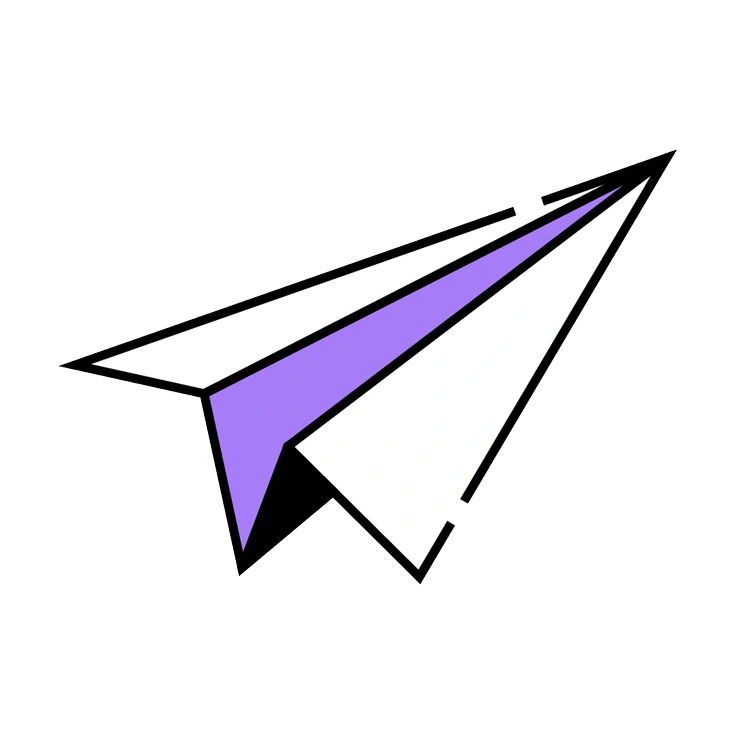
Amethyst focuses on gradient-filled shapes and dreamy purple tones, while Twirl relies on flat strokes and very minimal color.
Frequently asked questions


Start using Twirl illustrations today
Download PNGs for quick trials or switch to SVG on a paid plan for full customization. Drop Twirl lines into Figma or Pichon today and decorate real product screens in minutes.