Products
Music Lunacy

Dizzy Style Illustrations

Dizzy illustrations inject goofy characters and loud color into friendly products. Use them when your app or campaign needs immediate playfulness. They also suit onboarding flows that depend on clear cartoon storytelling.
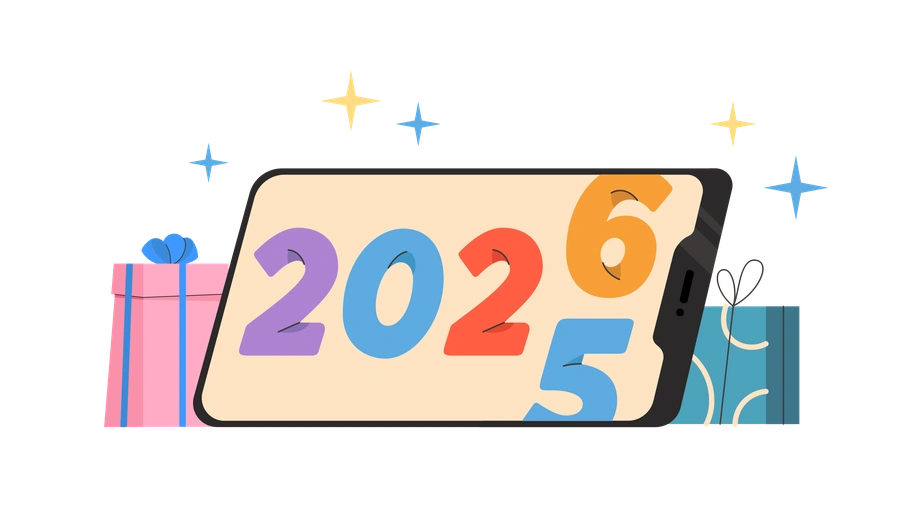
411+ illustrations SVG & PNG Editable colors Commercial license
A smartphone displaying the year 2026 with gifts - Dizzy style illustration
Punchy color blocks
Highly saturated fills keep every character and prop visible on cluttered screens and thumbnail views.
Exaggerated characters
Oversized heads and elastic bodies push expressions clearly, even when avatars appear tiny.
Clean bold outlines
Thick strokes separate characters from backgrounds so busy layouts and patterned sections still feel readable.
Flat vector build
Simple shapes without gradients compress well and keep exports crisp at multiple resolutions.

What is Dizzy Style?

The collection leans on flat vector shapes and punchy outlines. Big heads and tiny bodies meet wide eyes to create jokey silhouettes. Solid fills replace texture so every scene reads cleanly at small sizes.

Whether you're designing a kids' onboarding flow or a meme-worthy campaign, Dizzy supports approachable storytelling. Product teams and social media managers reach for it when humor softens instructions and policy messages.

For playful products and campaigns

Mobile games
Frame characters as heroes or villains across menus and reward screens. Use them on banners without commissioning bespoke game art.
Kids' apps
Use playful mascots for onboarding and empty states. They keep error messages friendly instead of strict to young users.
Brand campaigns
Use Dizzy scenes in social posts and email headers. Promotional microsites also benefit when your brand voice feels playful.
E-learning
Turn quizzes and progress badges into small stories so learners stay engaged. Lesson intros gain playful rewards and expressive reactions.

What Dizzy artists draw

Scenes center on goofy characters commuting or gaming. Many illustrations cover device usage and social media moments. Browse tags to jump straight into the subjects you need.

Narrowing down your cartoon vibe

Comparing light and proportions helps you decide which illustration mood matches your product tone and interface density.
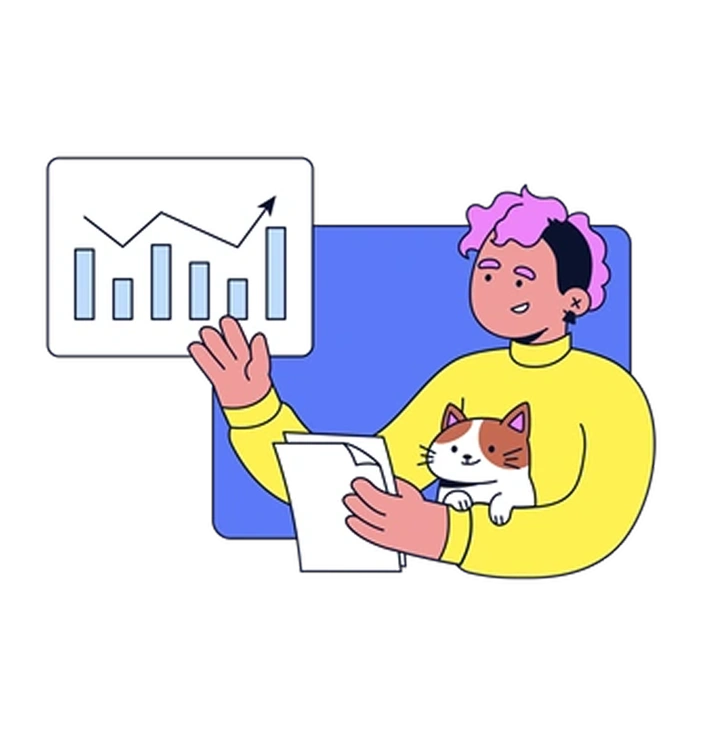
A person holding a cat and a report - Flexy style illustration
Flexy

Flexy uses smoother curves and softer expressions. It feels more adult and understated compared with Dizzy's slapstick cartoon exaggeration.

561+ illustrations
Animated
A light bulb surrounded by geometric shapes - Grainy style illustration
Grainy

Grainy adds textured shading and muted colors. Dizzy stays flat and high contrast, ideal for strict flat-design systems.

122+ illustrations
A stylized doorway with stairs and an arrow - Bright style illustration
Bright

Bright shares bold palettes but leans toward cleaner geometry and fewer jokes. Dizzy focuses on comedic faces and skewed proportions.
445+ illustrations
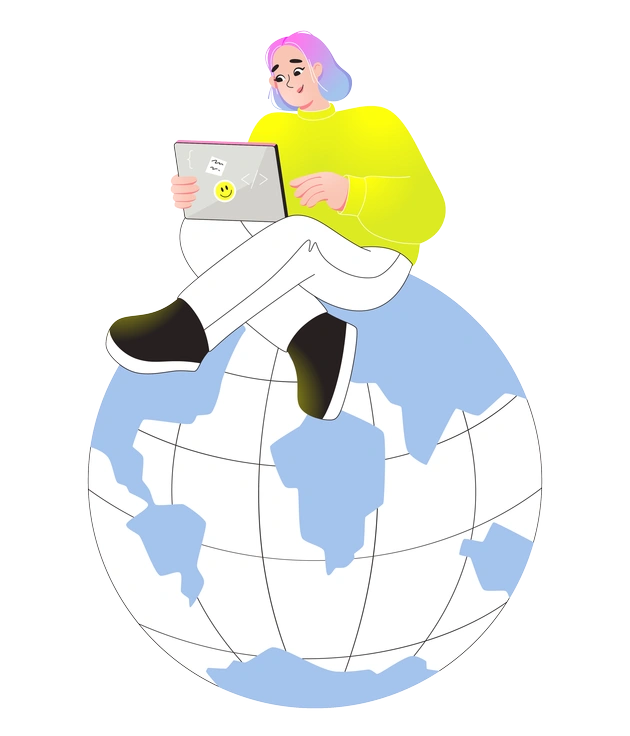
A person sitting on a globe with a laptop - Like style illustration
Like

Like feels more friendly-corporate, with modest expressions and polished icons. Dizzy embraces absurd reactions and chaotic comedy in everyday scenes.
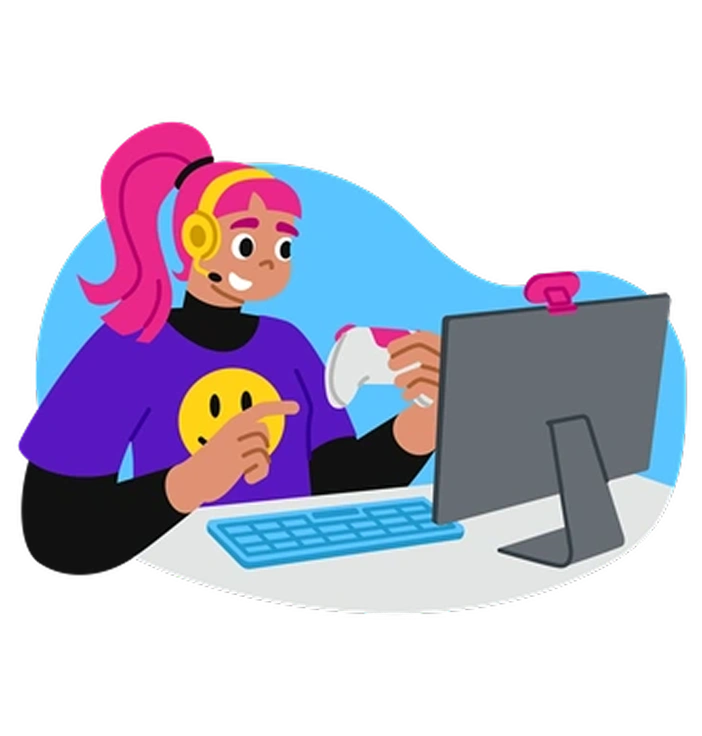
111+ illustrations
A person gaming at a computer - Active style illustration
Active

Active spotlights fitness and motion with dynamic poses. Dizzy covers broader leisure topics and social mishaps, with less anatomical accuracy.

289+ illustrations
Animated
A brain connected to data and science elements - Glossy style illustration
Glossy

Glossy introduces highlights and subtle depth. Dizzy stays purely flat, which aligns better with minimal UI controls and vector-based branding.

378+ illustrations
A brain surrounded by abstract digital elements - Chromed style illustration
Chromed

Chromed mimics metallic surfaces and futuristic gadgets. Dizzy instead illustrates soft props and human characters with hand-drawn cartoon energy.

123+ illustrations
A person playing a yellow guitar - Mellow style illustration
Mellow

Mellow tones down saturation and facial drama. Dizzy pushes stronger colors and louder expressions for youth-focused products.
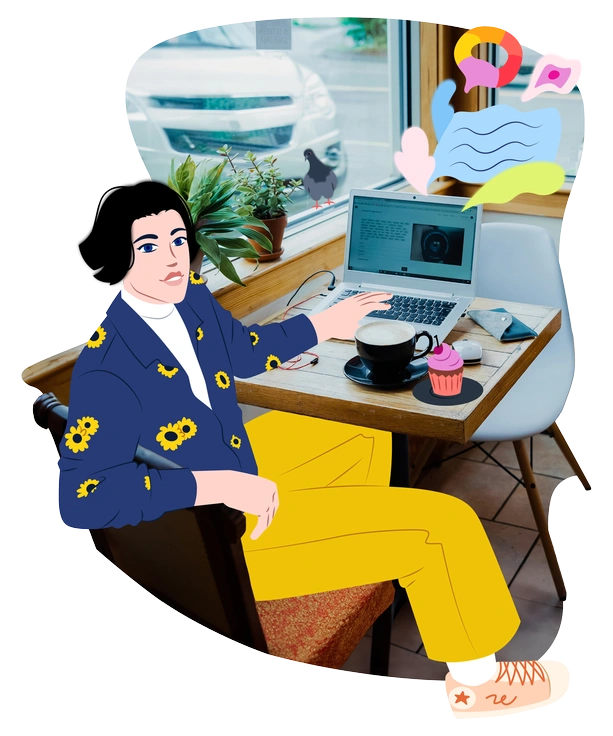
594+ illustrations
A person sitting at a café table - Everyday style illustration
Everyday

Everyday focuses on practical office scenarios and neutral feelings. Dizzy swaps routine tasks for sillier moments, tantrums and over-the-top celebrations.
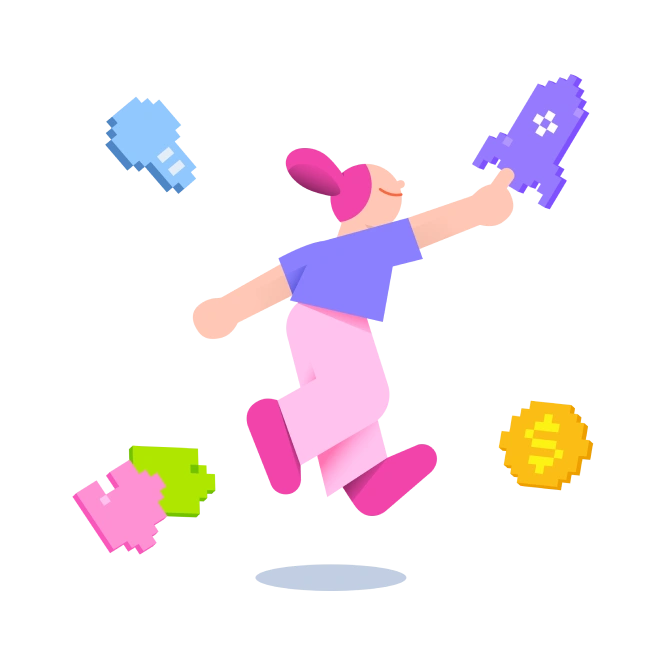
163+ illustrations
A character jumping with colorful pixelated objects - 8bit style illustration
8bit

8bit uses pixel grids and limited palettes for nostalgic game aesthetics. Dizzy opts for smooth vectors and modern cartoon clarity.

210+ illustrations
Animated
A pipe, shamrock, coins, horseshoe, and green hat - Festicon style illustration
Festicon

Festicon packs holiday and celebration icons with decorative detail. Dizzy shows full characters in scenes, useful beyond seasonal campaigns.

47+ illustrations
A woman sitting at a table with a laptop - Sketchbook style illustration
Sketchbook

Sketchbook keeps visible pencil strokes and looser coloring. Dizzy feels crisper and more digital, ideal for interfaces.

241+ illustrations
Animated

Frequently asked questions

The Dizzy library currently includes 411+ illustrations and keeps growing over time. You always download the latest additions directly from Icons8 or through the Pichon app.
On PNG downloads you keep the original palette. With SVG files from paid plans, you can recolor shapes in Figma or edit hues in Mega Creator.
You can start on the free Icons8 plan, which provides PNG files with an attribution link. Paid plans unlock SVG and remove attribution requirements. Pricing details live on the Icons8 site.
It works technically because all styles export as PNG or SVG. Visually, many designers pair Dizzy with flat icons and limit mixing to occasional accent scenes.
Yes, the bold outlines and strong saturation usually hold on dark themes. For very dark layouts, consider slightly lightening the background or adjusting colors via SVG to keep contrast.
Abstract liquid sphere illustration 3D coins illustration 3D charts in metal box illustration

Start using Dizzy illustrations today

Grab Dizzy PNGs for quick drops into mockups, or switch to SVG on paid plans for full recoloring. Drag assets from Pichon or Mega Creator straight into Figma and ship playful flows faster.

Explore Dizzy library