


















Vector Style Illustrations
Vector illustrations keep interfaces sharp with flat geometry and high contrast color. Product teams drop them into dashboards and onboarding screens to explain workflows without adding heavy visual noise.
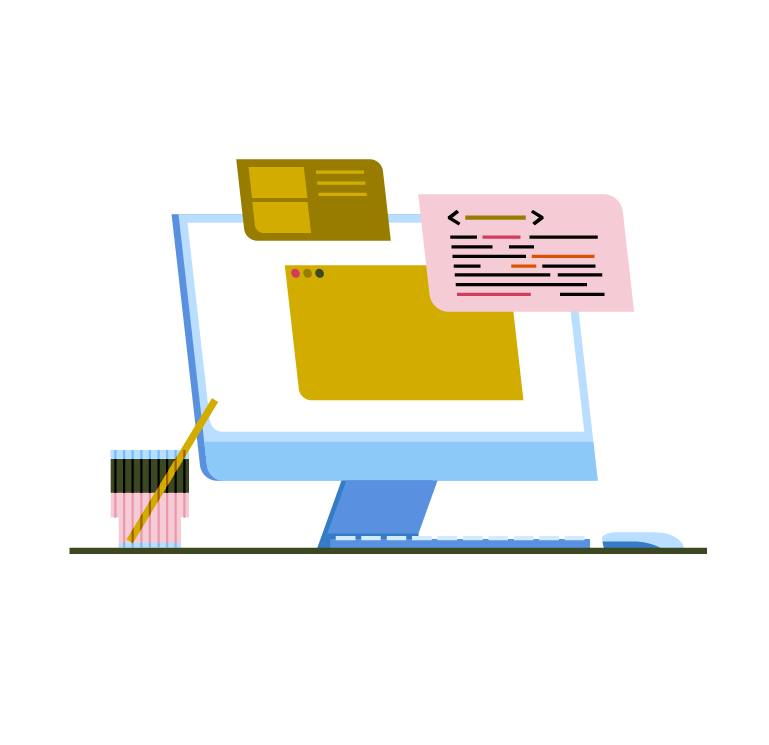


What is Vector Style?
Rounded forms and rigid geometry mix with flat fills and no outlines. Bold saturated blocks sit on generous white space so screens feel organized and readable even beside dense interface elements.
Whether you're designing SaaS onboarding or internal tools, Vector keeps visuals consistent. Marketing managers and product designers reuse characters and layouts across slide decks and lightweight product documentation.
For product UI and content


Vector packs by subject




What Vector artists draw
Office teamwork and device mockups appear again and again in Vector scenes. Skim collaboration or analytics themes, then browse tags to jump straight to what you need.
Narrowing down your vector look
Comparing nearby illustration moods helps you pick scenes that match your brand tone and product complexity.

Catchy leans into chunky outlines and playful exaggeration, while Vector stays flatter with quieter geometry for serious product interfaces.

Jaconda uses loose hand‑drawn strokes and textured fills. Vector removes sketchiness and texture so shapes feel engineered and predictable.

Knotty characters twist around ribbons and abstract pipes. Vector scenes keep bodies grounded with straightforward poses and clear spatial separation.

Moments focuses on narrative vignettes and softer stories. Vector favors simplified workplace actions that sit neatly beside interface components.

Shine adds gradients and glossy lighting for depth. Vector keeps flat color planes that align cleanly with minimal interface layouts.

Fogg leans muted and atmospheric with softer edges. Vector embraces crisp corners and high contrast palettes for direct, functional communication.

Nordic leans toward editorial scenes with stylized bodies and decorative details. Vector trims ornaments and suits straightforward product storytelling.

Teko introduces quirky character shapes and unexpected symmetry. Vector keeps anatomy simple and proportions steady for calm, dependable product visuals.

Martina leans decorative with patterned outfits and softer poses. Vector simplifies clothing and gestures so figures stay legible on screens.

Daily captures everyday routines with looser structure. Vector concentrates on work scenes and keeps compositions tightly arranged around core actions.

Lagom uses muted palettes and softer contrast. Vector turns saturation up, giving product pages more punch beside strong brand colors.

Clip echoes retro clip‑art with quirky silhouettes. Vector feels more neutral and contemporary for teams that prefer restrained geometry.
Frequently asked questions


Start using Vector illustrations today
Sign in, grab a few Vector scenes, and drop them straight into Figma or your slide deck. Adjust colors with SVG files or Mega Creator, then ship cleaner product stories faster.