


















Knotty Style Illustrations
Knotty brings bright vector characters and simple household objects into clean scenes. Use it when onboarding flows and learning screens or wellness dashboards need friendly visuals without complex shading or heavy detail.


What is Knotty Style?
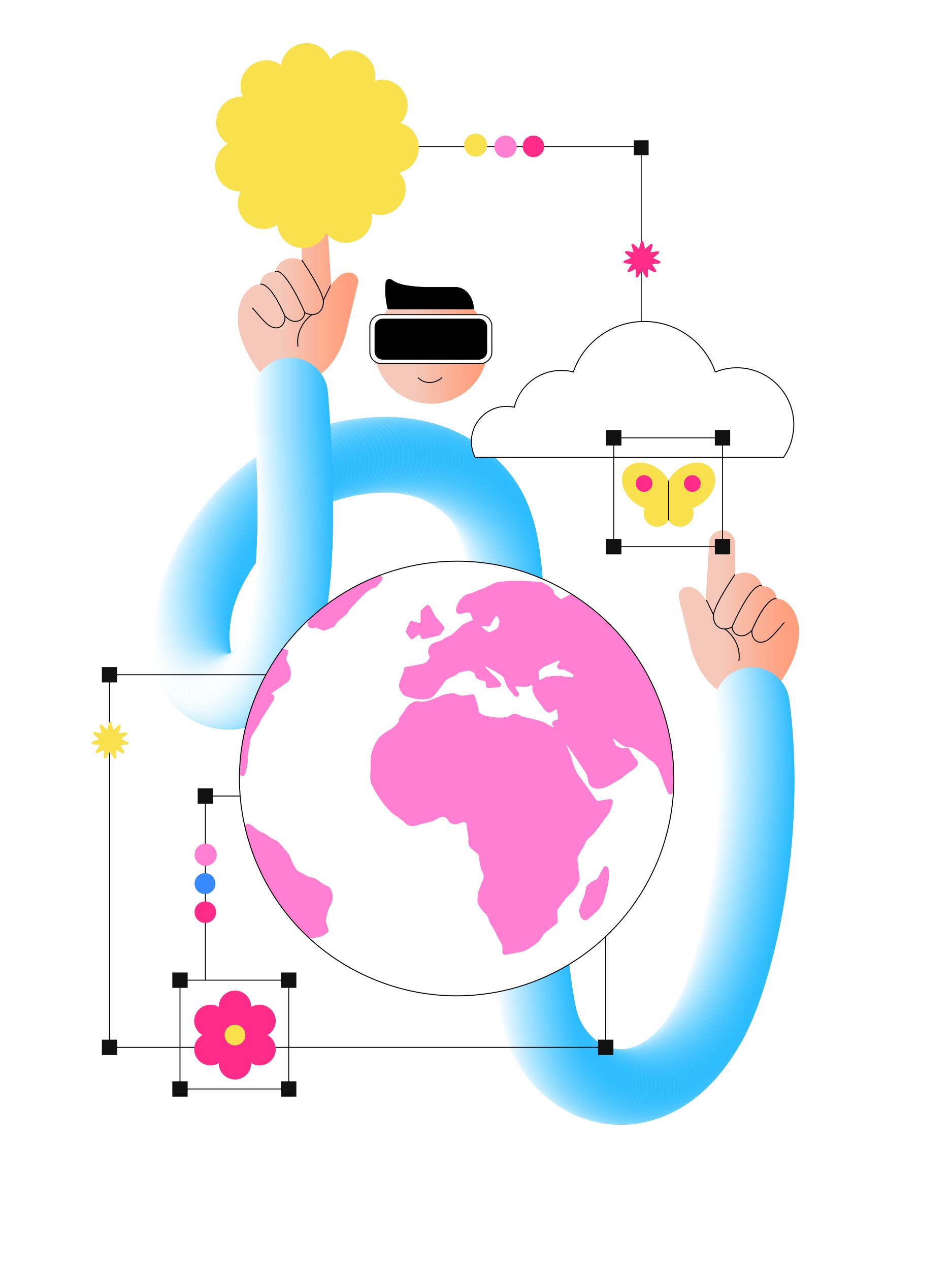
Light and space define Knotty scenes with generous white backgrounds and open compositions. Rounded characters and soft objects share space with abstract plants in flat color blocks and consistent stroke outlines.
Product designers for consumer apps reach for Knotty in onboarding flows and profile screens. Educators and wellness coaches use it for course covers and progress visuals. Kids’ teams apply the look to playful reward moments.
For apps and learning platforms


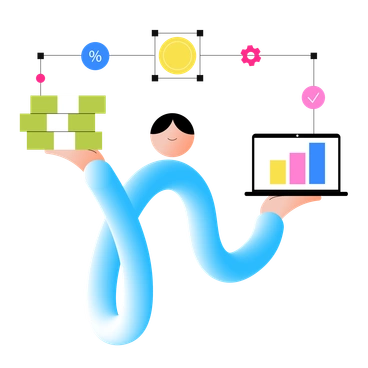
Scenes Knotty artists draw
Everyday conversations at home or in shared spaces appear throughout Knotty. Simple objects and nature motifs frame characters as quiet props and visual pauses. Browse tags to jump into specific themes.
Pick your bright vector mood
Comparing Knotty with nearby styles helps you decide whether your product visuals feel more playful or more restrained and conceptual.
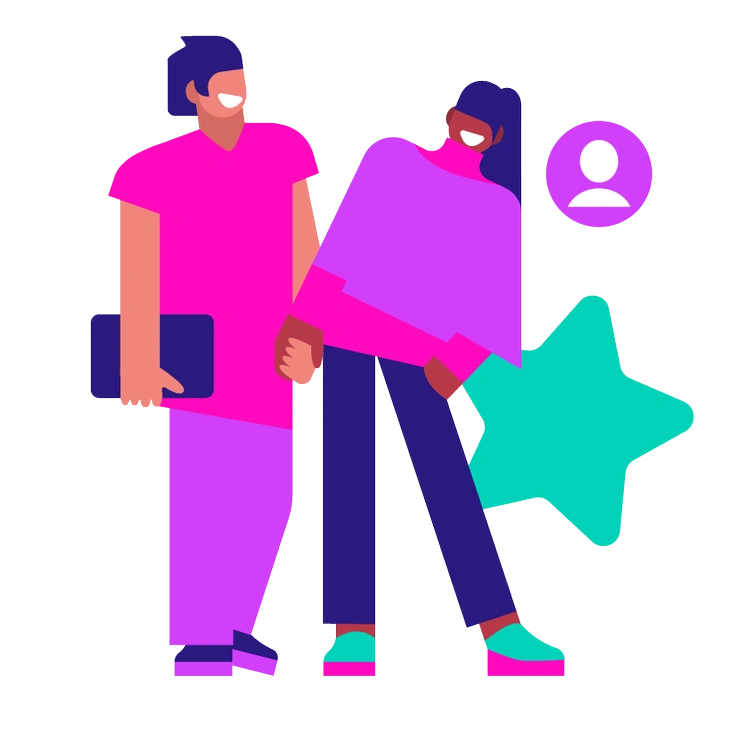
Basic favors very plain shapes and limited detail, while Knotty adds expressive characters and decorative elements that feel more playful.
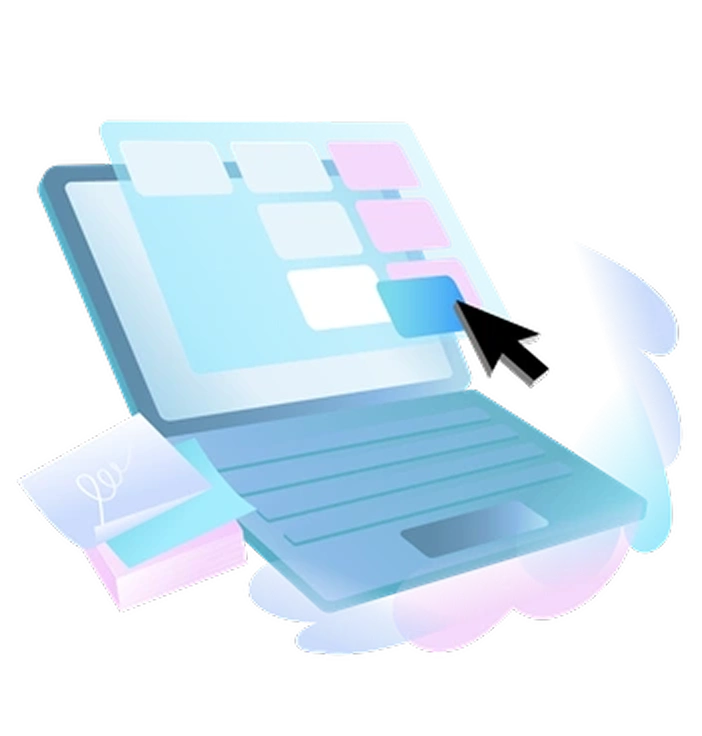
Airy leans on spacious compositions and softer palettes, whereas Knotty keeps colors stronger and shapes more grounded for everyday stories.
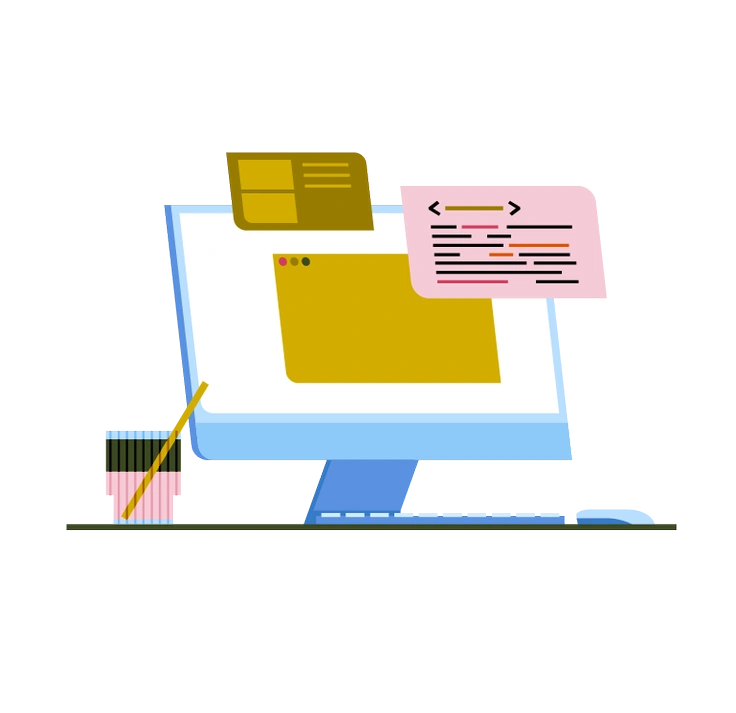
Vector stays closer to generic icon language, while Knotty pushes character presence and small scene details for narrative moments.

Concept focuses on metaphorical diagrams and abstract ideas. Knotty instead shows concrete people and objects in understandable situations.

Sleepy uses muted tones and slower moods, whereas Knotty reaches brighter saturation and slightly higher energy in gestures.
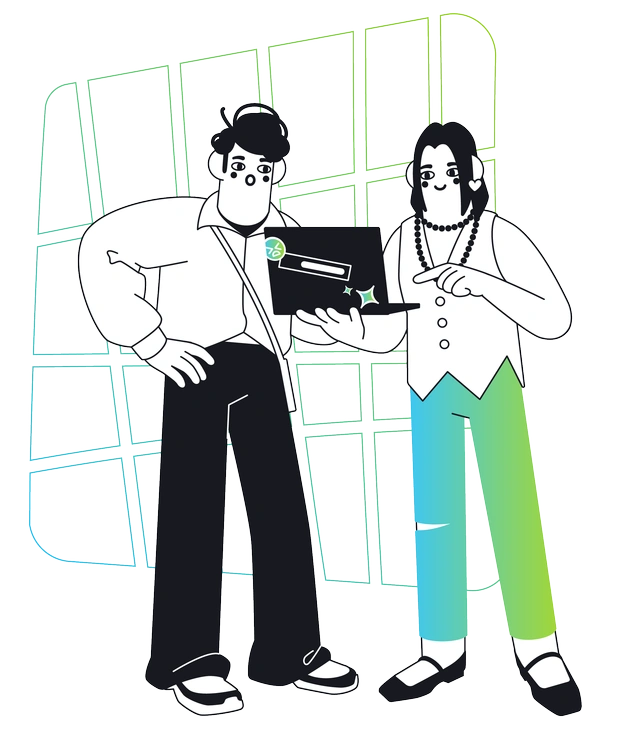
Breeze feels lighter with thinner outlines and airier spacing. Knotty fills shapes more confidently and leans on denser decorative backdrops.
Frequently asked questions


Start using Knotty illustrations today
Download Knotty assets, drop them into Figma or your favorite tool, and adjust colors with SVG. Build onboarding flows and lesson slides plus wellness dashboards faster than briefing an illustrator from scratch.