


















Teko Style Illustrations
Teko uses flat geometric characters and a recurring robot companion to explain complex product ideas. Neutral tones support clean layouts so SaaS teams can ship consistent UI faster.



What is Teko Style?
The collection leans on strict geometric shapes and flat fills in muted grays and blacks. Occasional color accents highlight key actions while a simple robot mascot threads scenes together.
Product teams at SaaS companies grab Teko for onboarding tours and feature announcements. Mobile app designers and educators reuse the neutral characters across dashboards and course content. Internal documentation often adopts the same scenes.
For product and learning teams


Packs from the Teko collection




Common Teko themes
Scenes often show workplace collaboration and product interfaces with a helpful robot nearby. Many images cover onboarding steps or abstract data panels. Browse the gallery by tag to focus on topics.
Finding your Teko lookalike
Comparing Teko to nearby styles helps you choose the right balance between quiet neutrality and more expressive storytelling.

Shine keeps the tech mood but adds gradients and glossy lighting, while Teko stays strictly flat with muted tones.

Fogg uses softer edges and hand-drawn charm. Teko feels more geometric with sharper corners suited to structured dashboards.

Nordic introduces bolder colors and decorative elements, whereas Teko prefers restrained palettes and minimal detail for serious product interfaces.

Martina leans into playful characters and warmer palettes. Teko targets neutral tech environments where illustrations should not dominate UI.

Daily focuses on everyday lifestyle scenes and softer storytelling. Teko stays close to product workflows and interface moments.

Lagom balances illustration and whitespace for editorial layouts, while Teko feels denser and tuned to app screens and dashboards.
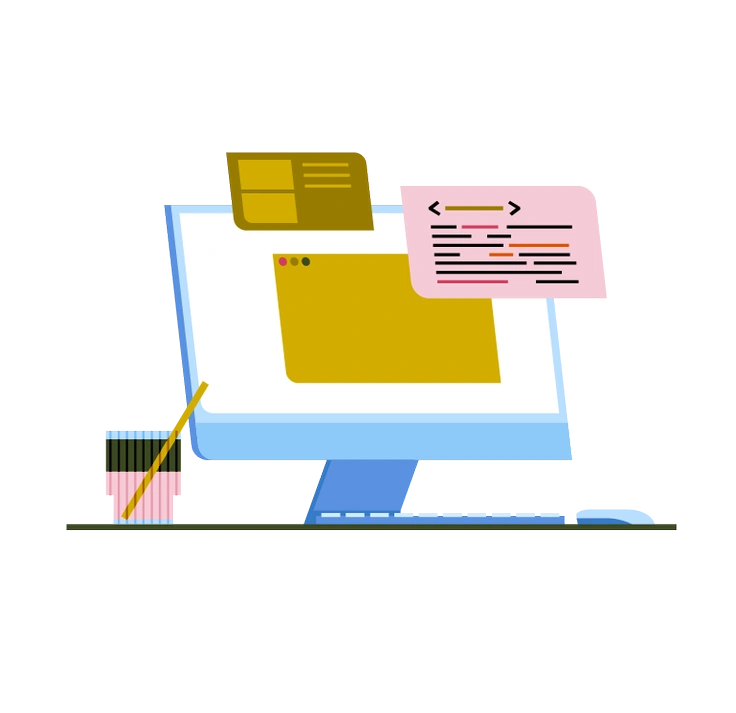
Vector offers a more generic flat look without a mascot. Teko’s recurring robot character adds subtle continuity across flows.

Clip emphasizes bold outlines and cutout shapes. Teko avoids heavy strokes and keeps edges crisp for cleaner UI integration.

Pale uses delicate tints and airy compositions suited to mood pieces. Teko feels solid and grounded for structured tech narratives.

Catchy pushes bright colors and dynamic poses that demand attention, whereas Teko supports content quietly with restrained movement.

Jaconda mimics marker sketches and loose lines. Teko instead relies on clean geometry and firm edges for product work.

Vivid brings saturated colors and energetic compositions, while Teko uses subdued tones and stable layouts for serious interfaces.
Frequently asked questions


Start using Teko illustrations today
Download a few Teko scenes and drop them into Figma or Sketch to test on real product screens. Then adjust SVG colors and keep layouts consistent while you ship faster.