


















Rubber Style Illustrations
Rubber brings inflated, toy-like objects with thick outlines and plastic shine into your UI. Give games, kid products, and playful brands a tactile, friendly look without custom 3D work.


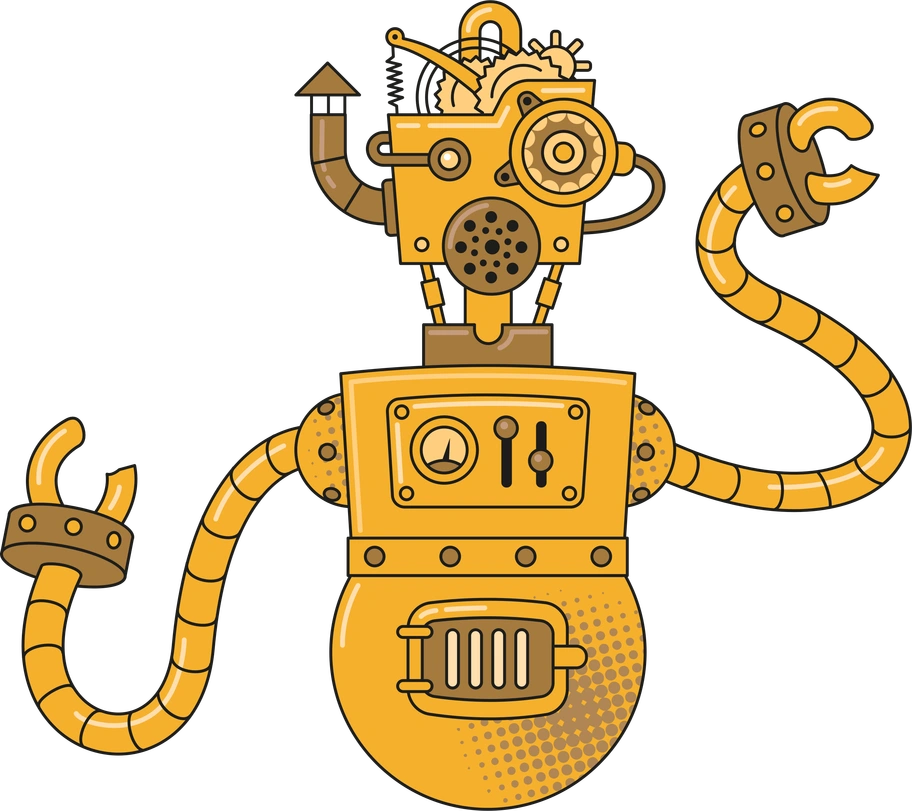

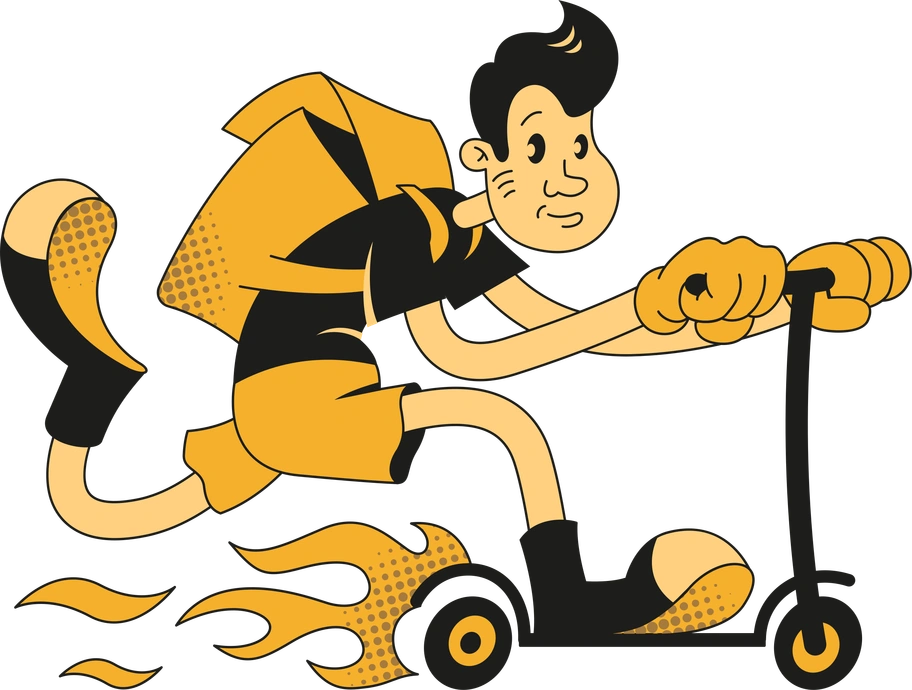


What is Rubber Style?
Rendered with plastic-like textures and smooth gradients, Rubber turns everyday objects into inflated toys. Heavy outlines separate shapes. Muted colors, high contrast, and rounded proportions keep scenes bold yet easy to scan.
The style works across mobile games, children’s learning tools, and casual consumer apps. Product teams pick Rubber when interfaces must feel huggable and clear for young audiences and first-time users.
For playful apps and brands



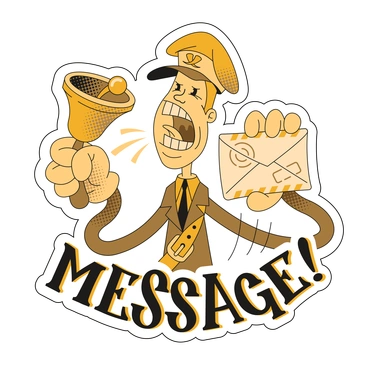
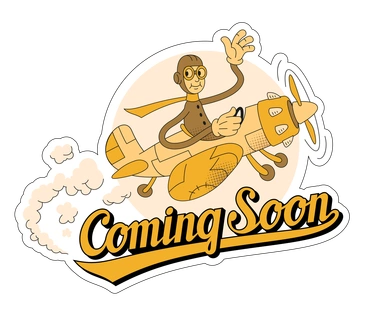
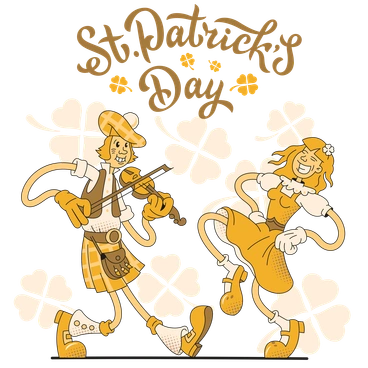
Common rubber scenes
Toy-like gadgets, friendly characters in simple poses, and everyday objects turned into soft plastic props appear most often. Browse by tag to jump straight into the subjects you need.
Which rubber mood fits best
Comparing Rubber with nearby styles helps you choose how exaggerated, textured, or realistic your visuals should feel for each project.
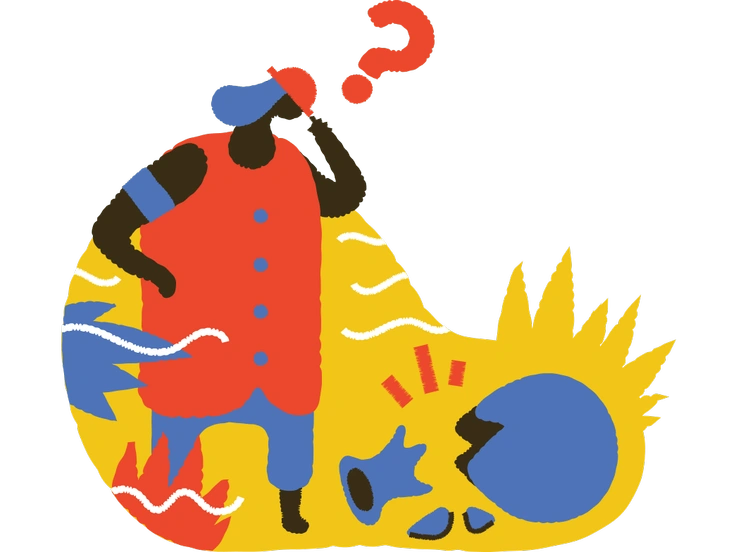
Bermuda keeps shapes flatter and more geometric, while Rubber feels puffed, inflated, and much more toy-like in every scene.
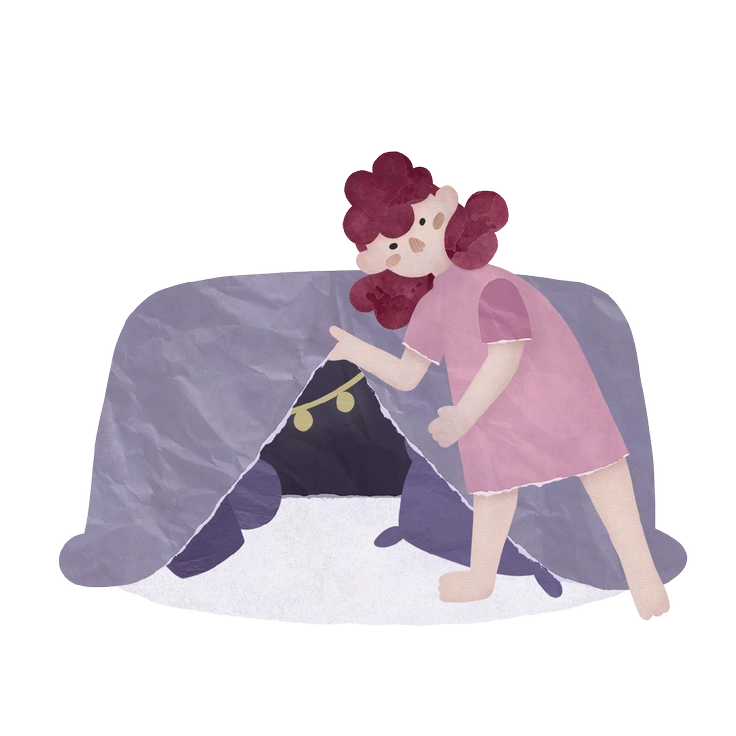
Papery mimics cut paper edges and layered sheets. Rubber instead uses smooth plastic textures and heavy outlines for softness.
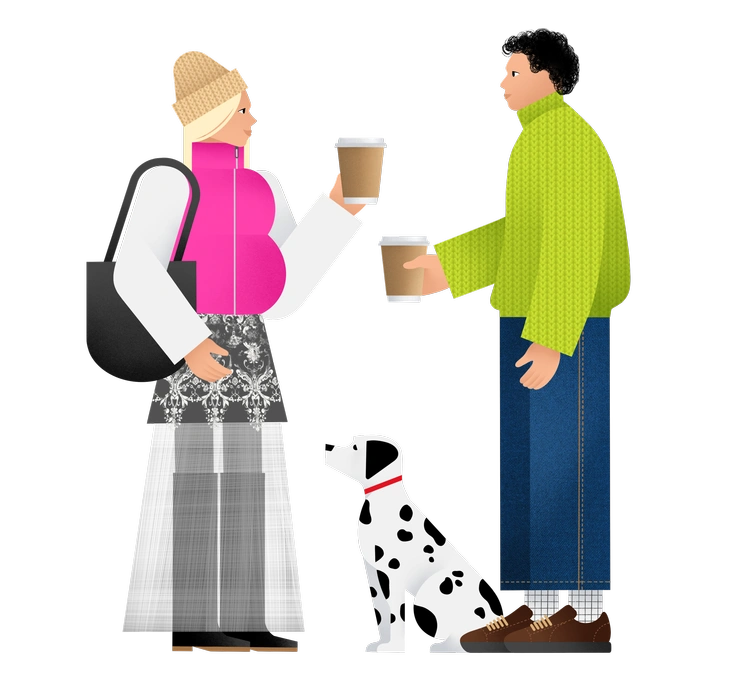
Patchwork builds scenes from stitched fragments and fabric textures. Rubber relies on unified, inflated volumes with shiny rubber shading.
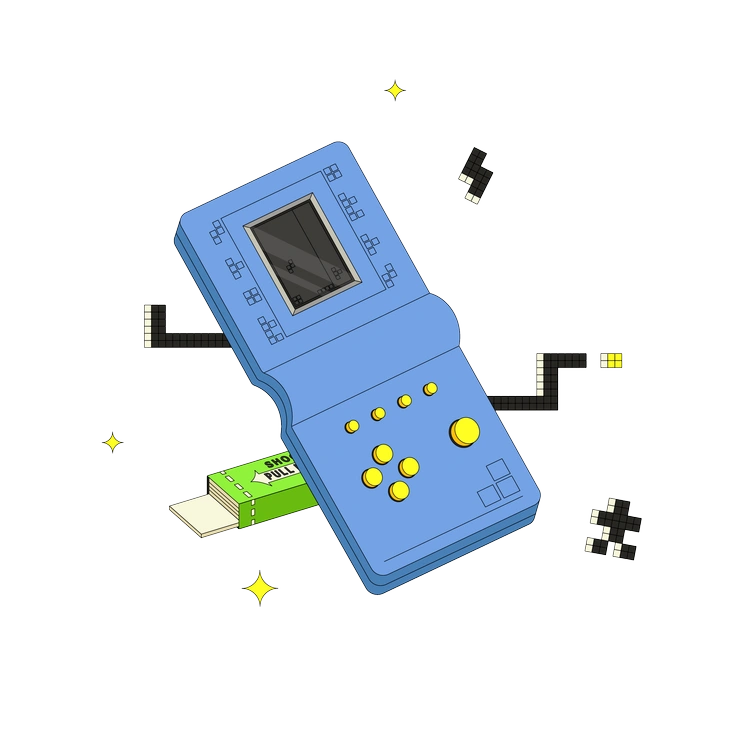
Retro leans on grainy textures and nostalgic palettes. Rubber drops the nostalgia and highlights plastic surfaces with bold contour lines.
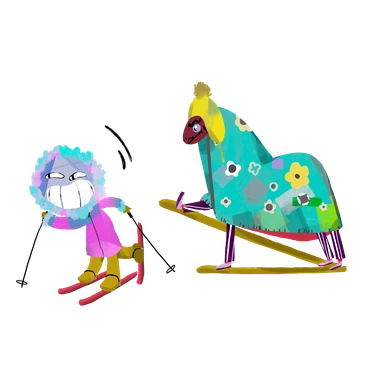
Atomic is sharper and more dynamic with mid-century vibes. Rubber softens everything into rounded, inflated objects that suggest squishy toys.
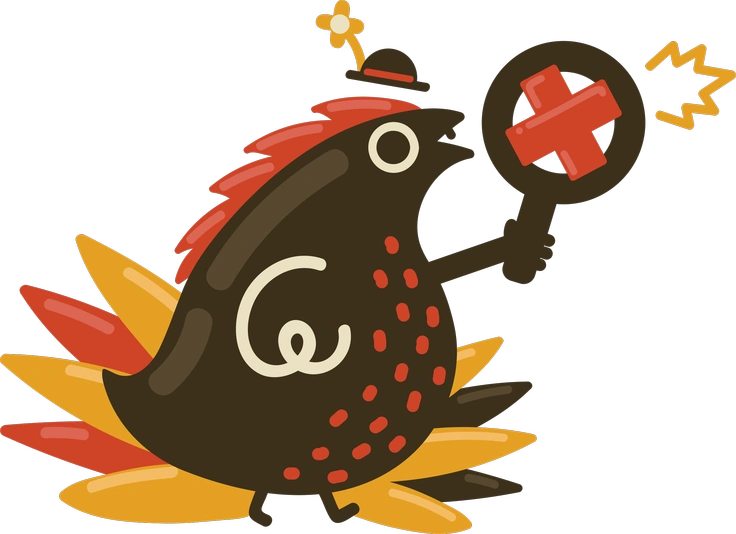
Arabica focuses on warm, cozy scenes with softer contrast. Rubber uses bolder separation and cartoon proportions for louder, kid-friendly interfaces.
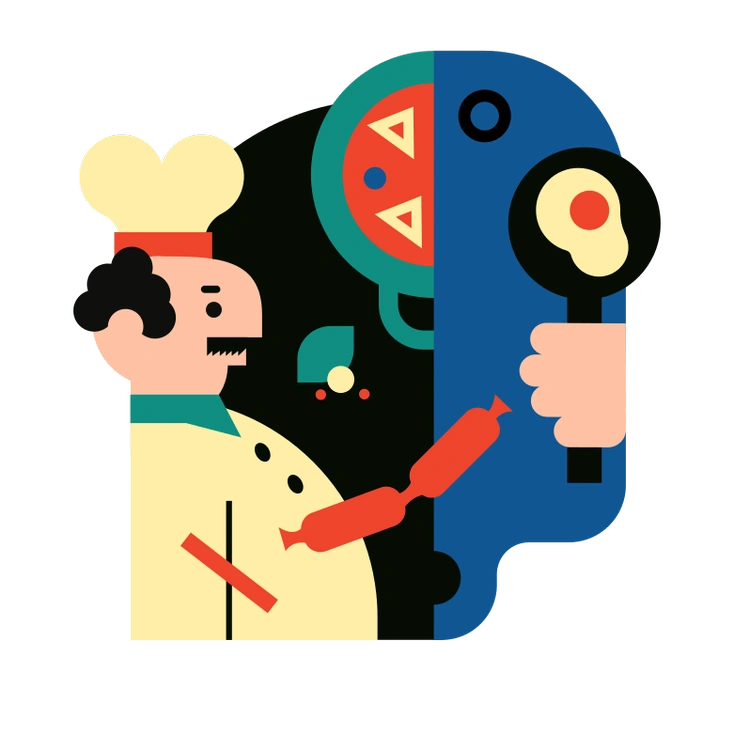
Polar brings cool, clean gradients and sleeker forms. Rubber exaggerates mass and outlines, giving interfaces a chunkier and more playful feel.

Handy looks like cut-out hand shapes and abstract gestures. Rubber turns full objects and characters into molded plastic with volume.

Looney pushes wild expressions and slapstick poses. Rubber stays more object-focused and leans on inflated materials rather than extreme motion.
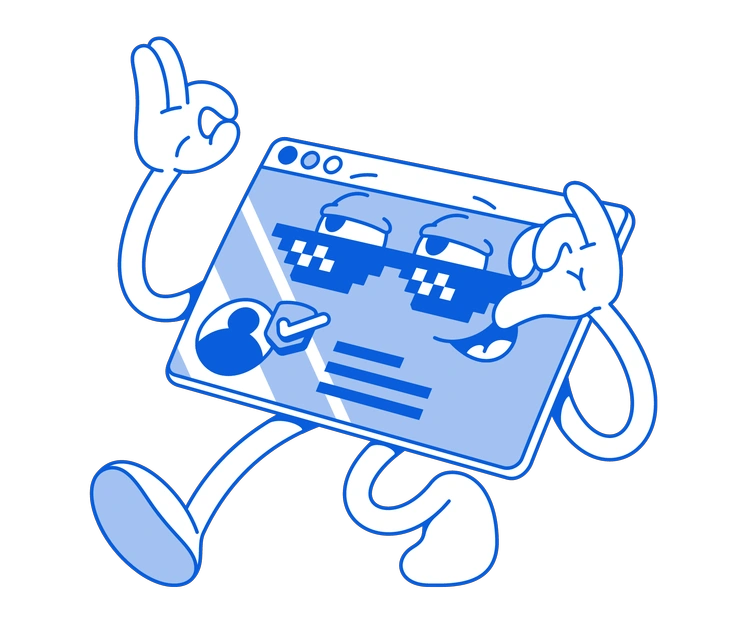
Handy Line is minimal and line-driven with almost no volume. Rubber is the opposite, prioritizing thick masses and rubber shine.
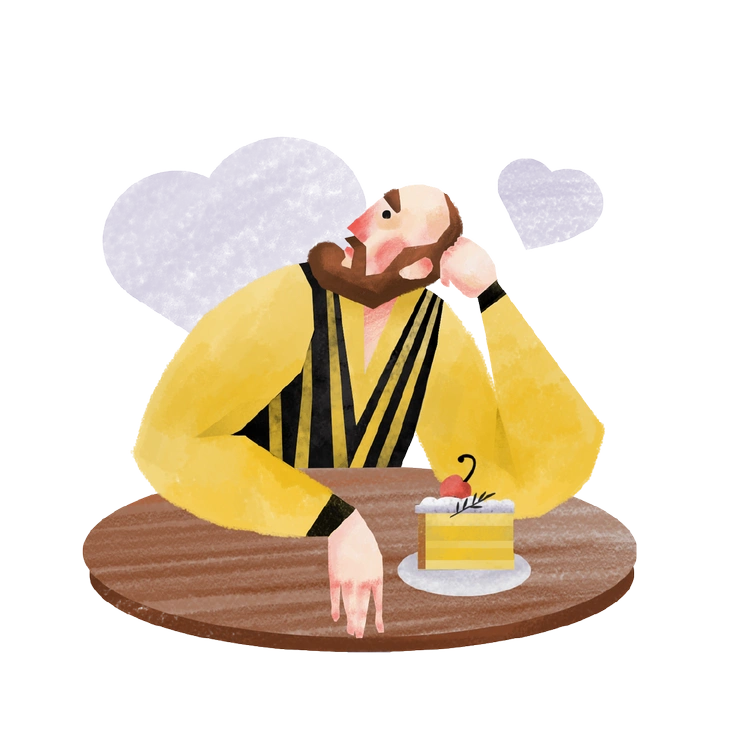
Family centers on character interactions and gentle storytelling. Rubber emphasizes toy-like objects and UI elements for direct, game-ready scenes.
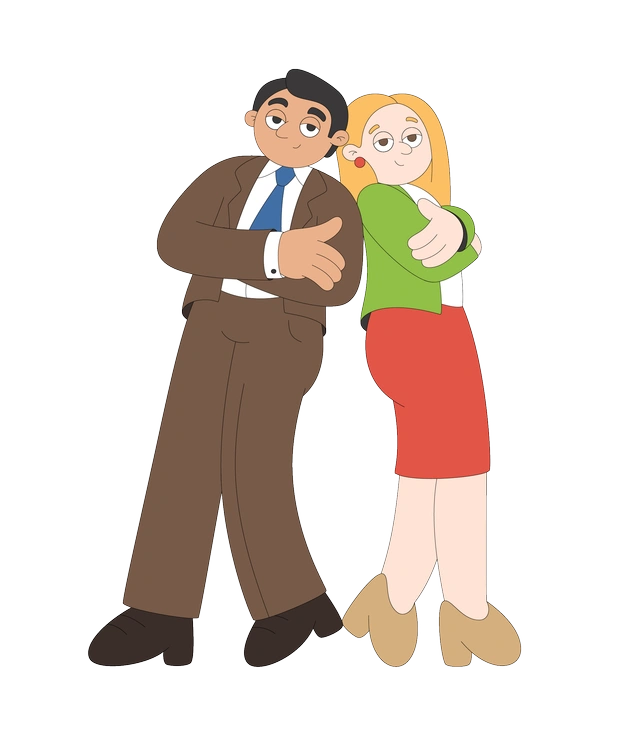
Sitcom feels like flat animated series frames. Rubber swaps flatness for inflated 3D volume and a distinctly plastic texture.
Frequently asked questions


Start using Rubber illustrations today
Browse 270 Rubber scenes and props, then drop PNGs straight into your layouts. Switch to SVG for recoloring in Figma or Sketch. Use Pichon or Mega Creator for quick drag and drop.