


















Colors Style Illustrations
Colors illustrations hit hard with saturated palettes and sharp geometry that read instantly. Drop them into youth-focused apps, campaigns, or portfolios whenever you need pure color energy without extra detail.



What is Colors Style?
Colors turns simple geometry into loud statements. Solid fills replace shading. Saturated reds and blues sit beside neon greens. Clean outlines stay minimal so color relationships carry most of the structure.
Product teams at creative startups grab Colors for onboarding flows and launch pages. Agency designers use it when client pitches and festival identities must feel electric without complicated illustration briefs.
For bold digital campaigns


Explore Colors packs



What Colors artists draw
Abstract geometric arrangements appear often, along with everyday objects in unexpected palettes and simplified lifestyle scenes. Many illustrations center on color experiments, so you can browse by tag to match specific themes.
Narrowing down your color mood
Comparing illustration moods helps you decide how loud or minimal your visuals should feel beside real content.

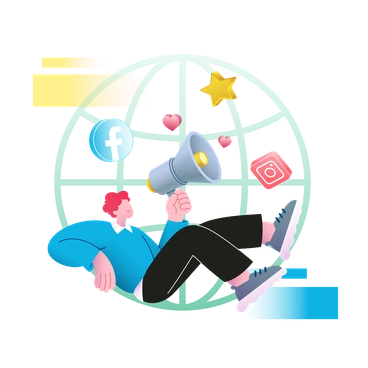
3d-airy spreads pastel-toned 3D objects in spacious scenes, whereas Colors crowds flat frames with intense hues and minimal depth cues.
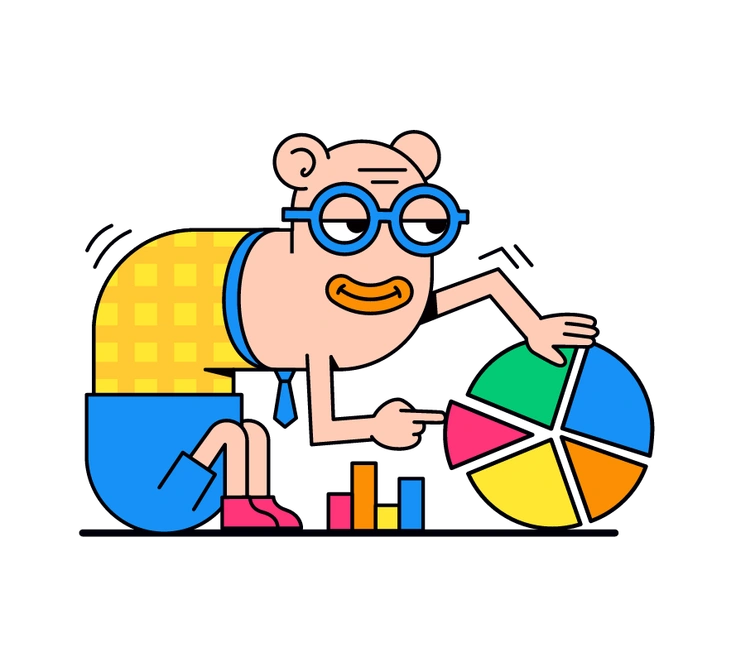
Droll skews toward quirky characters and narrative gags, while Colors leans on abstracted objects and color studies over storytelling.

Clip looks like collage cutouts with visible overlaps and paper edges, whereas Colors stays crisp with uniform strokes and fills.
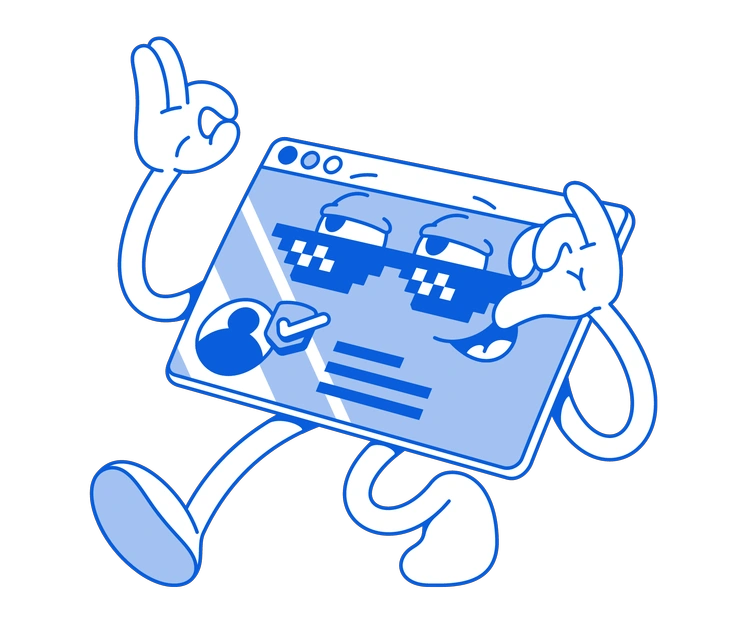
Handy Line relies on thin outlines and sparse color blocks, while Colors minimizes line work and lets fills dominate layouts.
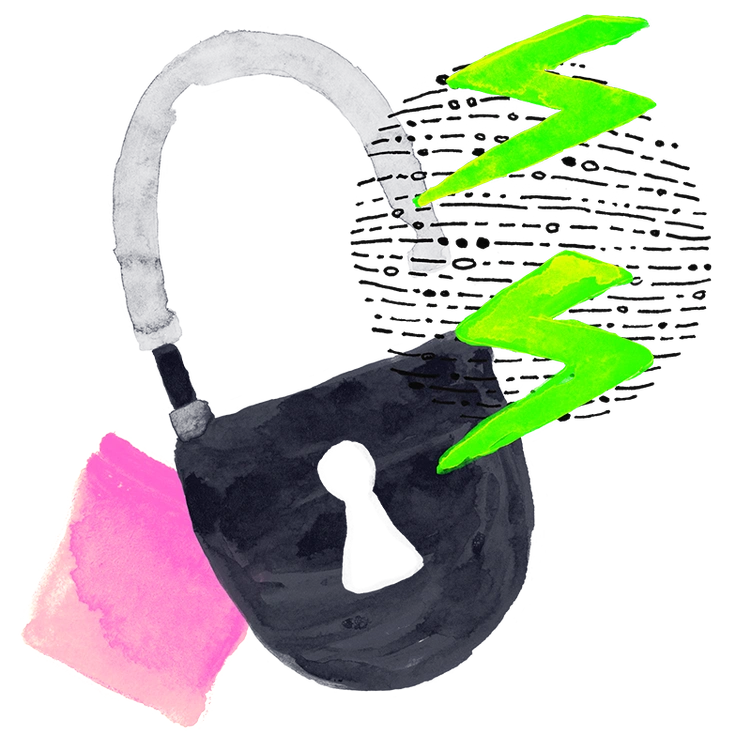
Inky introduces textured strokes and irregular edges, whereas Colors keeps surfaces flawless with sharp corners and clean color planes.

Lumiere mimics studio photography lighting and realistic proportions, whereas Colors behaves like print posters with graphic simplification and exaggerated hues.
Frequently asked questions


Start using Colors illustrations today
Download PNGs for quick experiments or grab SVGs on a paid plan for full palette control. Drag assets from Pichon or Mega Creator straight into Figma, Sketch, or your chosen tool.