


















Spot Style Illustrations
Built from strict geometry and muted tones, Spot illustrations add quiet structure to product UIs. Use them when you need supportive visuals that never compete with data or copy.



What is Spot Style?
Light and space define Spot scenes through wide margins and simple blocking. Circles and rectangles build every figure. Colors stay dull and desaturated. Flat fills and even strokes keep everything deliberately neutral.
Product teams building dashboards and internal tools reach for Spot when photos feel too loud. SaaS founders and small agencies also use it for onboarding flows and empty states in web apps.
For minimal product interfaces


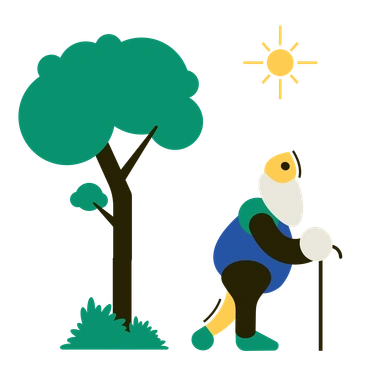

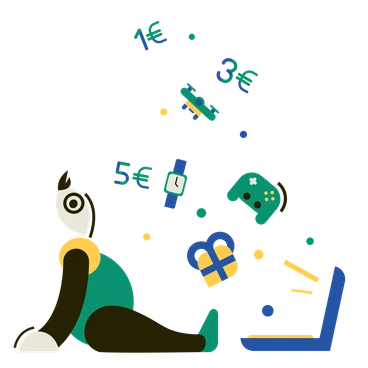
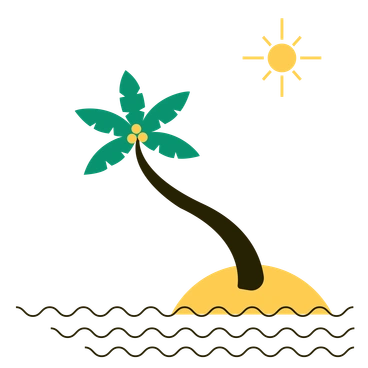
What Spot artists draw
Abstract geometric grids and simplified interface mockups show up most often in Spot. Reduced office objects appear too, echoing dashboards and settings panels. Browse by tag.
Finding your geometric balance
Comparing Spot with nearby styles helps you decide how minimal or expressive your product illustrations should feel.

Wavy bends into loose organic curves and casual layouts, while Spot stays rigid and tightly aligned with structured interface components.
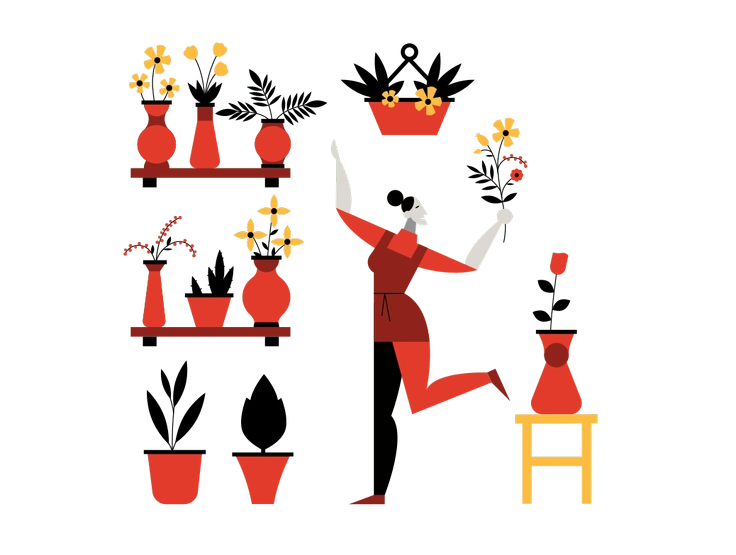
Burgundy uses deep saturated colors and gentle shading, whereas Spot relies on flat muted tones and completely shadowless geometry.

Bermuda feels bright and playful with gradients and loose shapes. Spot keeps strict geometry and desaturated blocks for restrained dashboards.
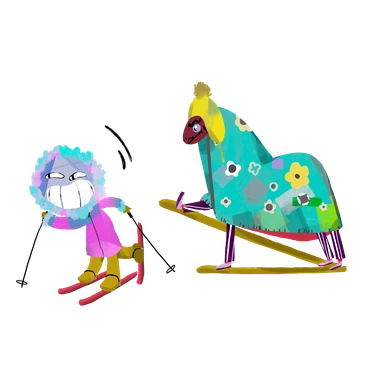
Atomic leans into intricate isometric devices and technical motifs. Spot stays flatter, with generic abstract blocks that fit app contexts.
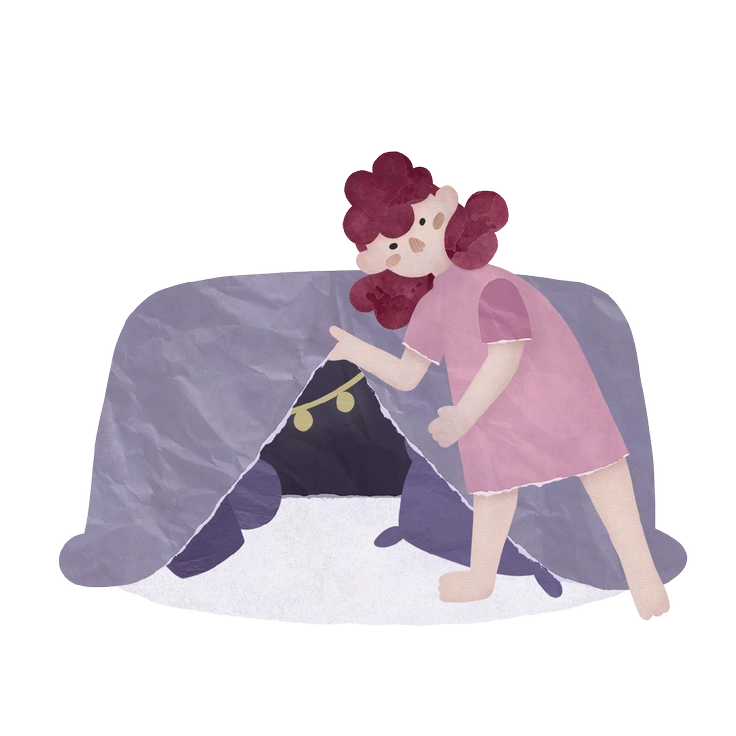
Papery introduces cutout edges and paper textures. Spot removes material cues and relies on crisp digital strokes and fills.

Arabica brings warm palettes and character scenes. Spot focuses on neutral geometry that hints at interfaces rather than everyday moments.

Polar uses high-contrast shapes and pronounced lighting. Spot remains flatter with softer contrasts suited to background roles alongside UI layouts.

Willowy favors tall characters and flowing lines. Spot avoids figures and stays with abstract blocks and interface metaphors.
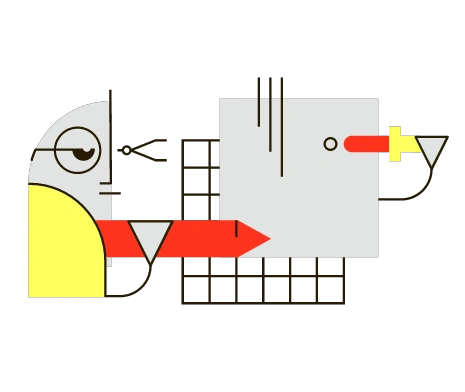
Geom shares a geometric backbone but embraces colors and patterns. Spot limits hues and detail, keeping compositions understated for environments.
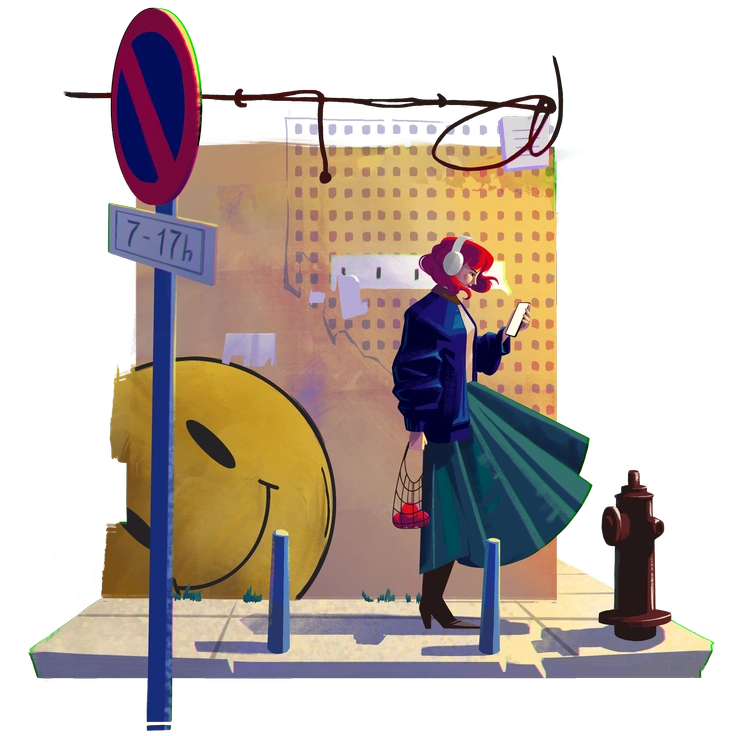
Lush fills scenes with plants and decorative shapes. Spot strips content down to bare geometric signals that hint at screens.
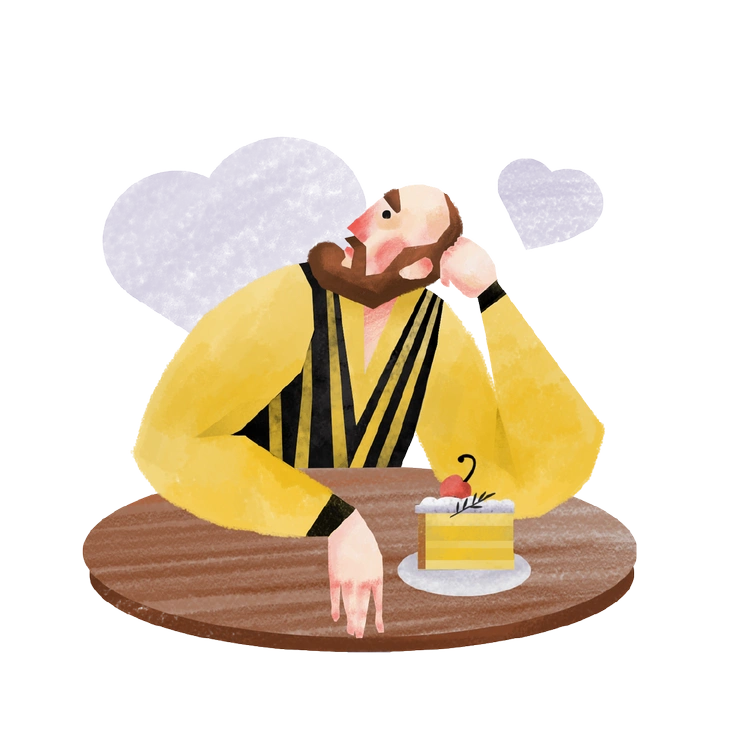
Family centers on people and homes with relationships. Spot removes narrative context and focuses on anonymous blocks and device silhouettes.

Sitcom leans on expressive characters and props for storytelling. Spot stays impersonal, using abstract panels and symbols that support copy.
Frequently asked questions


Start using Spot illustrations today
Download PNGs for quick mockups or grab SVGs for full control in Figma and Sketch. Drag assets from Pichon or Mega Creator, then ship calmer dashboards and onboarding flows faster.