Products
Music Lunacy

Flame Style Illustrations

Flame illustrations hit hard with saturated color and chunky cartoon forms. Use them to energize gaming dashboards and social campaigns without hiring a dedicated illustrator.
2181+ illustrations SVG & PNG Editable colors Commercial license
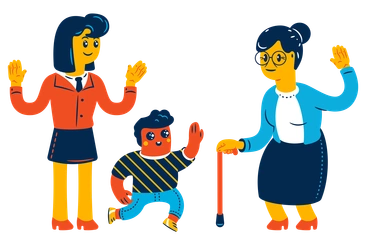
A woman, a child, and an elderly woman waving - Flame style illustration
High-energy Colors
Vivid hues with strong contrast keep interfaces loud and memorable without overpowering text.
Cartoon Exaggeration
Oversized heads and stretched limbs amplify emotion and help characters read at thumbnail size.
Soft 3D Depth
Gentle gradients and shadows add dimension so figures pop on flat or textured backgrounds.
Cohesive System
Shared proportions and recurring motifs make random picks feel related across campaigns and multi-page flows.

What is Flame Style?

The collection leans on neon-bright palettes and thick outlines. Characters stretch into exaggerated poses and objects swell into round silhouettes. Subtle gradients add volume while soft shadows separate figures from backgrounds.

The style works across gaming dashboards and playful landing pages. Creative teams building youth marketing and child-friendly learning tools grab Flame when they want expressive scenes that still read instantly.

For gaming and youth brands

Game Interfaces
Illustrate onboarding tips and reward screens in mobile or desktop games with expressive characters and bright, achievement-focused props.
Social Creatives
Build scroll-stopping posts and stories where characters act out campaign messages and everyday objects gain humorous twists.
Youth Landing Pages
Use Flame for hero scenes and product explainers on sites aimed at students or first-time app users.
Educational Content
Brighten worksheets and e-learning dashboards with expressive mascots that act out instructions and keep teen audiences focused longer.

What Flame artists draw

Scenes focus on quirky characters reacting to messages and everyday gadgets turned into lively sidekicks. Gaming rewards and school moments appear often. Browse by tag to jump into specific themes.

Finding your loud-color fit

Comparing styles helps you decide how intense the color feels beside your product and how far exaggeration should go.
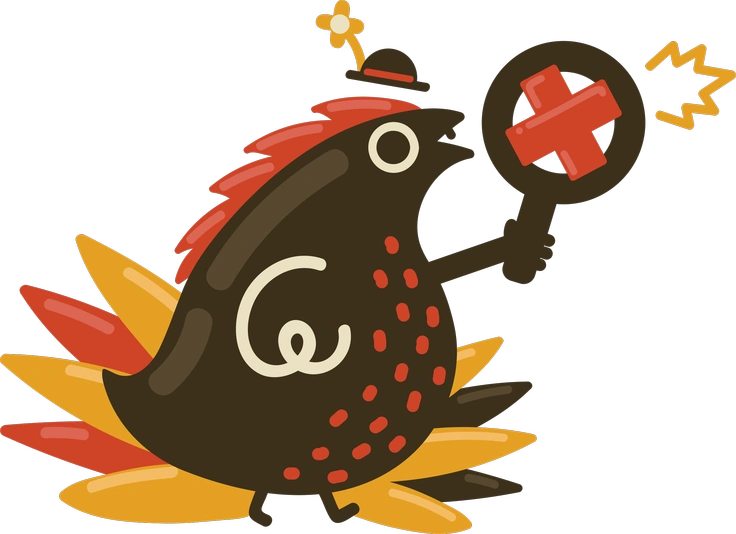
A cartoon chicken holding a sign - Arabica style illustration
Arabica

Arabica keeps colors slightly muted and shapes more refined, while Flame pushes saturation and cartoon exaggeration for louder youth-focused layouts.
847+ illustrations
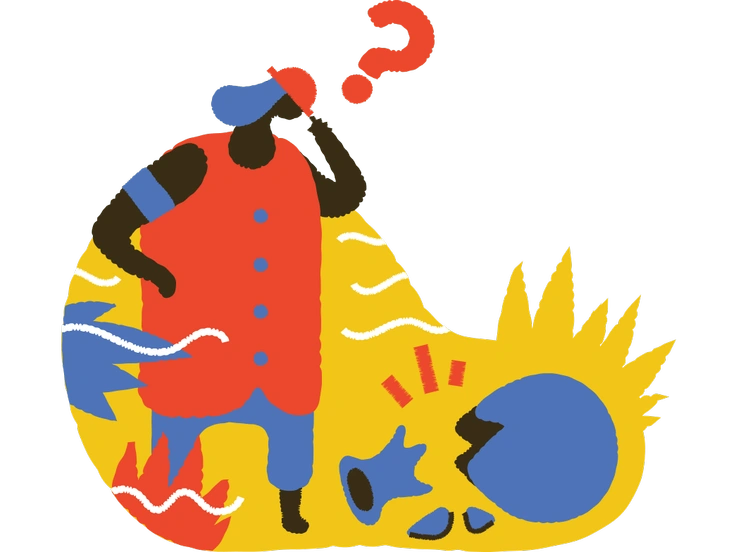
A person pondering with colorful abstract elements - Bermuda style illustration
Bermuda

Bermuda leans into geometric construction and cooler palettes, whereas Flame favors organic blobs and hotter, arcade-inspired hues.
630+ illustrations
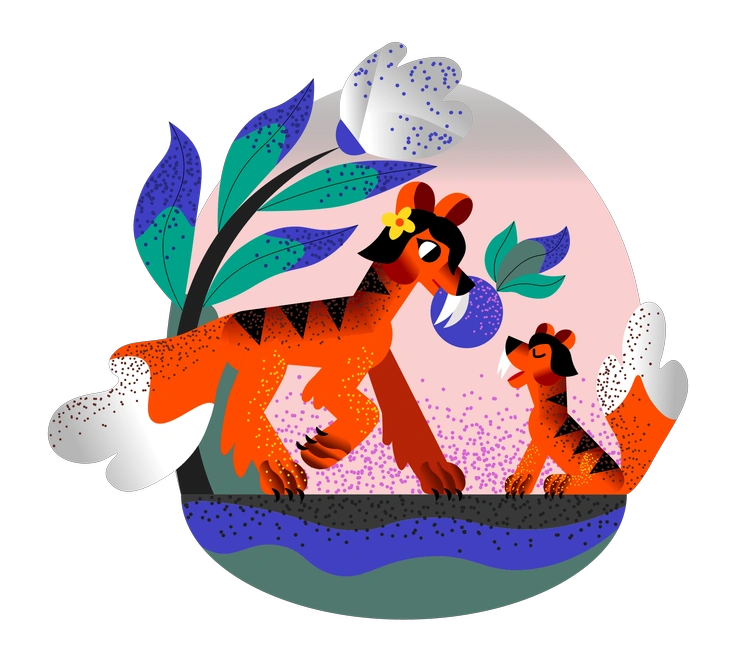
Two tigers amidst colorful foliage - Fauna style illustration
Fauna

Fauna centers on animals and plants with gentler moods, while Flame spotlights expressive humans and gadgets with higher volume.
13+ illustrations
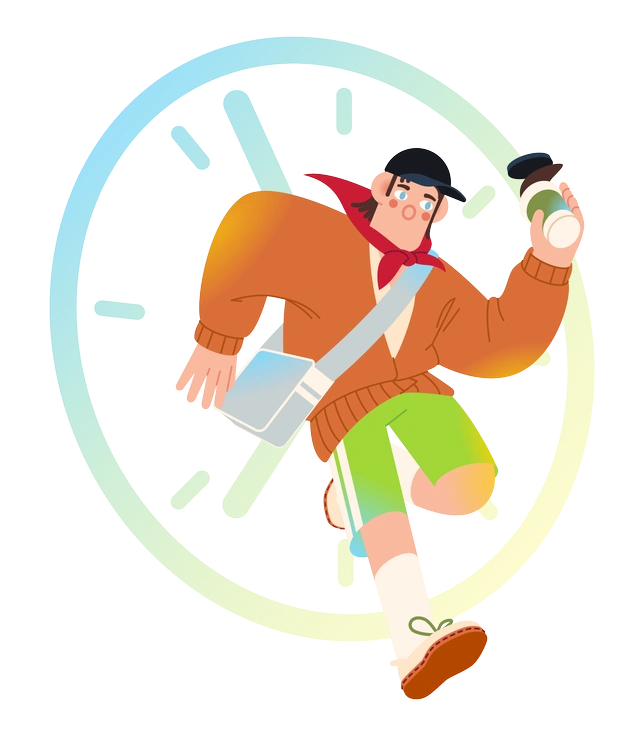
A person running with a clock in background - Fizzy style illustration
Fizzy

Fizzy uses lighter outlines and softer saturation. Flame hits harder with thick contours and neon-bright scenes built for attention.

126+ illustrations
Animated
A cartoon character meditating with a playful expression - Looney style illustration
Looney

Looney leans absurd and sketchy with looser line work, while Flame keeps forms smoother and more polished for product contexts.

760+ illustrations
Animated
A woman with headphones and a backpack - Notes style illustration
Notes

Notes feels more hand-drawn and minimal, whereas Flame packs dense color and bolder silhouettes that command interface focus.
667+ illustrations
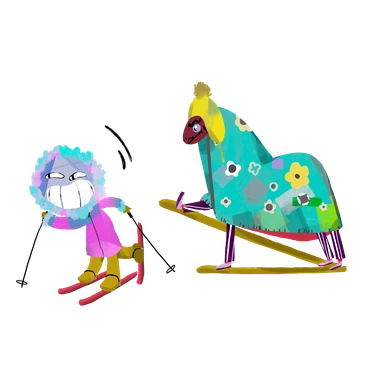
A colorful lion and a horse on skis - Atomic style illustration
Atomic

Atomic keeps a techy, grid-aware structure and sharper corners. Flame relaxes geometry into rounded blobs and lively, stretched cartoons.
381+ illustrations
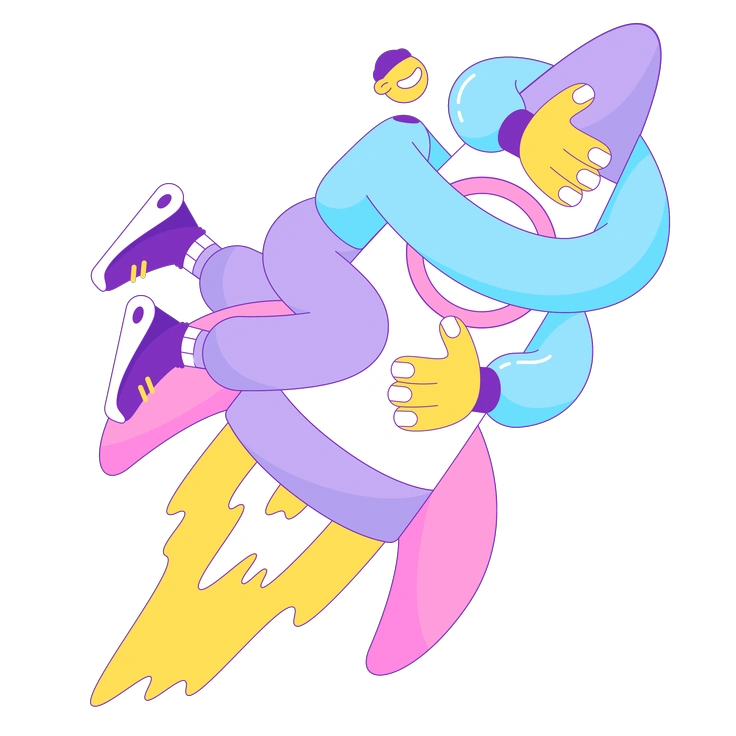
A person hugging a rocket - Elastic style illustration
Elastic

Elastic already exaggerates poses, yet palettes stay calmer. Flame cranks both saturation and contrast for louder youth and gaming projects.
157+ illustrations
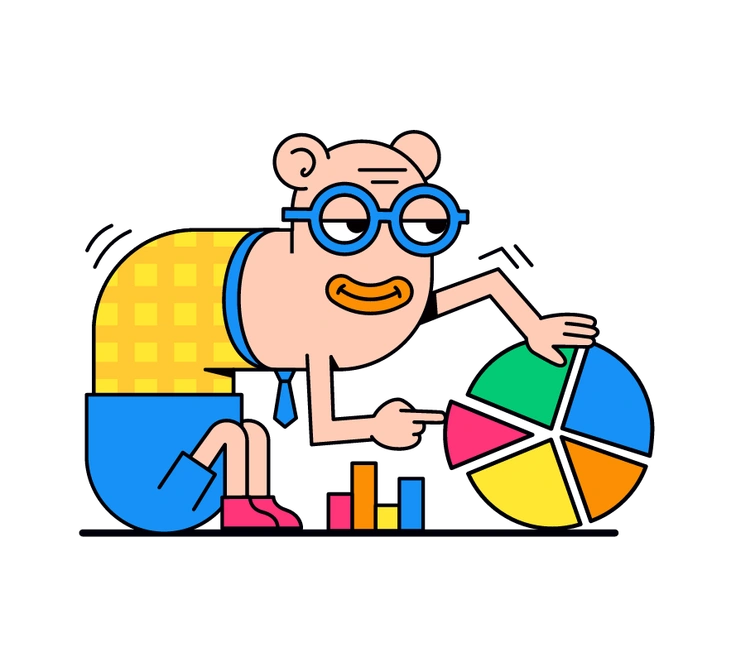
A cartoon character analyzing a colorful pie chart - Droll style illustration
Droll

Droll pushes absurd humor with weirder proportions. Flame still feels playful but reads cleanly in marketing layouts and app stores.
153+ illustrations
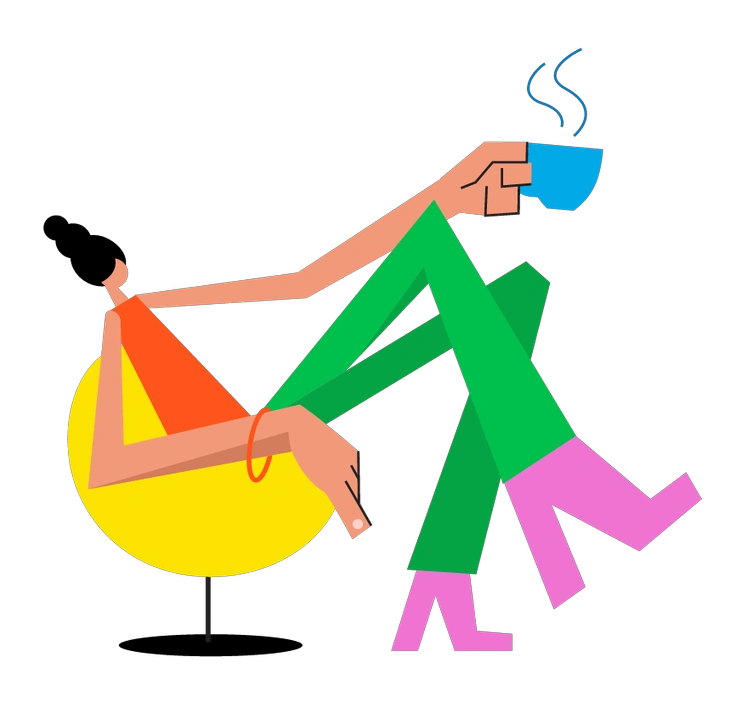
A person relaxing with a cup of coffee - Warp style illustration
Warp

Warp twists reality with surreal distortions and dreamy palettes. Flame stays closer to readable cartoon worlds suited to product storytelling.

108+ illustrations
A blue cartoon character giving a thumbs up - Rondy Stickers style illustration
Rondy Stickers

Rondy Stickers feel like flat stickers with clear cut edges. Flame leans into fuller scenes with gradients and soft depth.

89+ illustrations
Animated
A boy winking with a green beanie - Moji style illustration
Moji

Moji focuses on emoji-style faces and simple symbols. Flame expands into full characters and environments with richer storytelling potential.

122+ illustrations

Frequently asked questions

Yes. You can use Flame illustrations in commercial and client projects. Free downloads need a clickable Icons8 credit, while paid plans remove that attribution requirement.
The Flame library currently includes around 2,181+ illustrations and keeps growing. You can mix scenes freely to cover different screens and campaigns.
Yes. Download PNG or SVG, then drop them into Figma or Sketch. Any editor that supports those formats works. Pichon and Mega Creator integration simplifies browsing and quick tweaks.
The PNG files are high resolution and usually fine for posters and flyers. For very large-format prints, test a sample size before finalizing layouts.
You can recolor vectors on paid plans using SVG files in your design tool. Rearrange elements or adjust fills and strokes inside Figma or Mega Creator.
Abstract liquid sphere illustration 3D coins illustration 3D charts in metal box illustration

Start using Flame illustrations today

Browse the Flame library, grab PNGs for quick mocks, or upgrade for SVG when you need brand tweaks. Drop assets straight into Figma and start shipping louder, character-led screens for your audience.

Explore Flame library