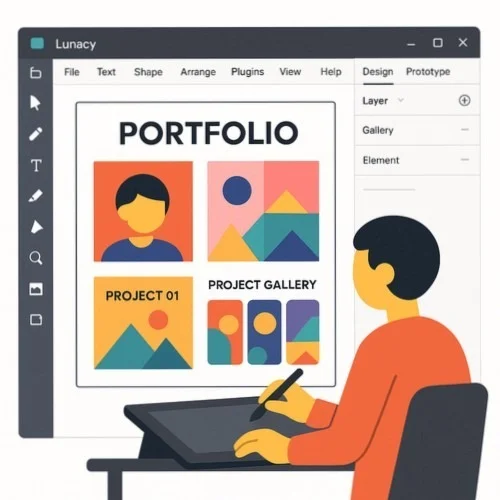
Showcase creative work professionally using Lunacy - the powerful yet FREE vector editing tool ideal for building impressive portfolios. Craft eye-catching layouts, arrange projects, plus export portfolio-ready visuals with professional tools that cost absolutely nothing.
Import top projects into Lunacy to arrange them into cohesive portfolio sections highlighting personal skills along with specialty areas.
Utilize Lunacy's professional toolset to craft stunning portfolio layouts featuring consistent branding, typography, plus visual hierarchy.
Export finished portfolios in multiple formats suitable for print, web, or interactive presentations then share directly with potential clients or employers.
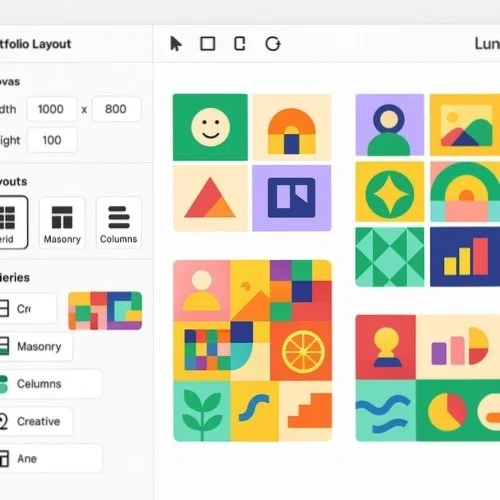
Craft impressive portfolio in design layouts using Lunacy's comprehensive vector editing toolkit. Build grid-based arrangements, custom typography, alongside consistent visual styles that showcase projects professionally. Utilize auto layout capabilities to develop responsive portfolio designs that adapt beautifully across different screen sizes or presentation formats.
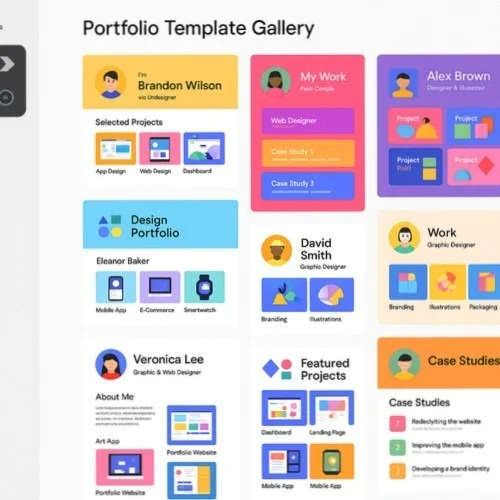
Access a rich library of portfolio templates alongside graphic assets directly within Lunacy. Select from professionally crafted portfolio layouts for various disciplines including graphic artistry, UI/UX, illustration, as well as photography. Personalize templates with unique projects plus branding elements to establish a distinctive portfolio for design that truly stands out.
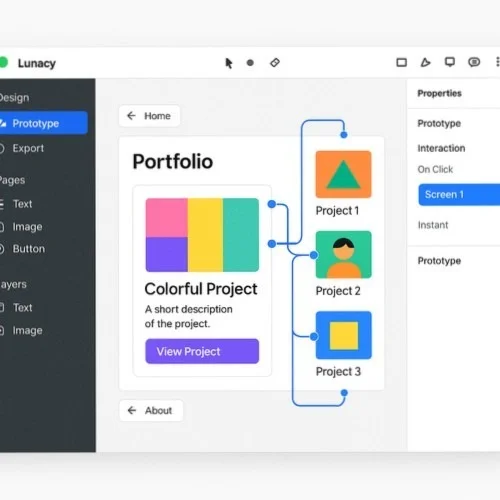
Transform static collections into interactive experiences through Lunacy's prototyping capabilities. Develop clickable designer portfolio design presentations with intuitive navigation, image galleries, coupled with detailed case studies. Craft interactive elements showcasing UX expertise while providing engaging presentations of creative portfolio designs to potential clients or employers.
Elevate presentation quality through Lunacy's AI-powered capabilities. Remove backgrounds from project photos, enhance low-resolution images, plus generate placeholder content for portfolio of design layouts. These intelligent features help anyone produce polished, professional results even when working with imperfect source materials.
Develop portfolios seamlessly across Windows, macOS, or Linux thanks to Lunacy's cross-platform compatibility. Begin conceptualizing at work, continue refinements at home, then share with colleagues regardless of their operating system. Projects remain consistent everywhere without compatibility issues when crafting a portfolio for design presentation.
Gather valuable input on creative portfolio designs via Lunacy's real-time collaboration features. Share works-in-progress with mentors, colleagues, or clients who might leave comments directly on specific elements. Implement suggestions instantly to refine presentation before finalizing everything.