Schedule creator that helps craft professional timetables

Build stunning timetables with Lunacy - completely FREE vector graphic tool. Ideal for crafting professional time blocks, weekly planners, or team calendars using intuitive controls alongside ready-to-use templates.

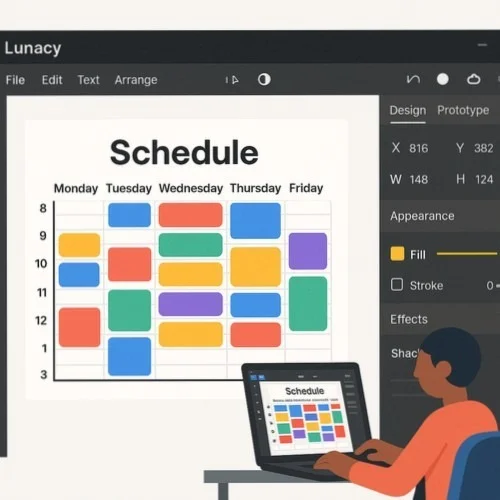
Lunacy Schedule Creator Interface

How to create schedules with Lunacy

Step 1

Choose your timetable template

Begin with built-in timetable templates or start from scratch using professional layout tools plus grid systems.

Step 2

Customize your timetable appearance

Utilize auto layout, component systems, along with color variables to build flexible, simple-to-update timetables for any purpose.

Step 3

Export or share your finished work

Save timetables in multiple formats or distribute them directly to colleagues through cloud collaboration options.

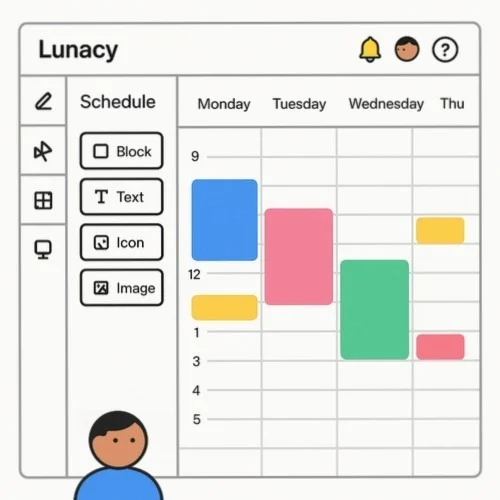
Easy schedule block maker with auto alignment

Craft perfectly aligned time blocks using powerful auto layout functionality. Build timetables that adjust automatically as content changes, saving hours of manual tweaking. Ideal when creating consistent time slots, class periods, or project timelines with professional precision while maintaining flexibility.

Schedule block creation with auto layout

Ready-to-use schedule table maker templates

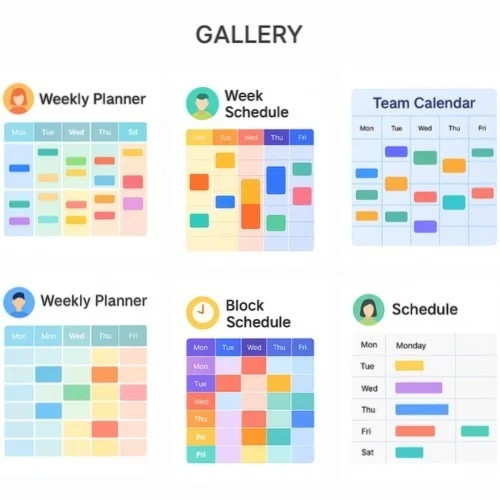
Access an extensive library of timetable templates plus time management components right inside Lunacy. Select from weekly planners, block calendars, team rosters, or project timelines to kickstart timetable production. These reusable elements make developing beautiful schedules quick, simple, yet impressively efficient.

Schedule templates and components

Real-time collaboration on timetables

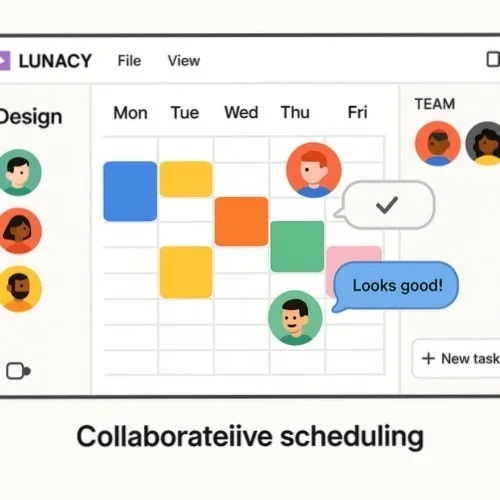
Work together with colleagues in real-time on timetable designs. Cloud capabilities enable smooth teamwork regardless of operating system preferences. Collaborate on identical timetables simultaneously, exchange feedback via comments, while ensuring everyone accesses current versions of planning tools.

Schedule collaboration features

More powerful tools for timetable development

Cross-platform schedule maker software

Develop gorgeous timetables on Windows, macOS, or Linux with cross-platform compatibility. Projects work flawlessly across different systems, making workflow management simpler than ever for teams with varied device preferences.

Built-in visuals for attractive timetables

Utilize thousands of icons, illustrations, plus visual elements directly within this simple schedule maker to enhance timetable designs. Include visual cues, category symbols, or decorative touches to craft more engaging plans that people understand at first glance.

Versatile export capabilities

Save completed timetables in multiple formats including PNG, JPG, PDF, or SVG to match different needs. Print high-quality physical copies, distribute digital versions, or incorporate timetables into presentations utilizing versatile export options.

Frequently asked questions about schedule creation

What users say about Lunacy for schedule creation

Join thousands of professionals creating effective schedules with our free software.
  • I've tried numerous planning tools, but Lunacy gives me complete control over my team's timeline designs. The auto alignment is revolutionary for establishing consistent time blocks, while saving components means I update our weekly timetable in minutes. That it's completely free while offering professional-grade capabilities is truly remarkable.

    David M., Project Manager
  • Our school needed a flexible schedule block maker that could be easily updated each semester. Lunacy's template system alongside cloud collaboration has transformed how we produce class timetables. Teachers comment directly on drafts, plus color coding makes complex arrangements instantly understandable. It's honestly the best free schedule maker we've discovered.

    Jennifer K., School Administrator
  • As someone who regularly produces weekly class timetables, this simple schedule maker has saved me countless hours. I developed a template with time blocks once, now I update it in minutes each week. The export options let me share professional-looking calendars with clients, while the design quality far exceeds typical planning tools. All this without cost is truly exceptional.

    Alex T., Fitness Instructor

More design tools