Blog design made simple with Lunacy's completely free software

Craft professional blog layouts that captivate readers using Lunacy - a powerful yet completely FREE vector tool. Perfect when making simple blog design projects, creative layouts, or professional blog websites utilizing built-in templates plus assets.
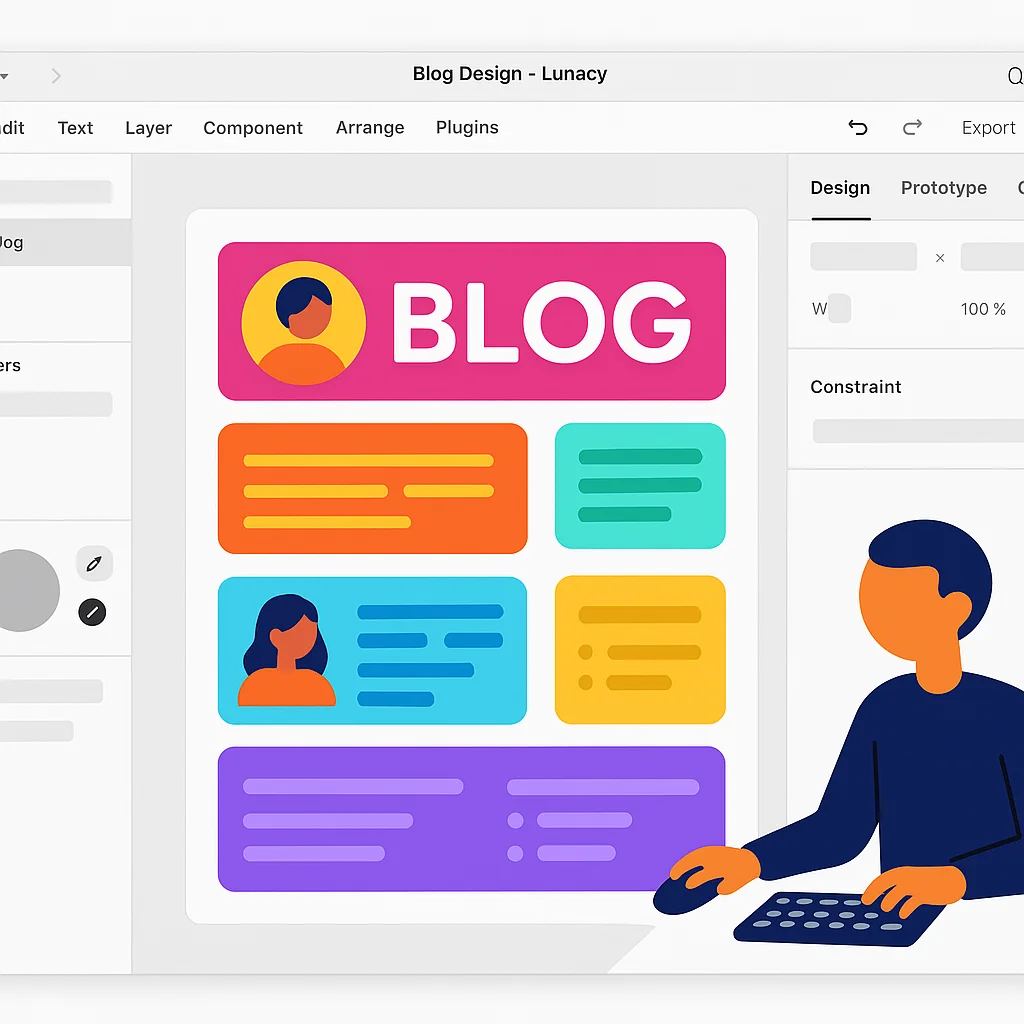

Lunacy Blog Design Software

How to create blog designs with Lunacy

Step 1

Choose a blog template or start from scratch

Begin using Lunacy's built-in blog templates or develop a custom layout through professional resources along with an extensive component library.

Step 2

Customize your blog design

Utilize Lunacy's vector editing capabilities, auto layout features, plus built-in graphics library to craft a unique blog identity reflecting personal brand essence.

Step 3

Create responsive layouts and export

Develop responsive blog structures across all devices, test interactions via prototyping tools, then export finished work in multiple formats.

Professional blog layout design tools

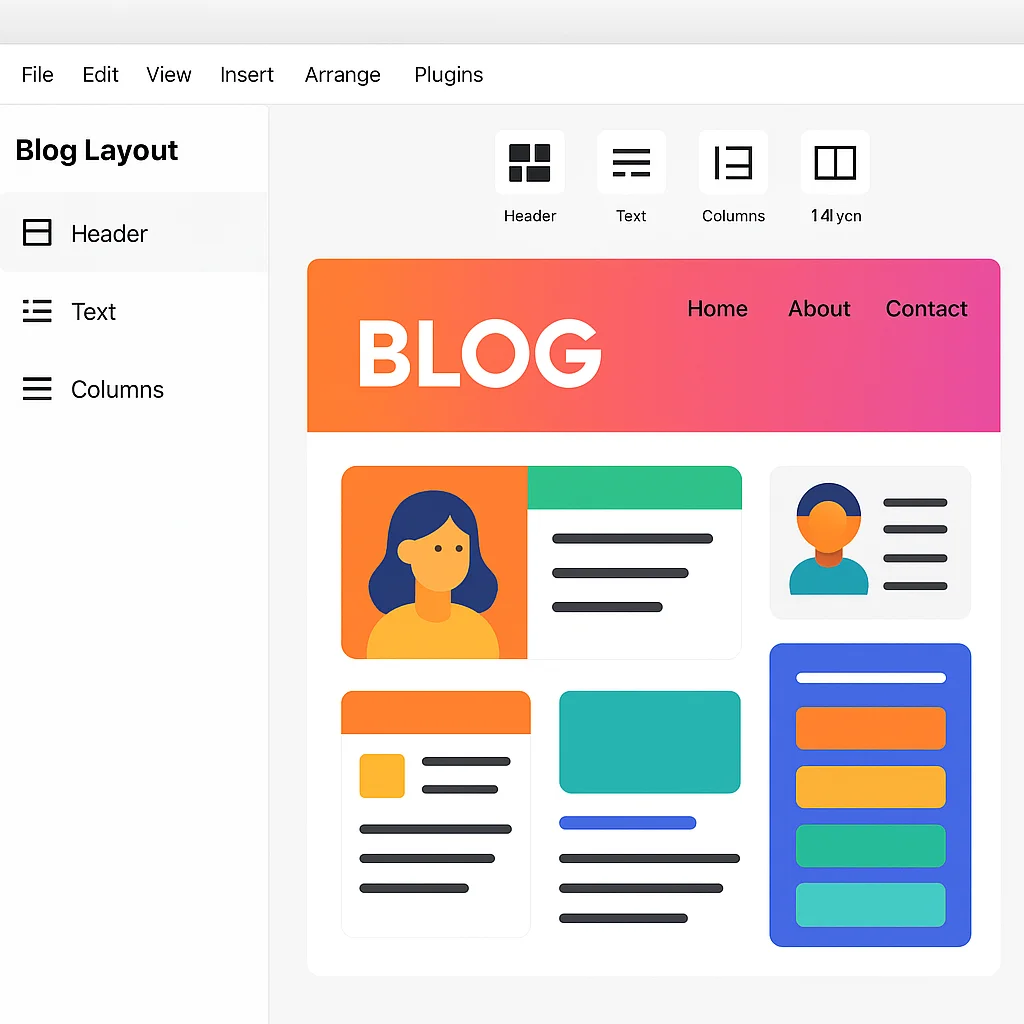
Craft engaging blog layouts with Lunacy's comprehensive toolkit. Build eye-catching headers, content sections, alongside sidebars utilizing precision vector instruments. Apply auto layout features to develop responsive structures adapting to different screen sizes, ensuring each blog appears excellent on any device while maintaining visual harmony.

Blog layout design tools

Blog design templates and components

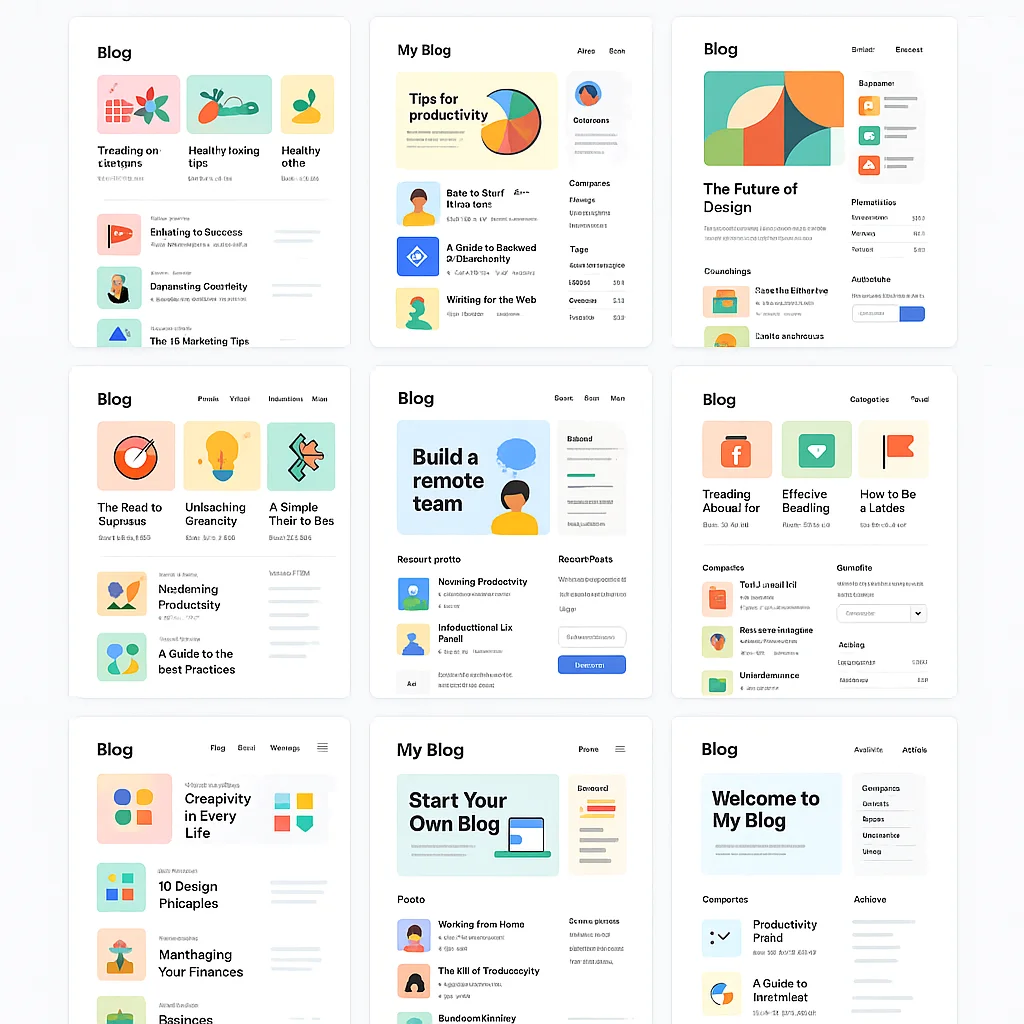
Access a rich library of blog website design inspiration to jumpstart creative projects. Select from various blog index page designs, post structures, plus navigation patterns. Modify these templates through personal branding elements to establish a unique blog layout and design that stands out while following best practices in user experience.

Blog design templates

Interactive blog prototyping

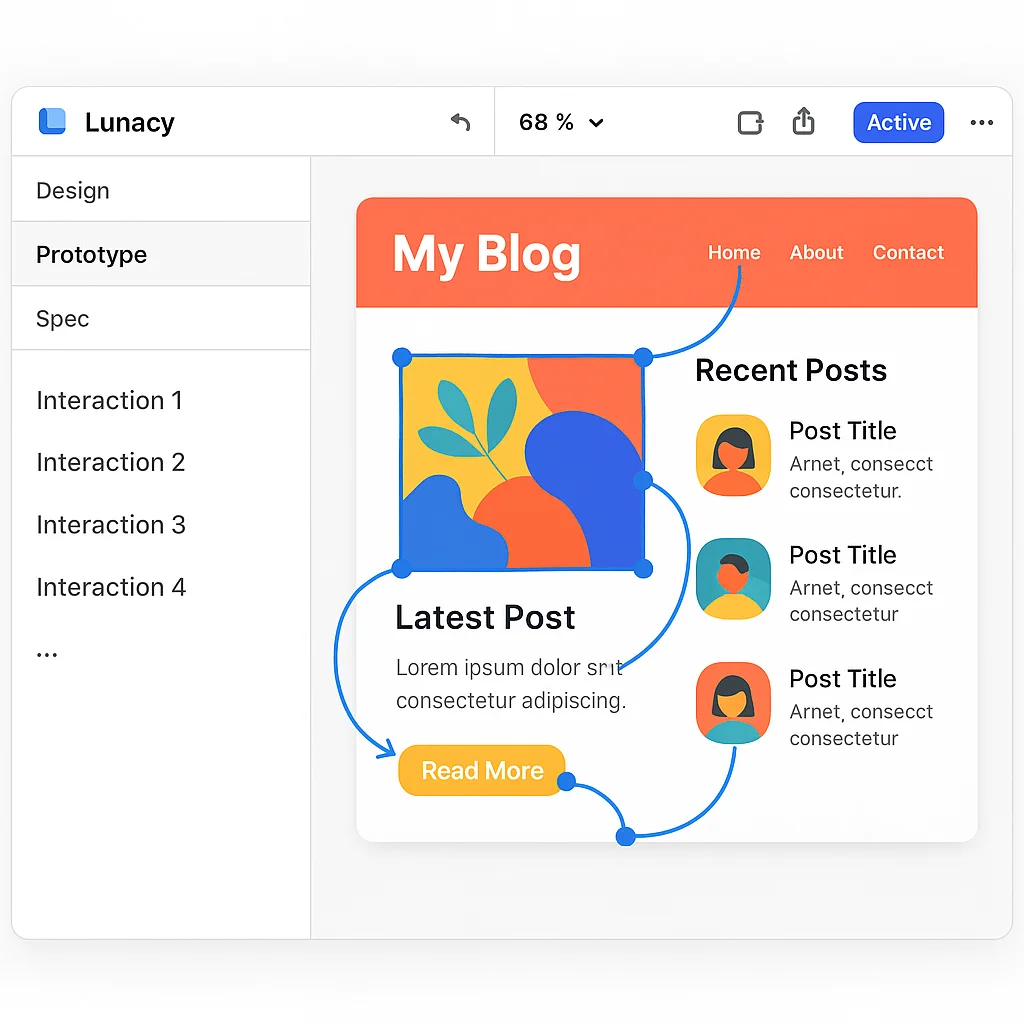
Transform static blog designs into interactive prototypes to evaluate user experience before development. Construct clickable navigation menus, interactive post cards, as well as animated transitions between pages. Lunacy's prototyping capabilities let you simulate complete user journeys throughout a blog web design inspiration project, ensuring intuitive navigation plus engaging interactions.

Interactive blog prototyping

More powerful features for blog design

Built-in graphics library

Tap into thousands of icons, photos, illustrations directly within Lunacy to enhance website blog page design projects. Add professional visuals to posts, produce custom featured images, or develop unique icons for categories without leaving this application or hunting for assets elsewhere.

AI-powered design tools

Harness AI-powered functions like background removal, image upscaling, also content generation to produce professional visuals quickly. Generate placeholder text for posts, establish avatars for author profiles, or improve images for featured articles in just a few clicks.

Real-time collaboration

Work alongside writers, editors, plus other creative professionals in real-time on layout creative blog design projects. Share cloud documents, leave feedback, collaborate simultaneously regardless of operating system, making this process more efficient for content-focused work.

Frequently asked questions about blog design with Lunacy

What bloggers say about designing with Lunacy

Join thousands of content creators designing professional blogs with our free software.
  • I'm not a professional designer, yet Lunacy made it possible for me to craft a beautiful website blog page design without hiring anyone. Templates provided a starting point, while intuitive tools helped me personalize everything to match my style. The best part? It's completely free—perfect for content creators just beginning their journey.

    Jessica M., Lifestyle Blogger
  • Our team switched to Lunacy for all our basic blog design needs after trying numerous paid alternatives. Real-time collaboration transformed our workflow—writers plus designers now work together seamlessly. The built-in graphics library saves countless hours searching for visuals, while export options make handing off projects to developers incredibly straightforward.

    David L., Tech Blog Editor
  • As someone writing about visual arts, I maintain high standards for my own site's appearance. Lunacy delivers professional-grade capabilities without subscription costs of other programs. I particularly love component systems for establishing consistent post layouts alongside prototyping features when testing new blog design concepts. It's remarkable such powerful software remains completely free.

    Nina P., Design Blogger